IronDruggist
Gastric Sleeve Patients
-
Joined
-
Last visited
Everything posted by IronDruggist
-
Think I mistakenly said I used "Caltrate" in my last post. Citrical has calcium citrate "petite" tablets that I've been taking since 6 months post-op with no problems. I take 2 tabs twice daily and 4 tabs of my Optisource multivitamins throughout the day. I couldn't tolerate the awful chewable calcium, I just wouldn't take it. The calcium petites have never gotten stuck or anything, and the MV chews are not gross tasting. Honestly, at 6 months post, reasonably sized tablets are just fine...forget the chewables!
-
I'm 7 months post-op, and I take Bariatric Advantage sublingual b12, Optisource multivitamins that I get at Walgreens, and Citrical petites calcium. All my blood work had been normal so far :-)
-
Honestly, I quit cigarettes and used ecigs about 2 months before surgery. I didn't use any nicotine for 24 hours before any of my pre-op tests. I stayed clean for a few weeks following surgery, not even ecigs, but slipped back into smoking. My mom lives with me and is a life-time smoker, so it's always around. Seven months out, still smoking, haven't noticed any ill effects. I know I need to quit, I'm not advocating it. I also am genetically pretty tough stomach-wise...no intolerances or ulcerations pre-op. It's a gamble, there are consequences beyond the GI tract, but we are all adults here and we decide what kind of life we live.
-
Really normal to have messed up menstrual cycles after surgery...your cycle has a lot to do with diet and weight. When all of that stabilizes, so will your cycles
-
I had significant pain for a full 2 weeks...forget OTC pain meds. Be honest and direct with your surgeon/primary care doc...you'll get what you need.
-
How far out are you? I'm 7 months, and I started taking Caltrate Petites about 2 months ago. Not chewable so you do have to eat chalk, but small enough to agree with my sleeve. I take 2 tabs everyday along with my chewable multivitamins that have calcium citrate...Optisource that I get at Walgreens
-
It will get better, just give it time. Don't feel guilty, you'll get it! Everybody has a different formula that works for them, everybody has to figure it out, you will too :-)
-
I've had diet soda, mostly in the form of every drinks, a few times. I work shift work on my feet for 10 hours a day, so sometimes I need a pick me up. I find I need to drink it very slowly, in small sips, but it's doable. Have to burp a lot, but no huge deal. I would definitely avoid full calorie soda like the plague, really empty calories. I'm seven months out tomorrow and almost 100 lbs down. I say enjoy things in moderation, the sleeve is a tool to help.
-
Not everyone has the gift of tact. Take it how you will, but I personally love the attention. It is a sign of a job well done in my opinion :-)
-
The peer-reviewed evidence is shaky on "pro-biotics." However, I have been drinking kombucha from about 3 weeks out, and I've rarely had intestinal issues. I make my own, but occasionally but GTs brand. While the benefits are questionable, there are definitely no drawbacks. Lots of good organic acids in komucha, so that is how I roll :-)
-
Safeway/Vons/Pavilions soup from the deli...throw that into a blender and yum :-)
-
Honestly, I can't remember exactly when, but I did add back in "normal" foods fairly quickly. My mom and I are foodies, so I got tired of all the crap really fast. I remember having a sliver of pizza and a chicken wing at about 2 months (okay, not the best example of clean eating). I've had a remarkably uneventful recovery and progression though, and I started with an iron stomach. I've only had 2 things that didn't agree with me...Thai iced tea (too sweet, made me queasy) and white wine (like red better anyways lol). I do behave myself the vast majority of the time, but I'm not going to deny myself a few bites of noodles or rice when we eat Asian, for example. Just have to walk the fine line between vigilance and obsession :-) like I said, that may change down the road when I'm able to eat more, we'll see!
-
Thanks for all the great suggestions! I live near to Phoenix, so I imagine I can find mist of these places! It's funny, but I'm kinda bummed I won't be able to shop at Torrid anymore. Worth it though!
-
I would say yes...at least one option for my pre-op included milk with fortified milk powder. I would say any low-cal, low-fat item is fine...I ate green veggies with zero-cal dressing and pickles everyday during my pre-op just to let myself chew something! The point of the diet is to reduce calories and "liver food". When you are in a calorie deficit, the body burns glycogen (a type of carbohydrate) stored in the liver first, then fat stored in the liver, then body fat. You starve the liver of carbohydrate to make glycogen, and fat, the liver will shrink. Anyways, the moral of the story is make sure your are under calorie goal, and your food is low carb, low fat, and low cal. An occasional glass of skim milk will not ruin anything.
-
I don't eat "diet" foods, nor am I "low carb". I am 4 months out, I've never stalled, and I'm 90lbs down. I eat whole, real foods. I eat my protein first, but I do enjoy small amounts of *gasp* rice, bread, and pasta. Eating Thai food tonight, and I'm going to enjoy the hell out of my 1/2 cup of grub. There is no point to diet food...especially when at the early stages we struggle to get ENOUGH calories to not go into starvation mode (weight loss stalls, hair loss, etc). Add to that the unnatural chemicals, preservatives, and artificial sweeteners that can't be good for you. Maybe farther down the road when I am able to eat more volume it might matter, but right now I enjoy being able to eat normally, for the first time in my life!
-
Fantastic idea! My surgeon requires Bariatric Advantage protein for pre-op, so I'm sure there would be quite a few of his patients that would go for another, competitively priced source. I currently use Syntrax nectar, Optisource multivitamins, and Caltrate petites. I also like Isopure bottled drinks, shakes aren't bad either. I personally wouldn't use auto-ship...I'm not the most adherent patient! But I think it would be a good option, especially with a price break!
-
I think it varies by person. I'm 90 lbs down, but only dropped from 44D to 40DD. If I'm not mistaken, cup size is relative to band size.. ie A is 1 inch bigger than band, B is 2 inches bigger than band, C is 3 inches bigger than band, etc. The cup on a 34D is smaller than the cup on a 44D. There is no guarantee you will loose all your boobies, maybe a little, but certainly that band size will shrink! I would just buy 1 or 2 bras as you need them. I know Catherine's and Lane Bryant will do bra fittings if you have one near by. I went through about 10 bras at LB the other day just trying to figure out what size I am lol...should have just had then fit me!
-
Wow, that was fast...All spoken for! Maybe if anyone else has some extra supps, they can add to my list here? Good luck everyone!
-
I am an Iron Chef of the pharmacy world :-P
-
I'm not quite there yet, but I'm getting down to the lower sizes at Torrid, Avenue, and Lane Bryant. Where did everyone shop for clothes at that in between stage, around size 12? I'm 34, so I need professional work apparel, but also fun age-appropriate stuff for non-work time. I know Maurice's carries a full size range, but honestly I've never shopped at "regular" clothing stores in my entire life. Advise? Thanks!
-
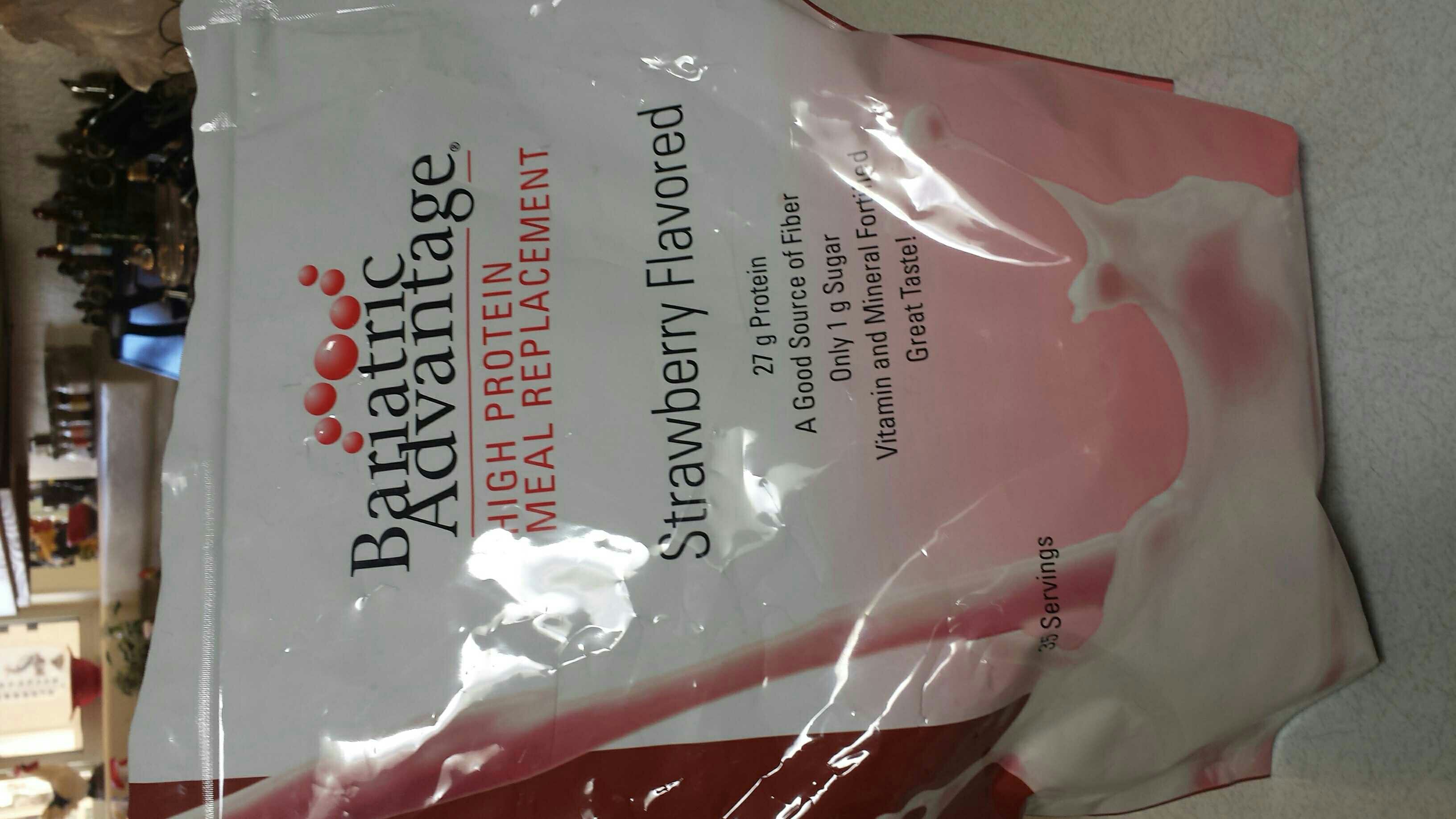
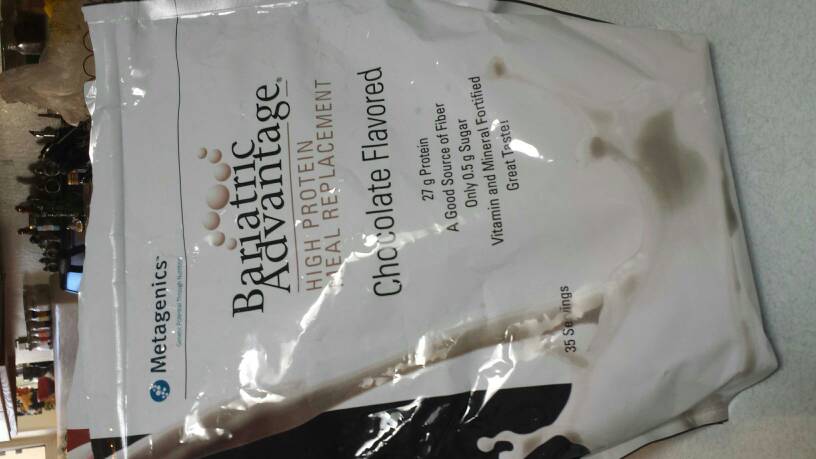
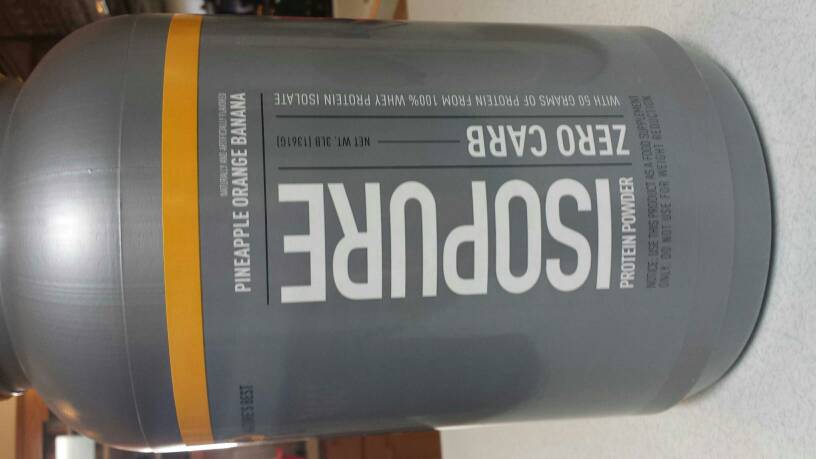
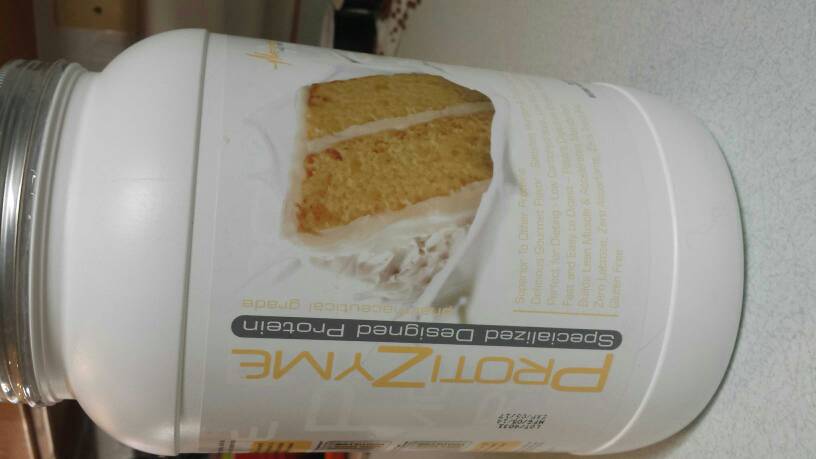
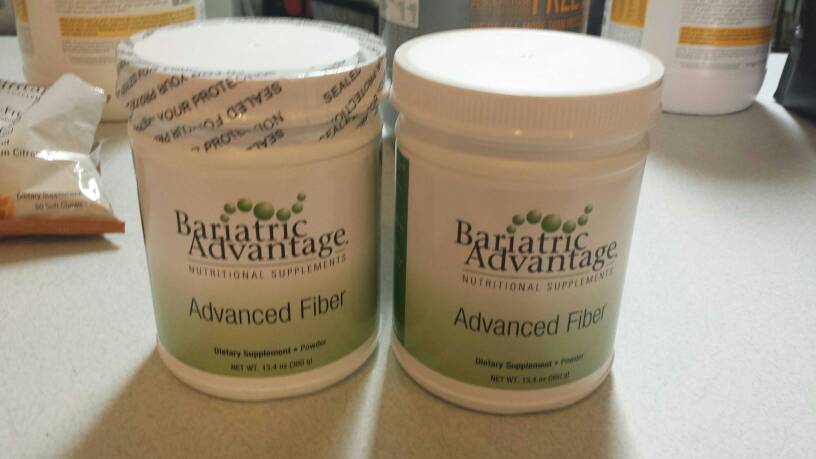
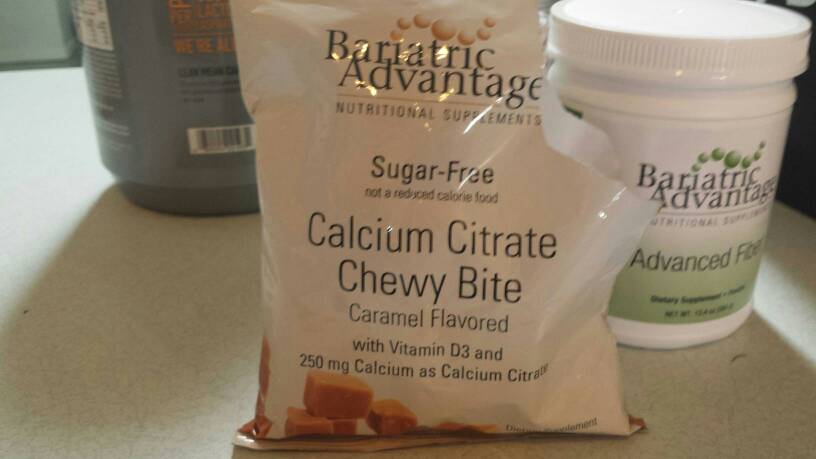
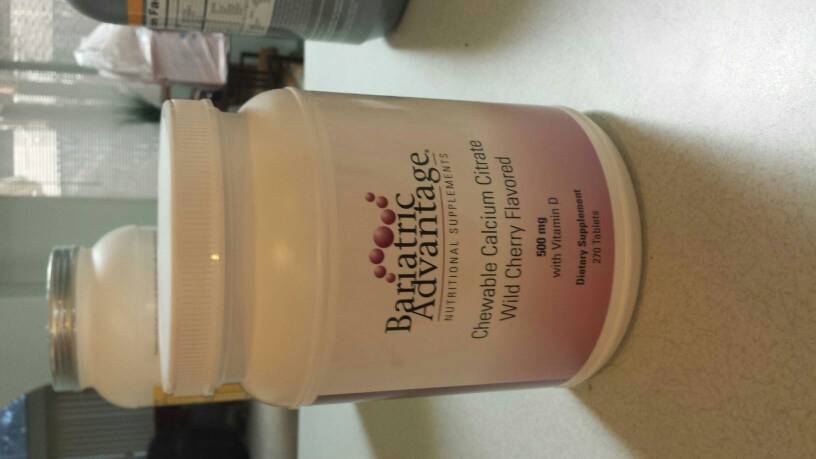
I have a bunch of different Protein powders that I need to give away, they are taking up way too much space! They are all open, but are either tubs with lids or resealable bags that have been kept in proper storage. Everything is within its expiration date (only a few months old). I have about half a bag of the following: Bariatric Advantage strawberry Bariatric advantage chocolate Almost full tubs of the following Isopure pineapple, orange, banana Protizyme vanilla Cake Also, I have some supplements Bariatric advantage advanced Fiber Bariatric advantage Calcium chewy bites Bariatric advantage chewable calcium citrate, wild cherry Perfect start for the newly sleeved/bypassed! PM me if you are interested in anything, I'll pay postage!
-
I was sleeved 9/2/14, right after I moved to Prescott, AZ. I'm having a hard time motivating myself to go out and be active in a new area without any buddies. I'm game for anything...hiking, jogging, gym, dancing, ice skating, martial arts, horseback riding (have horse, will travel :-D), you name it! Message me if you are in the area!
-
When you are actually the weight that you put on your driver's license!
-
The scenario where a member of the opposite sex notices me for the first time since I've lost weight...that presents a dilemma in my mind. In a perfect, blind world, people would fall in love with others based solely on personality and other virtues. But, in reality, appearance matters. Whether in the dating world or career world. Can you really blame the other person for not being attracted to the "fatter" you? It really isn't fair. Do you ever go to a bar or night club, pick out a particularly unattractive person, and think "wow they must have a great personality?" No. By nature, your eyes move towards what ever is considered attractive by society. I'm not saying that people that are overweight are less worthy, but are at an automatic disadvantage. Sometimes an insurmountable disadvantage. We are genetically hardwired to be attracted to health and vitality...survival of the species and all. Even overweight, would you stop and goggle at an obvious drug addict? What is the difference between refusing to date a smoker, and refusing to date someone that is "fat?" You find yourself more attractive with weight loss, why take the new attention as an insult? It is recognition for a job well done! I haven't been faced with this scenario, so I don't know how I would react...and I have a tendency to play devil's advocate. I think I'm prettier now, and quite frankly a better more vivacious person now, and I don't feel insulted when others corroborate that. You can argue semantics, just remember some people have good intentions but little tact.
-
Ok, so the main reason alcohol isn't generally allowed is because of addiction. Like it or not, all of us has a food addiction. When we get rid of one addiction, there is a danger of developing another addiction, in this case alcohol. The second reason is alcohol is empty calories...there really is no nutritional value in alcohol. There are health benefits that I won't deny...alcohol in moderation increases good cholesterol. It also allows certain people on our lives to continue to exist. Keeps us employed in awful jobs. But of course, I kid (sort of...The cholesterol part is true). Just be smart, be aware of the calories in what you are drinking! But I am steadfast in my refusal to believe that alcohol calories are somehow super calories...that they defy math and cause weight gain. Time to learn moderation, kids. Have a glass of wine, balance, and enjoy the one life you have.