Angie413
Pre Op
-
Joined
-
Last visited
-
-
-
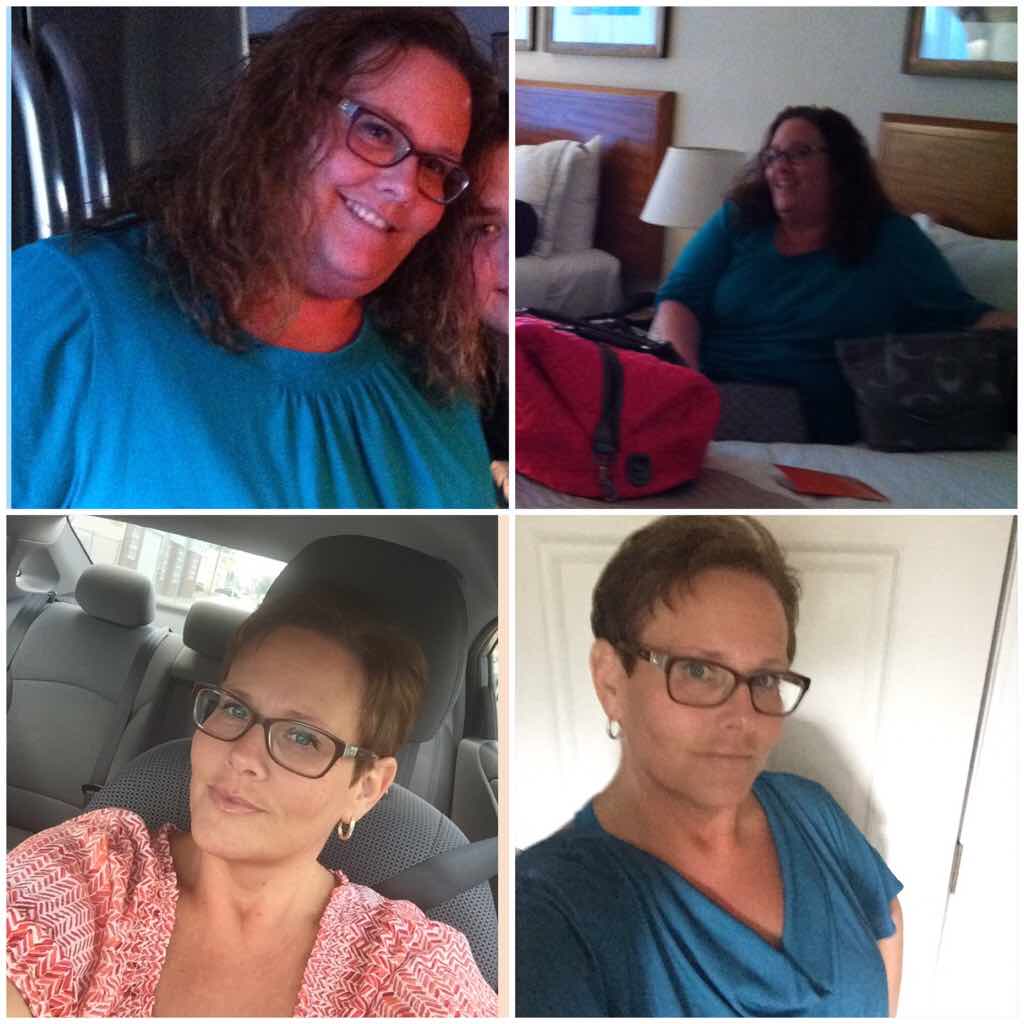
Had my sleeve 10/2014 with pcos tried to get pregnant for 12 yrs prior. Got pregnant in July 2015 had my miracle baby 4/2016 mo issues. Best decision I ever had was getting surgery
-
-
-
-
-
-
-
-
-
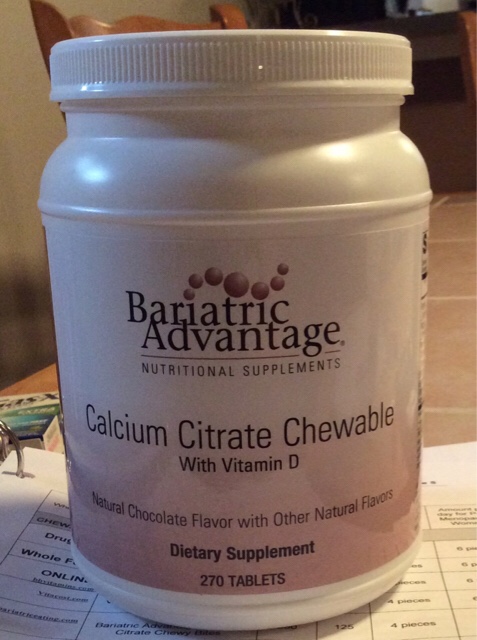
I was a type 2 diabetic on insulin, had the sleeve on October 14 been off my insulin since that day my sugars are great. Good luck with whichever you chooseI was 6lbs down the first week. I will be 2 weeks this coming Tuesday that will be my next weigh in. I'm very happy with anything. I know this is a slow process and I am in it for the long haul. Be patient by this time next year we will be skinny... Woohoo imagine that ????Let me know I hate them and I have a whole tub 270
 Wow. Good for you. So you don't feel any restriction or muscle pain. Around your incisions. I wish.I was never told to focus on calories or protein grams, just alteast 24 oz clear liquid (water, broth, jello, decaf tea, crystal light) and at least 24 oz full liquids (protein shakes, sugar free pudding, Greek yogurt, tomatoe soup with skim milk). I seem to be doing this well. Maybe don't focus so much on the calories and you will find it easier...Just wondering how long before everything feels normal? I am one week post op today and although every day gets better I'm just curious as to when you will be able to twist and turn and bend without pain? I am also getting this strange pain in my lower belly right side, no where near my incisions, I know this sounds weird but it's not a deep pain, it feels like it's just under the skin wit hung the fat pockets.. I know strange. Anyone else experience this? Meeting with surgeon tomorrow going to ask.. But I also feel like I may be being overly cautious with my bending and twisting due to fear of pain, I am probably creating more muscle aches than there would be .....No that is strange. You said you were handling food well what type of food ? Have you contacted your surgeon. What are you feelingSee this is what this forum is all about so great to see that Eli's journey has giving you the final answers you needed to changing your young life. Good for you and best wishes.Thank you for sharing and I admire you taking charge of your life at such a young age you have you whole life ahead of you and you will live it to the fullest.. Oh and you were and still are very handsome. Those ladies will be looking now ????. Best wishes on continued success.And I just realized I also have a NSV ~ had this one since leaving the hospital. No more insulin. I went into surgery taking insulin and left not. This has been a life changing experience already and tomorrow makes a week ????A non scale victory = NSVGood luck to you. Sending lots of prayers your way. ????Meme - glad you are doing well.. That's amazing you feel as though you could eat real food...???? Brian - sorry you have had a rough start I am sure it will get better.... ???? I have improved some since I created this post, today is post op day 5 ???? I am still sore like you said blinding, sitting up, and down etc. Still needing my hubby to just be there for me to pull on. Lol. I feel like I am doing well with my fluids I am writing every thing down that is the only way for me.... I am supposed to be 24 oz clear and 24 oz full liquids per day. Been just about there each day. Taking short walks today just around the house as its way to chilly out.. Haven't left my house since I got home from surgery.. I have to see my surgeon on Wednesday to check on things, haven't checked my weight except the day I got home to see I went up 9 lbs of Water weight from all the fluids, that's ok... May try to drive tomorrow need to hit up Walgreens for some colace... Fun stuff Anyway glad everyone is progressing along let's all keep up the good work. ????