khorrocks
Pre Op
-
Joined
-
Last visited
-
-
-
-
-
-
-
-
-
-
-
Yeah, stick with it! I'm a year out now and have the advantage of looking back. It was hard, but necessary and the results speak for themselves. I don't see too many people regretting the hunger problems after the weight is coming off! You can do it!
-
Mine was a huge questionnaire like a personality test, then the psych had follow up questions. Helped me to realize I have a food addiction and the sleeve wouldn't be effective long term unless I deal with the addiction.
-
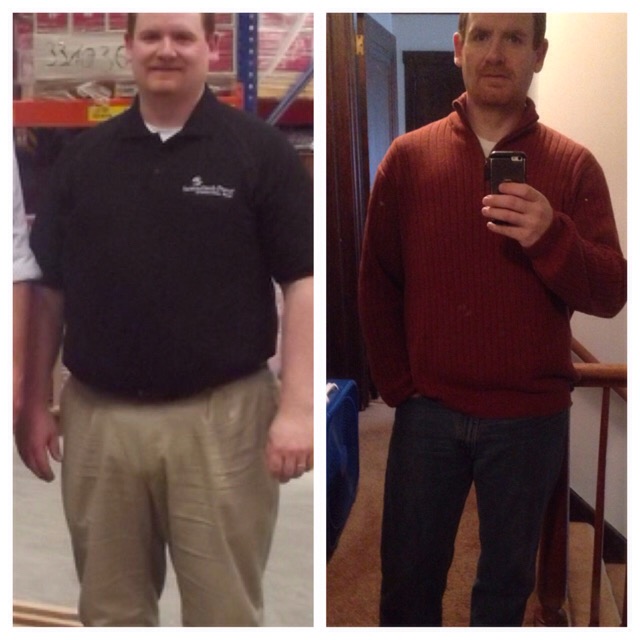
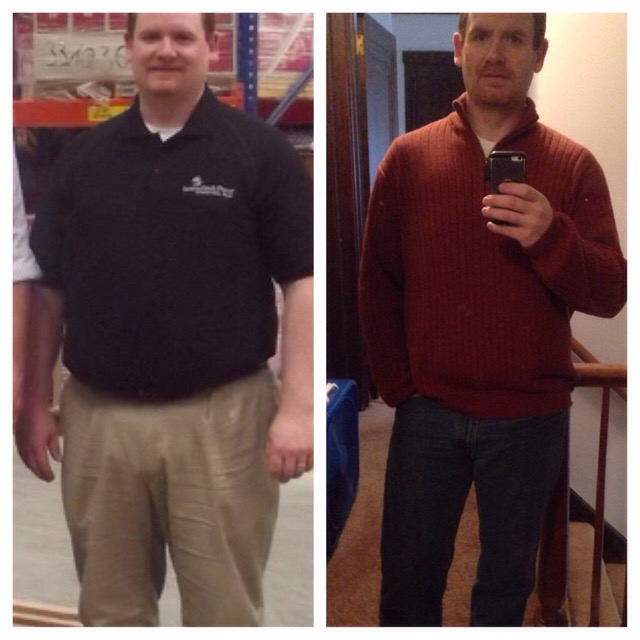
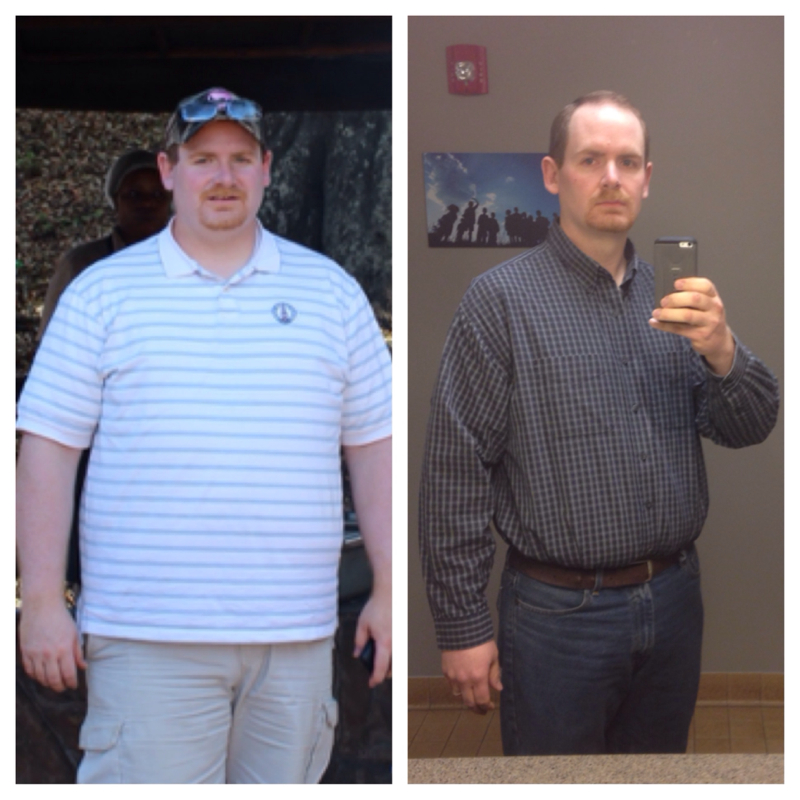
Almost hard to believe it's been a little more than a year now. 95 lbs gone forever and I'm healthy!! No more HBP, no more diabetes, no more gout, no more chest paint or shortness of breath, no more knee and back pain, my heart rate at rest is now in the 60's (formerly around 100). Most importantly I have the energy to play with my kids!! So happy I got my sleeve!!
 I would have failed post-op were it not for hard choices pre-op. Not good to go through food withdrawal immediately after surgery. It was hard, but now I am 7 months out, can eat normally, and I've lost 98 lbs -soooo worth it!!! Can barely even remember the struggle for 3 weeks pro-op!Had surgery November 26th and I am now down 88 lbs and feel so much better! Before pic is me at my highest of 302 back in September and the after pic is me at 214 lbs. 19 more pounds to reach my goal!
 I also cheated during my pre-op diet, and had to comes to grips with my food addiction. It's like alcoholism... Every day will be a challenge, but I always tell myself "hi, my name is Kevin and I am a food addict". It reminds me that this isn't easy and choices need to be made. I am now 13 weeks post-op and I have lost 75 lbs!! Making a choice to eat healthy is much easier now, but still must make a decision to eat Protein and fruits and vegetables rather than Cookies and chips and ice cream. You can do it!!Centrum chewables. Orange flavor is great! I think I got them at wallyworldBy far I like the Premier Protein ready made. 30 grams of protein first thing in the morning and tastes great! Perfect for my 35 minute commute.I tried cauliflower a few weeks ago and couldn't keep it down. I boiled it and mashed it up. Thought I just ate too fast. Tried it again this evening and are much slower...same result. I'll be crossing that off my list for the foreseeable future. Haven't had problems with any other foods...only cauliflower.Every morning. I find that it motivates me to keep walking and eating right.Marfar7, thanks-they did wean me off the meds. Prior to coming off completely they had reduced the amount I was taking by half two times. I will certainly continue to monitor my BP. Thanks everyone!Had a follow up with my surgeon yesterday and I am officially down 52 lbs since my Nov 26 surgery. I really happy about that, but I was crazy excited when he told me to stop taking my meds because my BP has been too low. WOW!! I was hoping to be off my meds is 6 months, but 6 weeks!! It is so worth any challenges I may face. Even my primary care doctor is amazed! Half way to my goal!I just got the Fitbit One a couple weeks ago. I didn't like the idea of wearing a bracelet style tracker. The One clips onto my belt and shows me the time, steps, floors, and tracks my sleep. And it is discreet... But is is awesome and links with MY Fitness pal and a host of other websites that give rewards for walking and even earns me points on my Walgreens rewards card for their "steps" program. I have found it to be very motivational and even walked up the stairs twice today to my hotel room on the 4th floor...it feels good to see that show up in Fitbit app!!Nov 26th