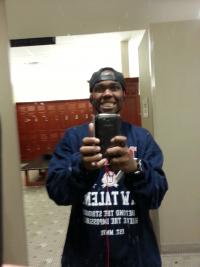
Thatguy
Gastric Sleeve Patients
-
Joined
-
Last visited
Everything posted by Thatguy
-
thank you, yea i love yoga i sweat and relax all at once
-
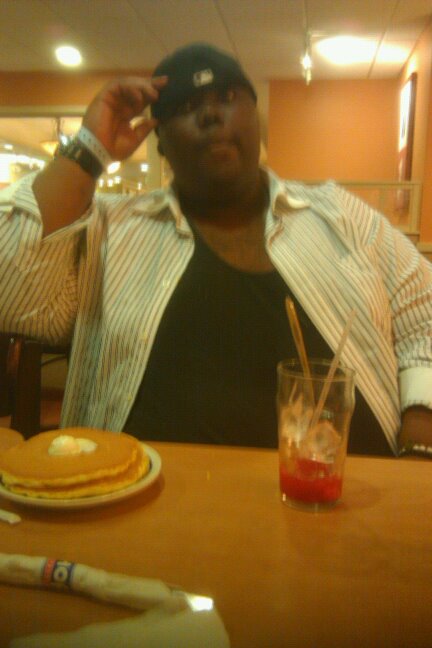
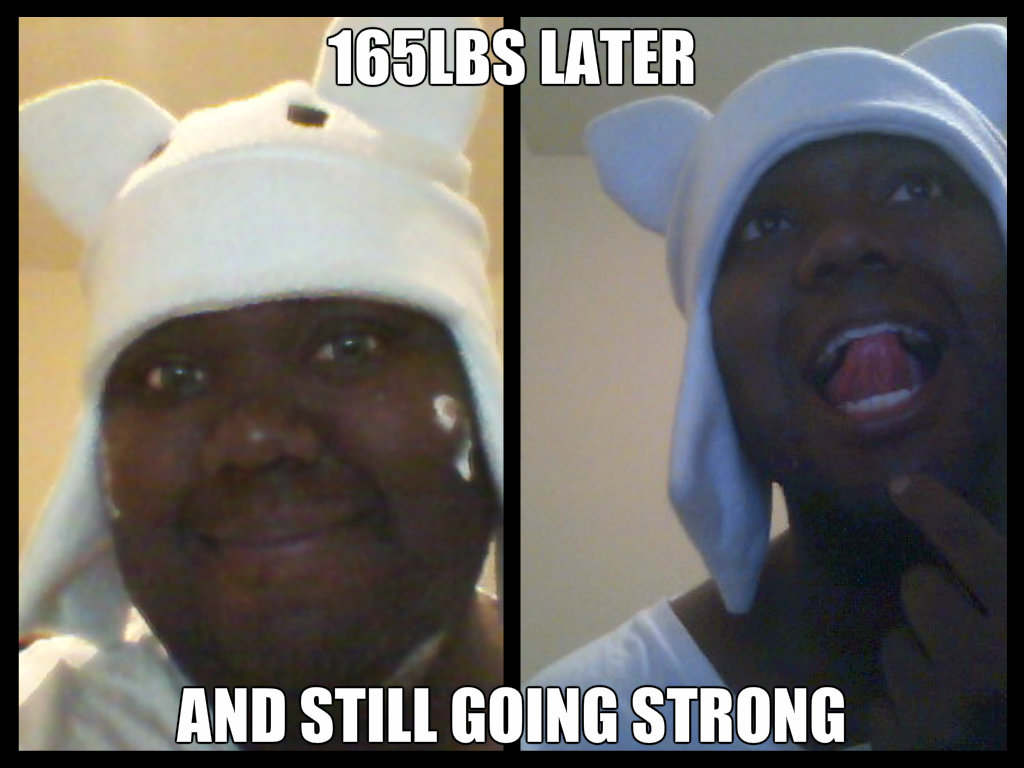
Hi, I start this journey about a year when i tear my Right acl and weighed about 450 and had to get physical therapy i was a young guy that didn't want any further problems and had a thirst for life so i got my act together got on my doctors program for about 6 months of dieting hi protein low carb eventually i got my surgery in may 5th, 2013 its been a roller coaster of a year but no complaints feeling like an ninja no one recognizes me , lots of energy , confidence is up ,went from a 5xl to a L, doing zumba and yoga now feeling great ^^ on the That was my heaviest the 2 on the left to where i am today thats my 2 cents



-
hehe cool i guess i should up date my weight lol cause im actually down 215 and im i weigh 220 lol
-
basically i dnt really eat too much normally on protein shakes , just alittle concern i get that much down now
-
2-3 oz what i am doing for now
-
So im 5 months out post op and im not sure if im eating too much , i was able to eat some chicken nuggets and a chick fil patty in within 2 - 3hrs time
-
only happen 2 times but is there anything u can take to reliveve that slimey feeling in your mouth
-
cool other peeps in june i was sleeved the 5th uh the last time i weighed myself i was down 45 lbs i prolly stalled now or not lol i nvr weigh myself i just push forward but things are getting better able to tolerate alot more liquid and getting a feel for eating solid foods i almost threw up one day and learn what happens when u eat too fast and too much but looking forward to 6- 7 months from now
-
oh, i try to keep fluids between 64 - 70oz but sometimes i tend to drink more doesn't seem to bother me but now i have an idea
-
*one time
-
Are able to drink more liquids at one further out from surgery
-
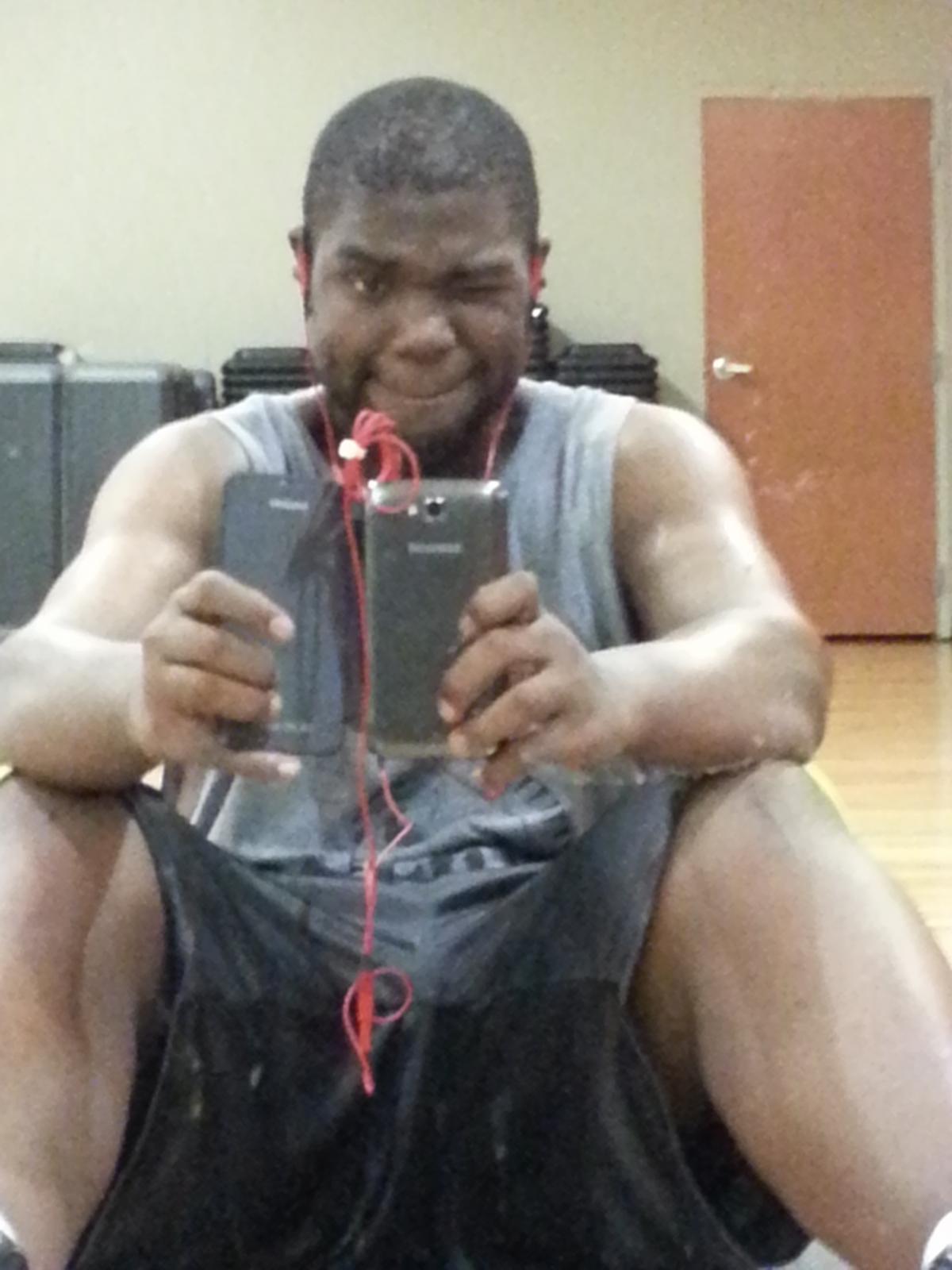
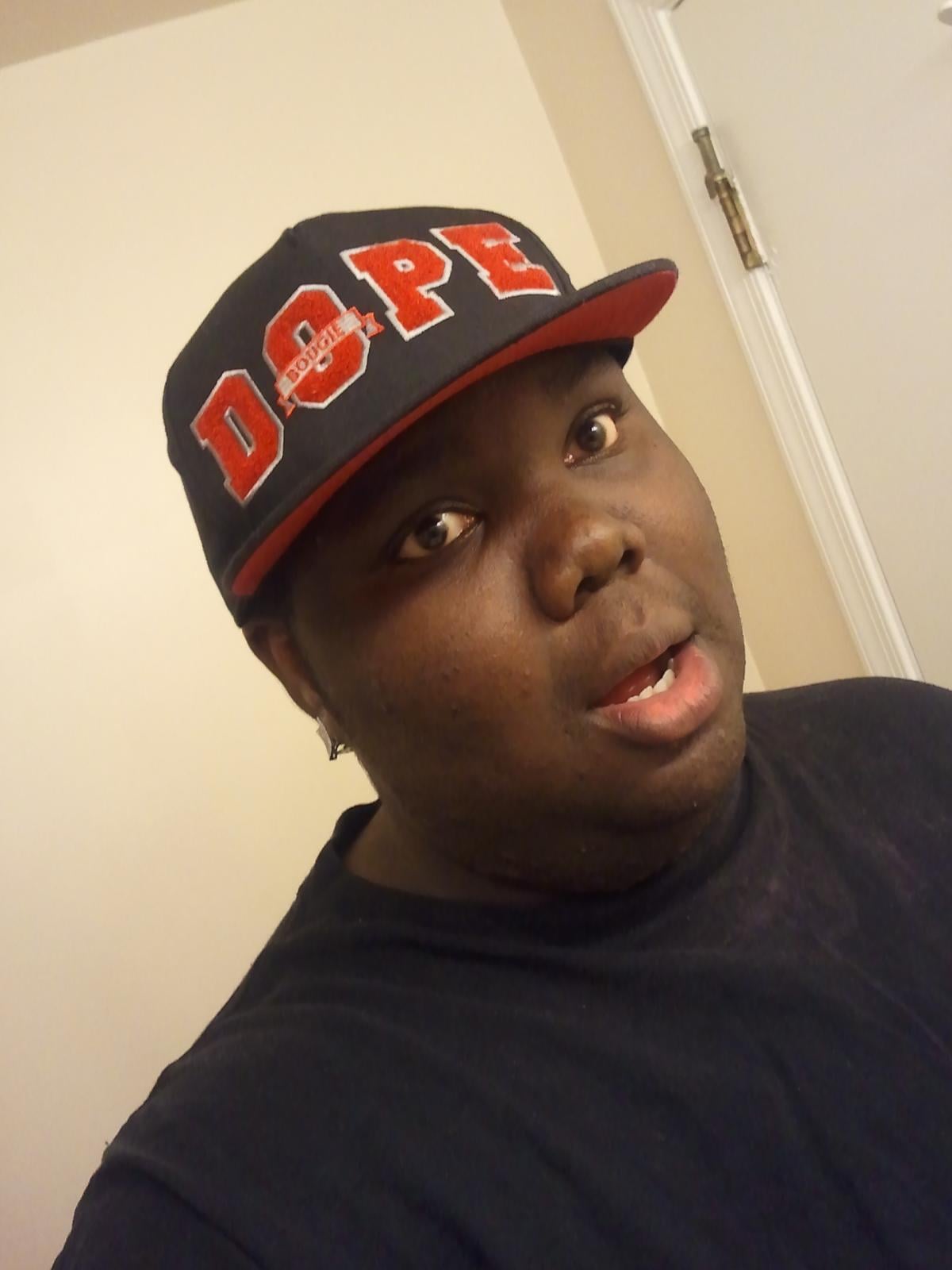
im about 290 now so its a been about 45 lbs down since surgery on the 6/5/13 gotta say i am loving zumba class more Xp that was me about 2 years back this was me about a year ago right after knee surgery and physical therapy back in august i guess if u wanna say 140 or 150 pounds later this is me now Still goofy and luvable i hope lol have no idea what im gonna look like at the end of the year i told my doctor 271 was goal weight but now were thinking i could grind sleeve til im 200 by the end of the year than ill get sexy at that my goal for now um wish me luck Xp



-
and i haven't had bread for months i was taken of breads pastas starchy vegetables months b4 surgery
-
cool still getting used to drinking and eating food at different times but at least i won't be too worried about a relapse
-
it will go away promise but i ya i heard walking is best
-
Nice
-
being sleeved and all how long was it before you were eating a decent meal like ( 6inch sub) something like that and has any of your taste changed since surgery ???
-
Let me tell the perspective i got about surgery ppl will talk about when ur skinny, they will talk about you when your beautiful, no matter what you do people are bound to talk about you do what makes you happy and healthy. I love the fact i got surgery now i have a shot of showing the world what im capable of ^^. If you feel like telling go for it but if someone puts you down they are just jealous what your gonna become ~_^
-
ya same T_T
-
so i was got approved for soft foods yesterday and man it was going good til i hit my bump in the road something didn't agree with me and my mouth got all slimely for the next 3 hrs any1 have something similar to this
-
hey welcome i was sleeved 5 days ahead of you i know how you feel i been liquids for a month , haven't really looked at the scaled too much but i get to start soft foods today im still getting to used to all my newfound family but im liking it can't wait to see what happen 5 - 6 months out
-
*touch* hot ^^ congratz
-
3 weeks po
-
i love that summer heat its the humidity that kills me T_T but ill just cardio at the gym for now
-
uh just curious what your diet like?