




Start here
Where are you in your journey?
Choose the path that fits today. We’ll take you to the most useful discussions.
- GLP-1 medication Zepbound, Wegovy, access, side effects, progress, and support.
- Before surgery Compare procedures, plan ahead, and get honest pre-op answers.
- Post-op Recovery, food stages, symptoms, and support.
- Long-term Regain, labs, habits, and life after the honeymoon.
- Revision Explore revision options, complications, and next steps.

bigcountryab
Pre Op
-
Joined
-
Last visited
Everything posted by bigcountryab
-
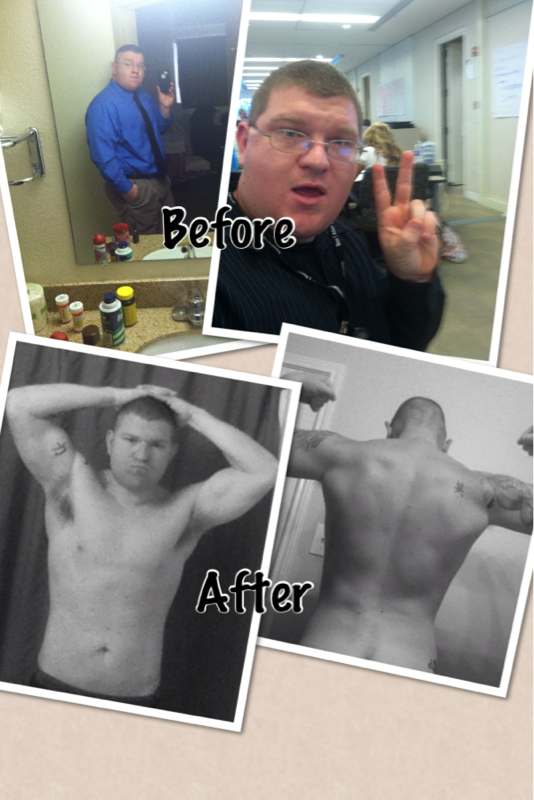
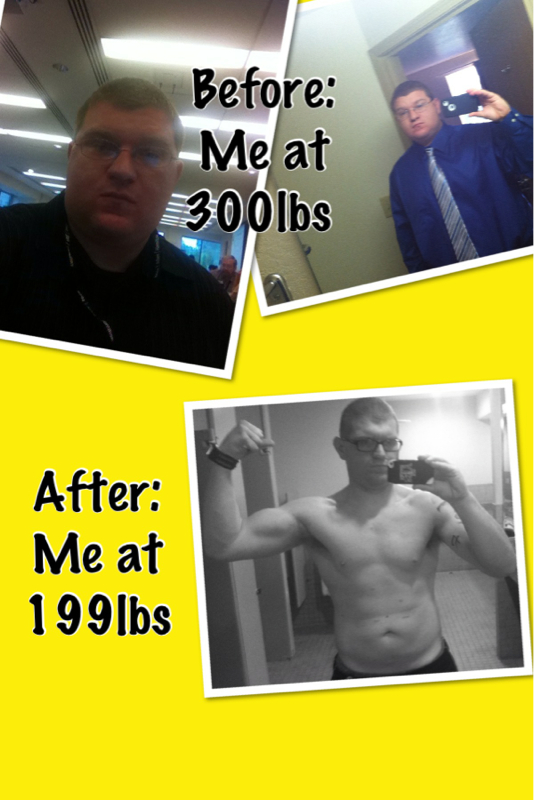
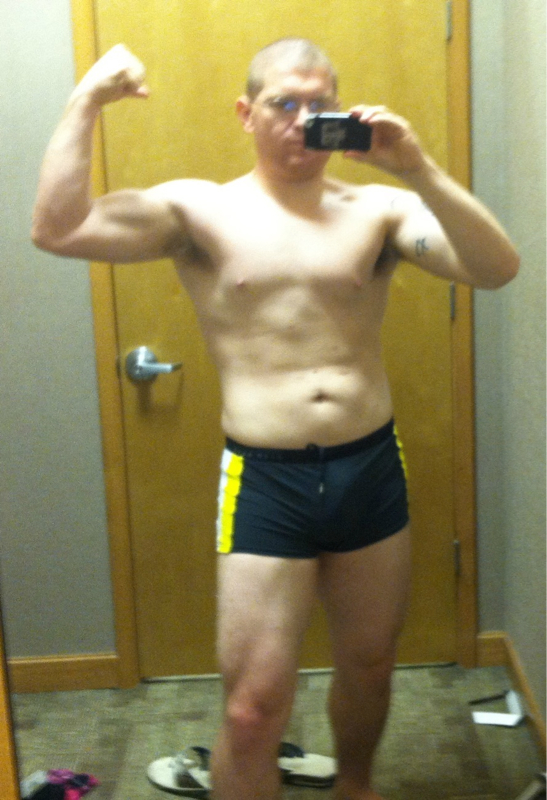
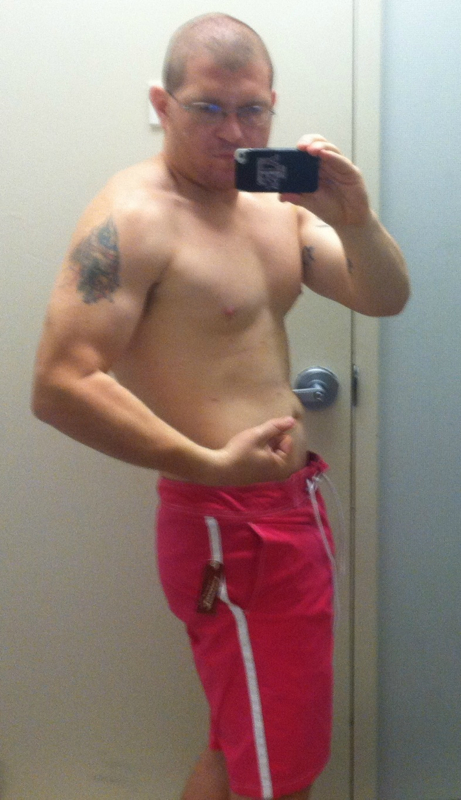
Bringing Sexy Back, a weight loss surgery photo album by bigcountryab on BariatricPal. 4 photos in Member Photo Gallery.After, a weight loss surgery photo album by bigcountryab on BariatricPal. 7 photos in Member Photo Gallery.Well our "growth" benefits everyone if you really think about it...Just call them like I see themIs it just me or is kimkat really hot?So beautifulFor scientific purposes of course...I can send them to you personally if you like lolI'm not gonna post it here ill get banned lolI'm not scared lolActually you can if your circulation improves and more blood is able to enter the penis...I've lost 100lbs and gained about two inches in length and one inch in girth for those that are interested...
















Account
Navigation
Search
Configure browser push notifications
Chrome (Android)
- Tap the lock icon next to the address bar.
- Tap Permissions → Notifications.
- Adjust your preference.
Chrome (Desktop)
- Click the padlock icon in the address bar.
- Select Site settings.
- Find Notifications and adjust your preference.
Safari (iOS 16.4+)
- Ensure the site is installed via Add to Home Screen.
- Open Settings App → Notifications.
- Find your app name and adjust your preference.
Safari (macOS)
- Go to Safari → Preferences.
- Click the Websites tab.
- Select Notifications in the sidebar.
- Find this website and adjust your preference.
Edge (Android)
- Tap the lock icon next to the address bar.
- Tap Permissions.
- Find Notifications and adjust your preference.
Edge (Desktop)
- Click the padlock icon in the address bar.
- Click Permissions for this site.
- Find Notifications and adjust your preference.
Firefox (Android)
- Go to Settings → Site permissions.
- Tap Notifications.
- Find this site in the list and adjust your preference.
Firefox (Desktop)
- Open Firefox Settings.
- Search for Notifications.
- Find this site in the list and adjust your preference.