Start here
Where are you in your journey?
Choose the path that fits today. We’ll take you to the most useful discussions.
- GLP-1 medication Zepbound, Wegovy, access, side effects, progress, and support.
- Before surgery Compare procedures, plan ahead, and get honest pre-op answers.
- Post-op Recovery, food stages, symptoms, and support.
- Long-term Regain, labs, habits, and life after the honeymoon.
- Revision Explore revision options, complications, and next steps.

DeeJack08
Gastric Sleeve Patients
-
Joined
-
Last visited
-
-
-
-
-
-
-
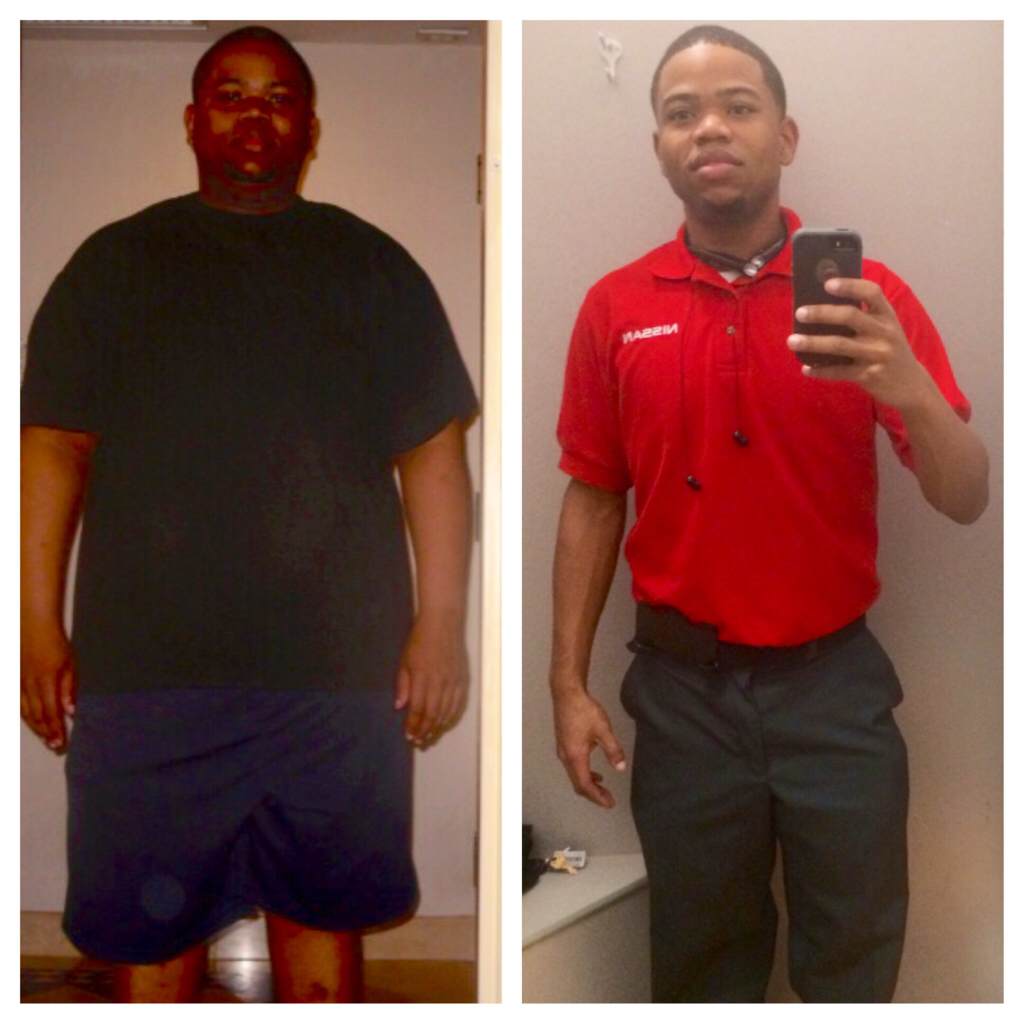
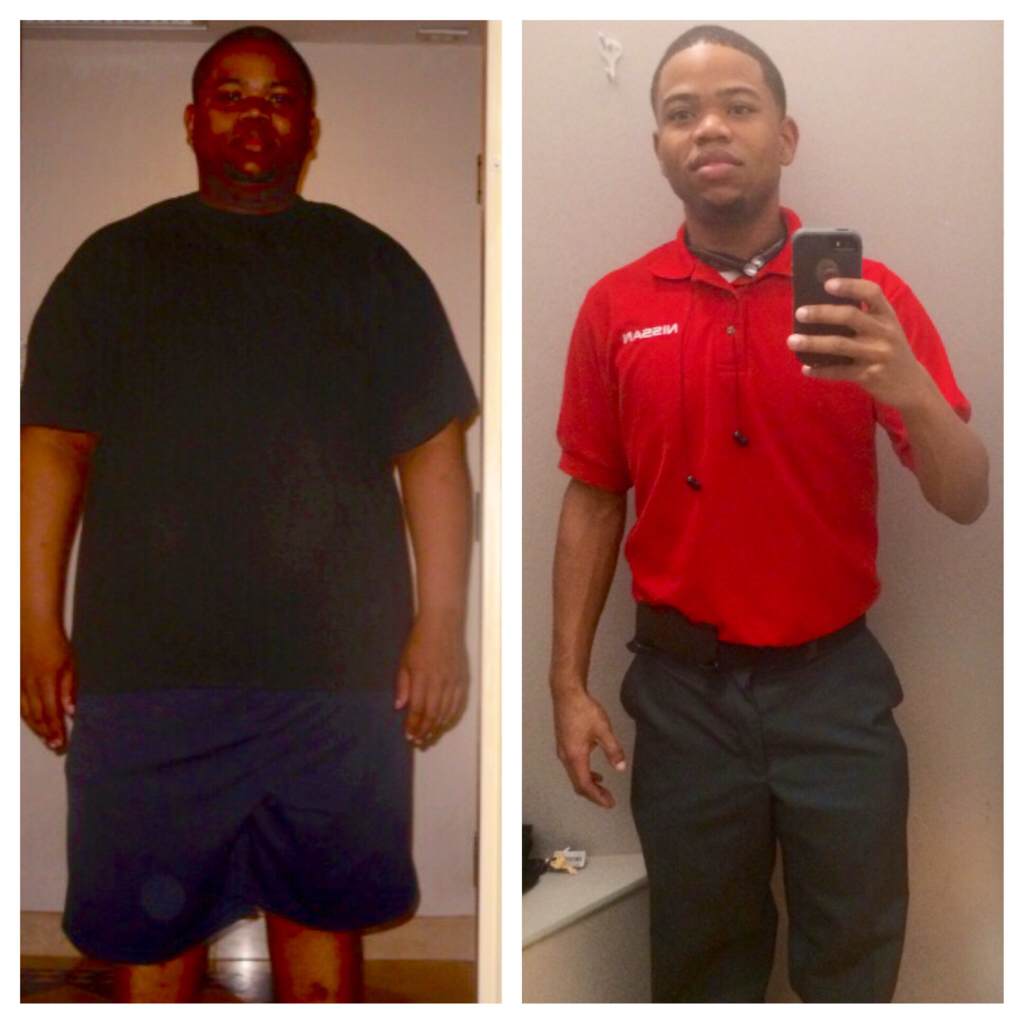
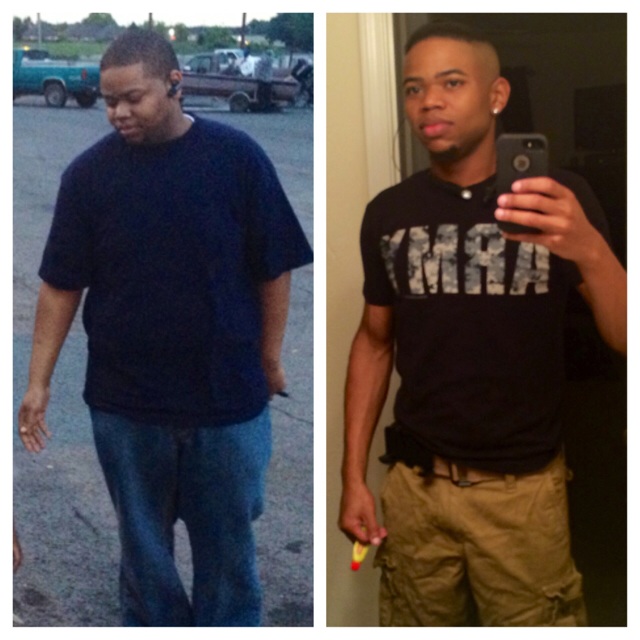
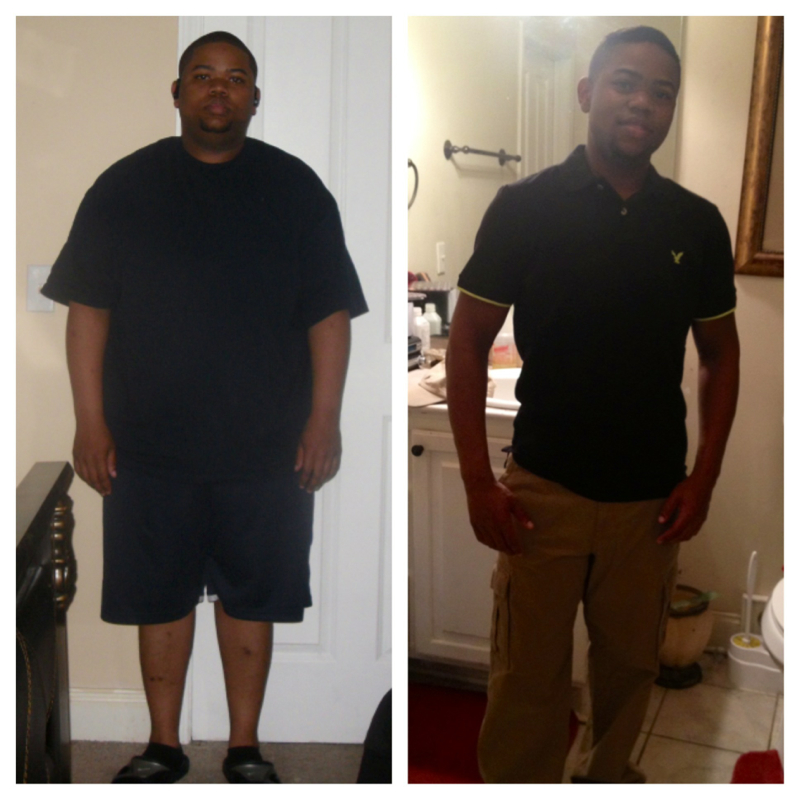
Before and After. Started at 277 n now I'm 130

-
Before n After. Started at 277 n now I'm 130.

-
-
-
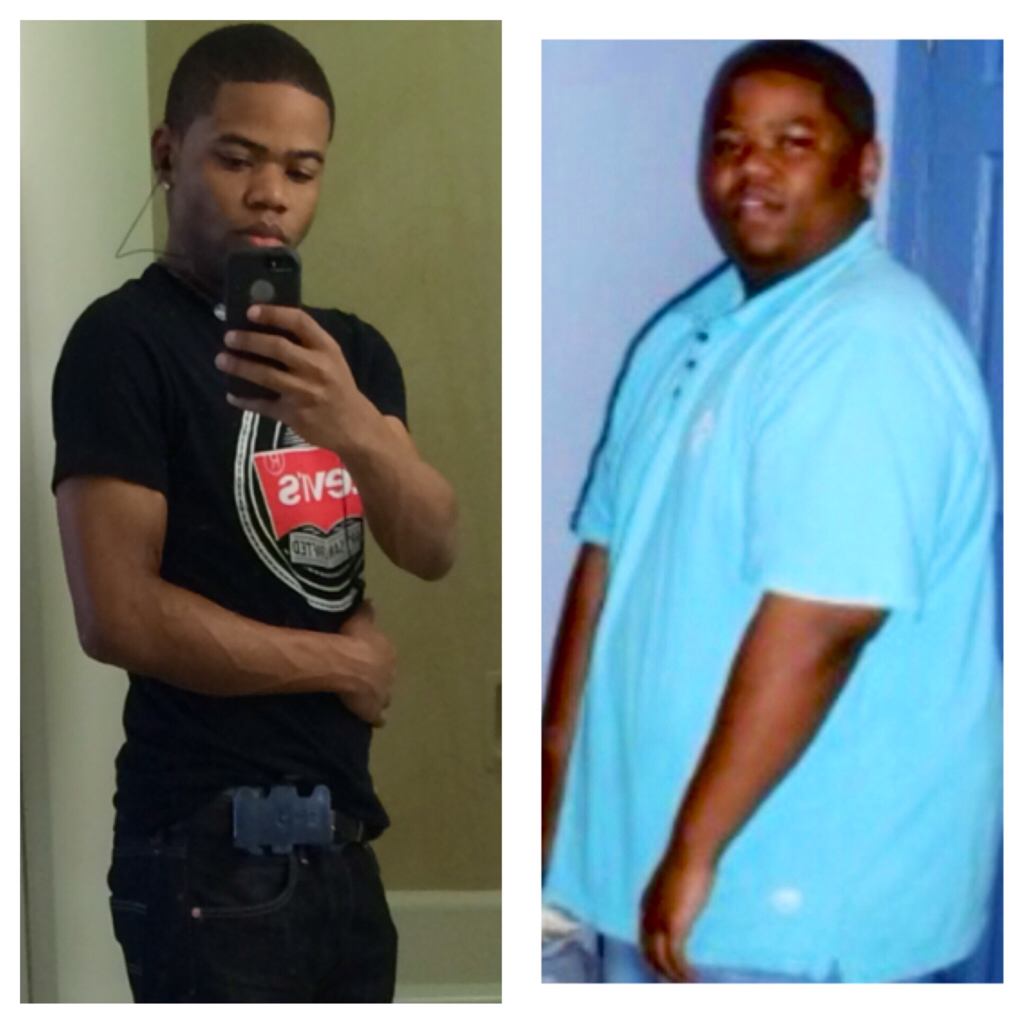
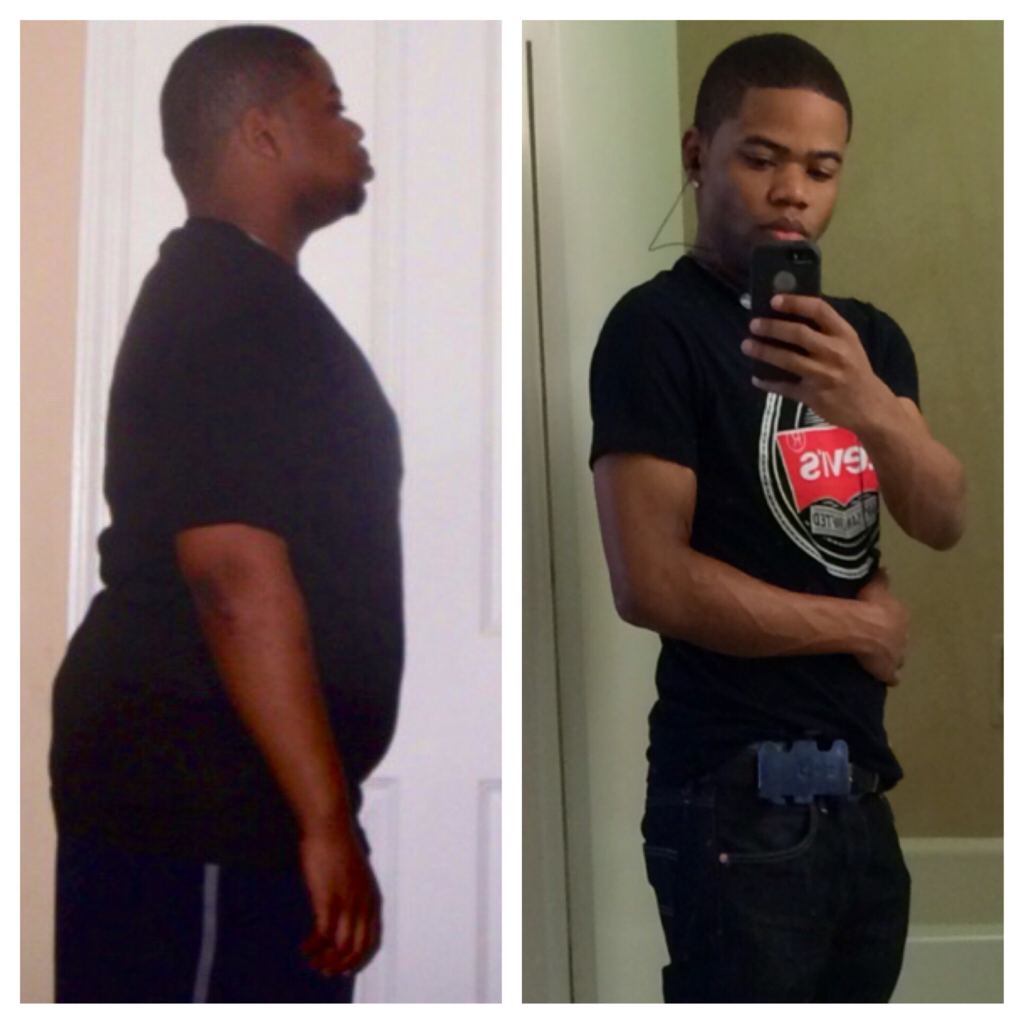
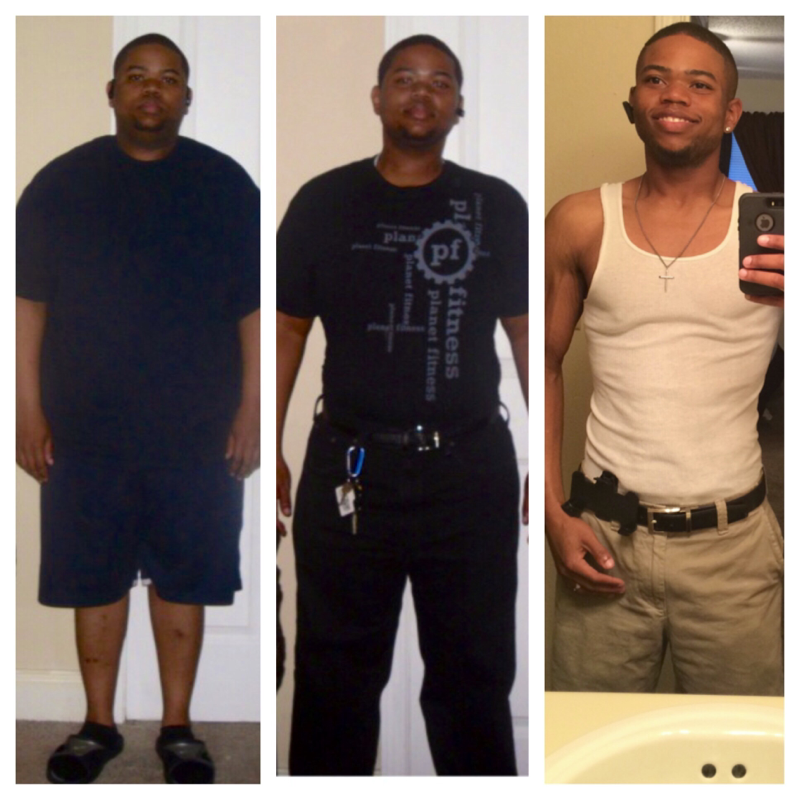
Before n after pics. Started at 277 n now I'm 129. Had surgery March 19th 2013. No regrets watsoever


-
-
Thx missbrown30. I'm 24
-
-
Had surgery March 19th 2013. So far I've lost 142. I started off weighing 277 n now I'm 135 as of dis morning.

-
Awesome job!! thx man.
-
thx man. It's one of da best decisions dat I could have ever made
-
thx
-
Before 277/ After 131.5

-
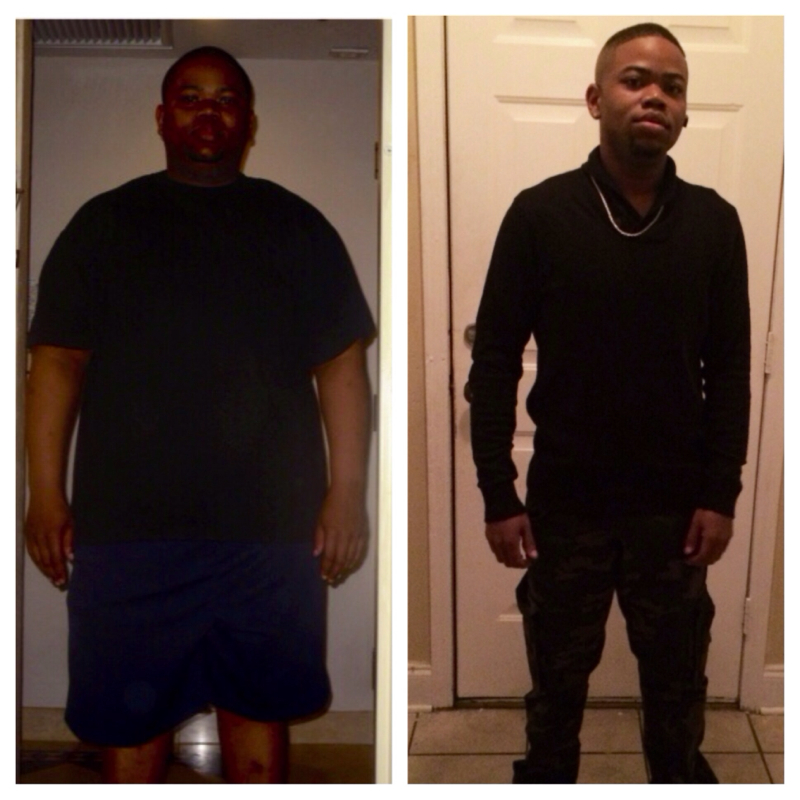
Almost 9 months out n dis is da results so far.

-
How many months post op are u dee?? I'm now 8 months out
-
SW: 277 CW: 160 GW: 165 I'm 5 pounds under my goal weight

-
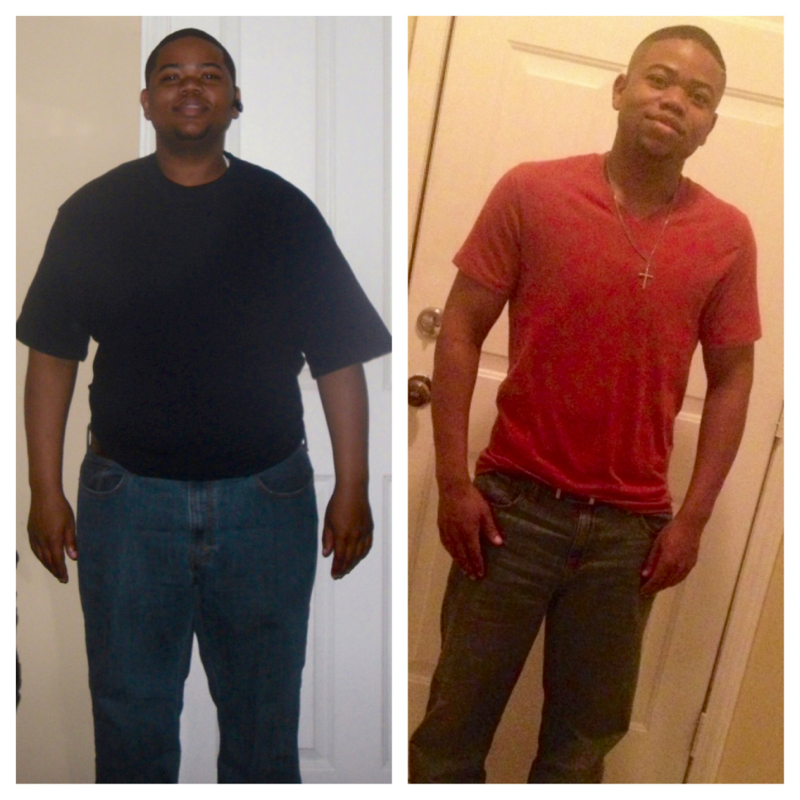
Was 277. Now 154. 7 months later
-
Thx. 6 1/2 months out now
-
Thx. 6 1/2 months out now