Tinaatl
Gastric Sleeve Patients
-
Joined
-
Last visited
Everything posted by Tinaatl
-
Fatgirldivesin.blogspot.com I'm here for questions and support if you need it!
-
Yep they completely changed my life and my follow up care has been absolutely amazing. Keep me posted on your husband's journey!
-
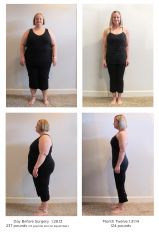
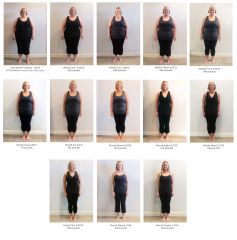
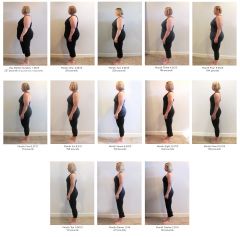
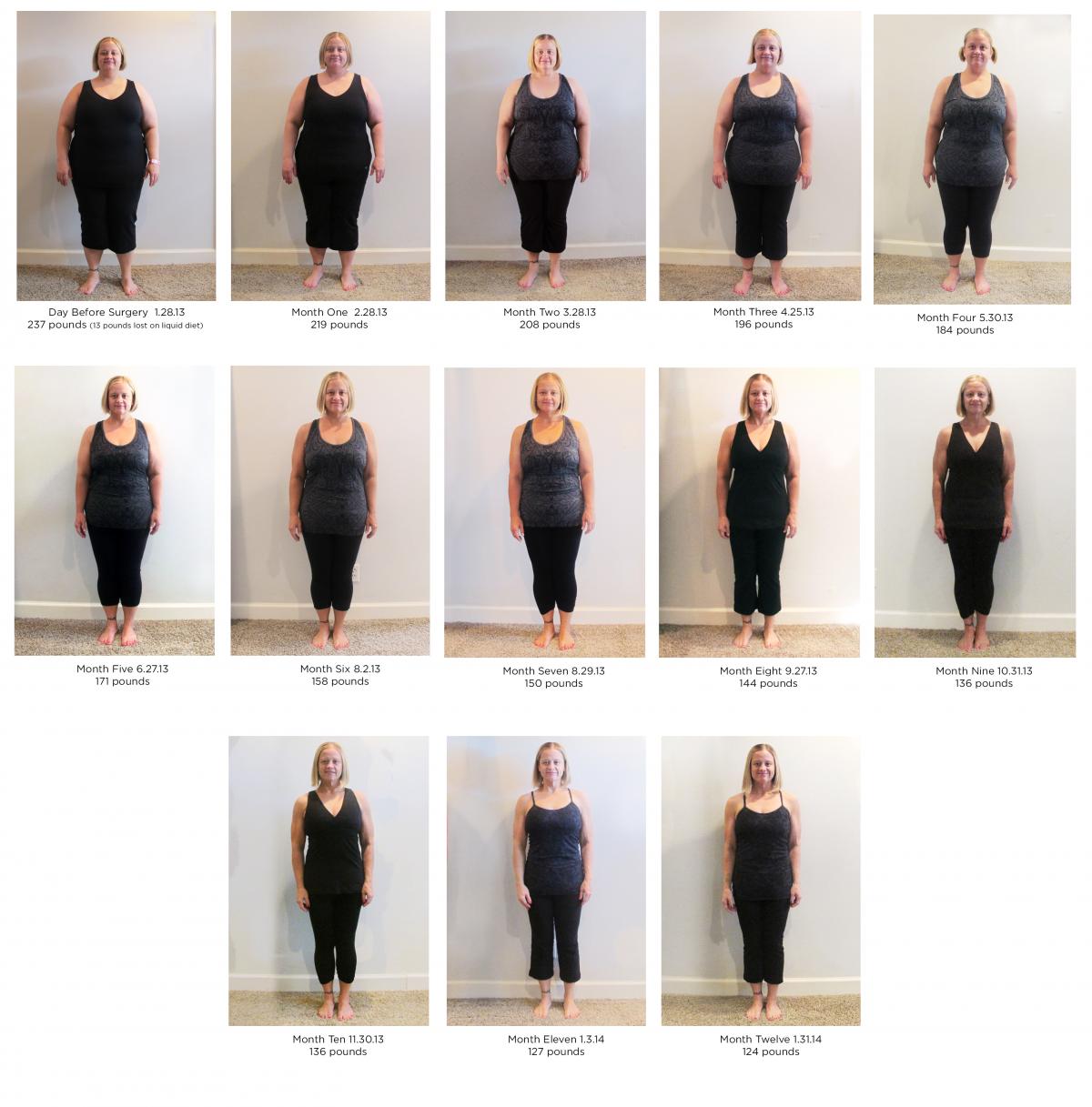
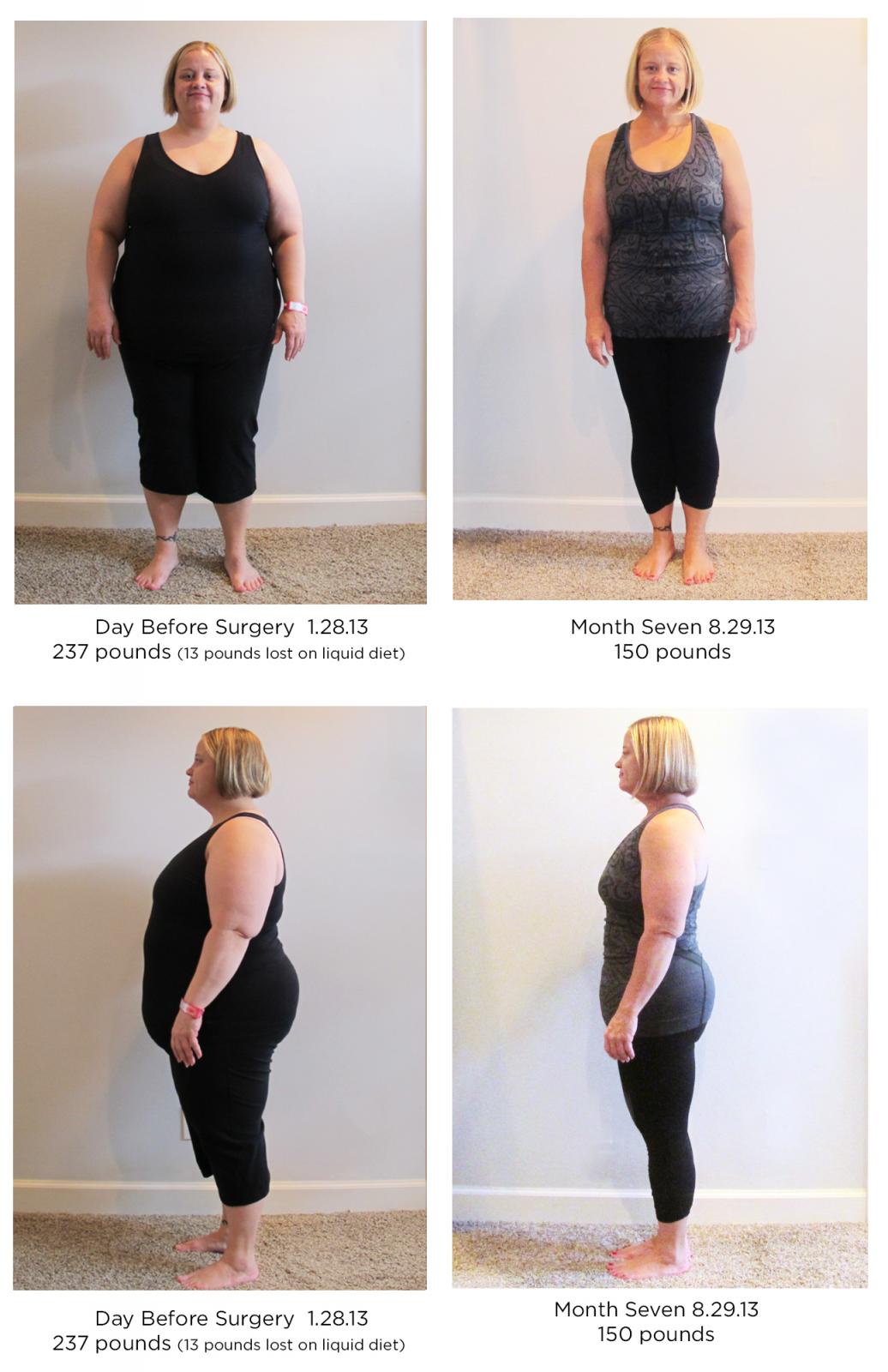
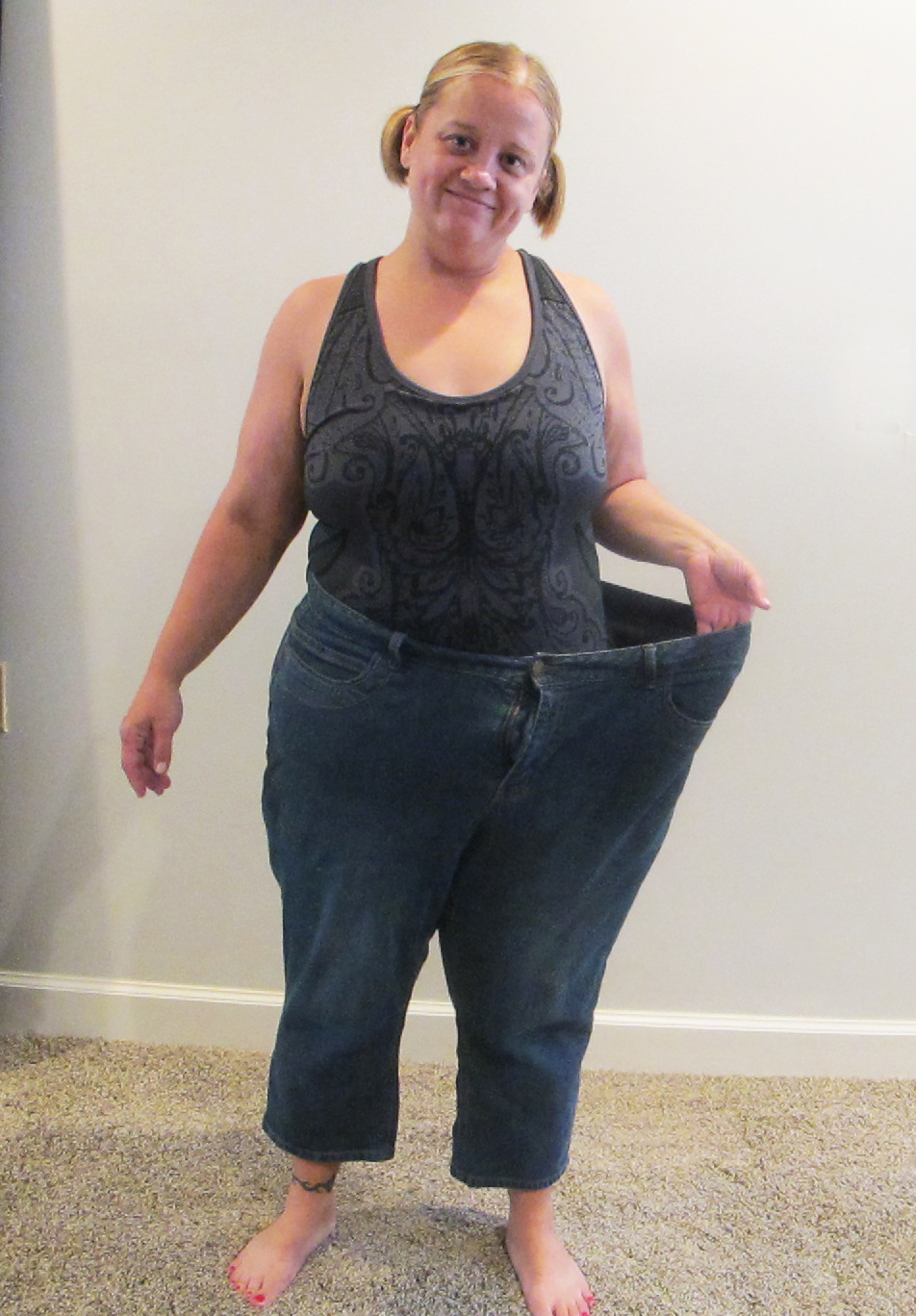
Before and After, a weight loss surgery photo album by Tinaatl on BariatricPal. 3 photos in Member Photo Gallery.
-
Hi Erin! Welcome to the ATL! I had my VSG the same time as you and I go to Buckhead Bariatrics (near Piedmont hospital) and see Dr. Procter. He also practices with Dr. McGill. Both are excellent! Not sure what part of town you're in so let me know if you have a specific area and I can help you find someone!
-
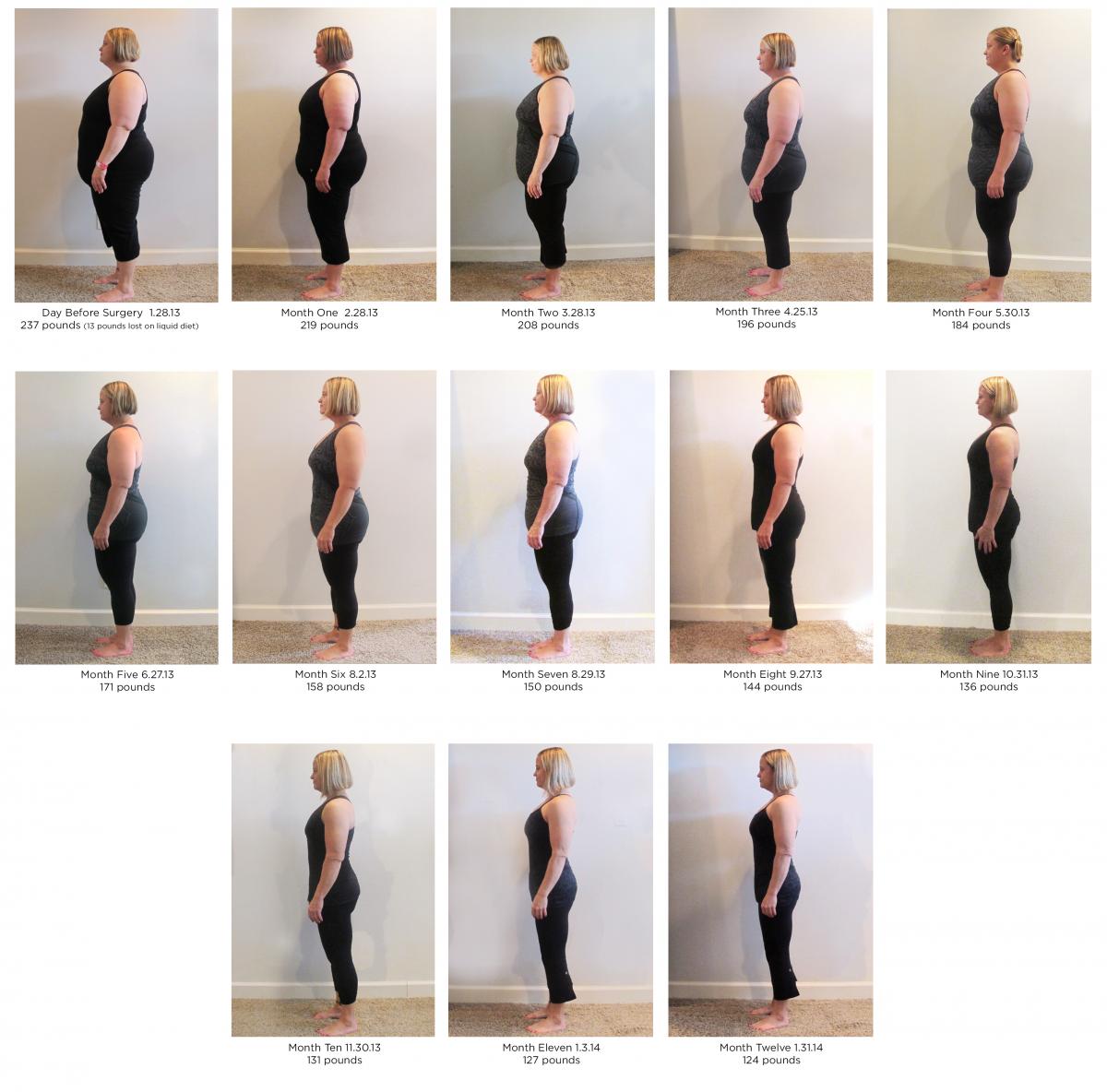
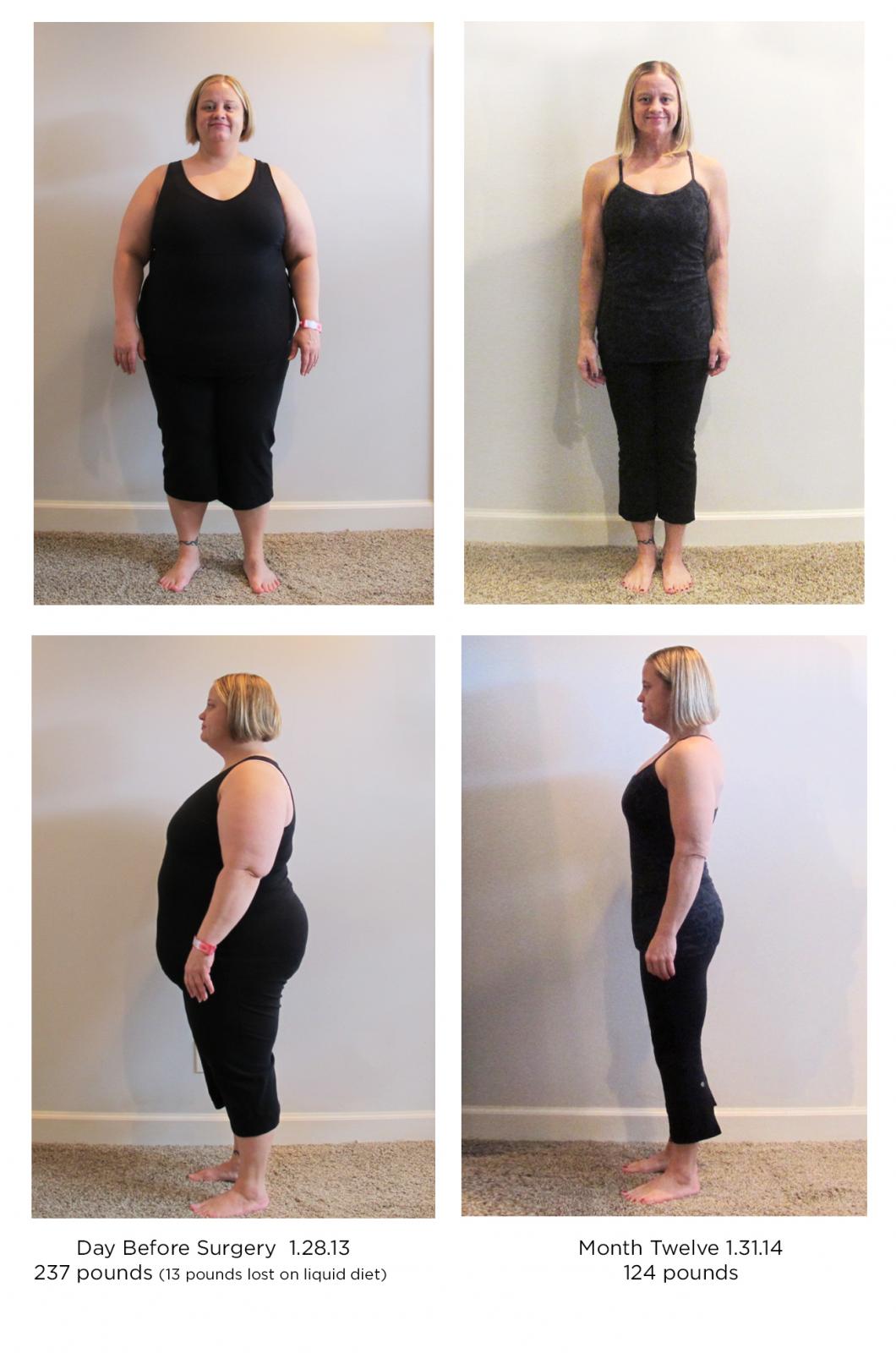
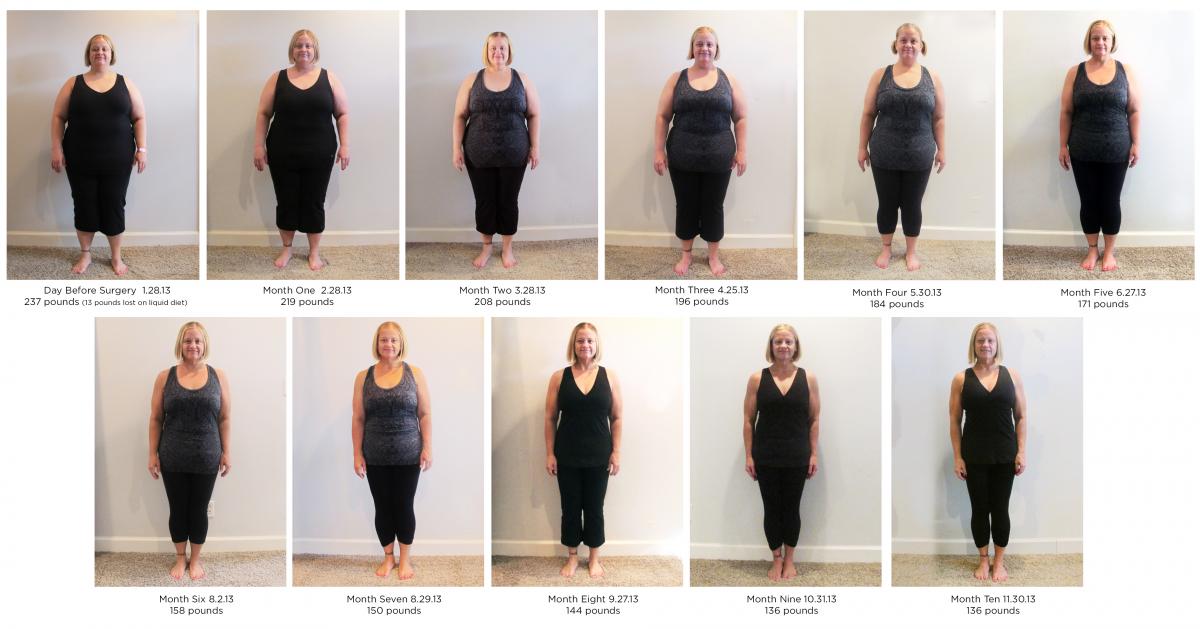
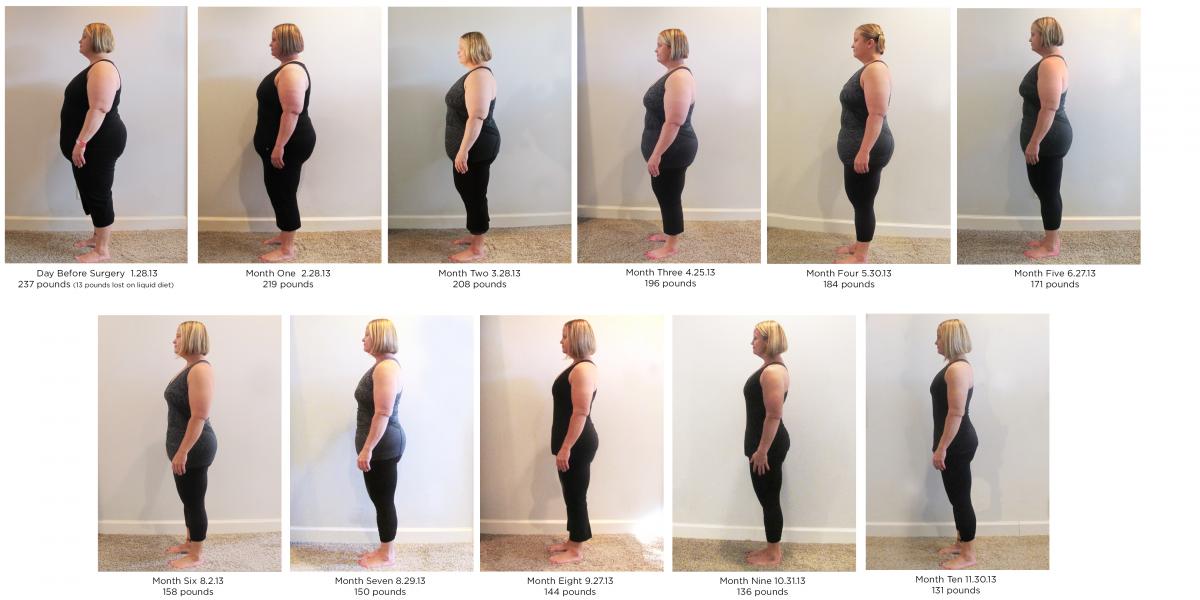
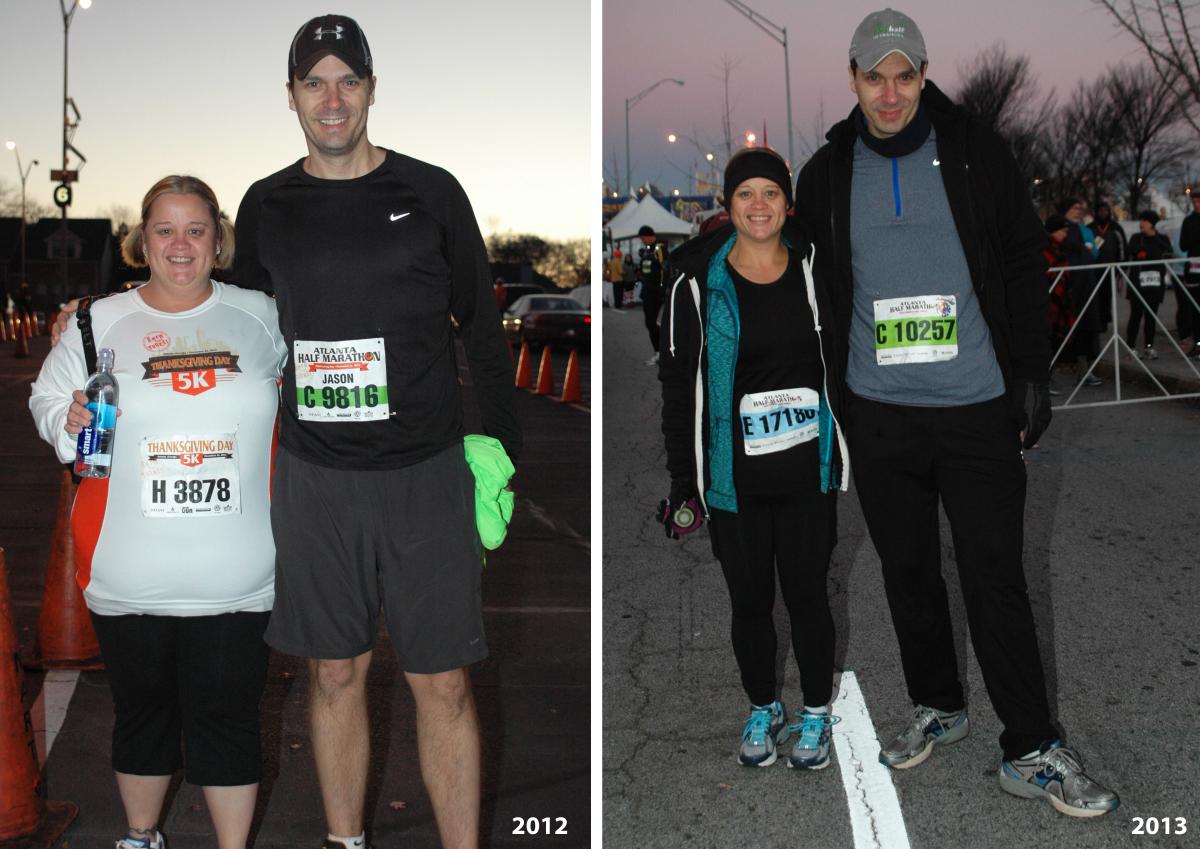
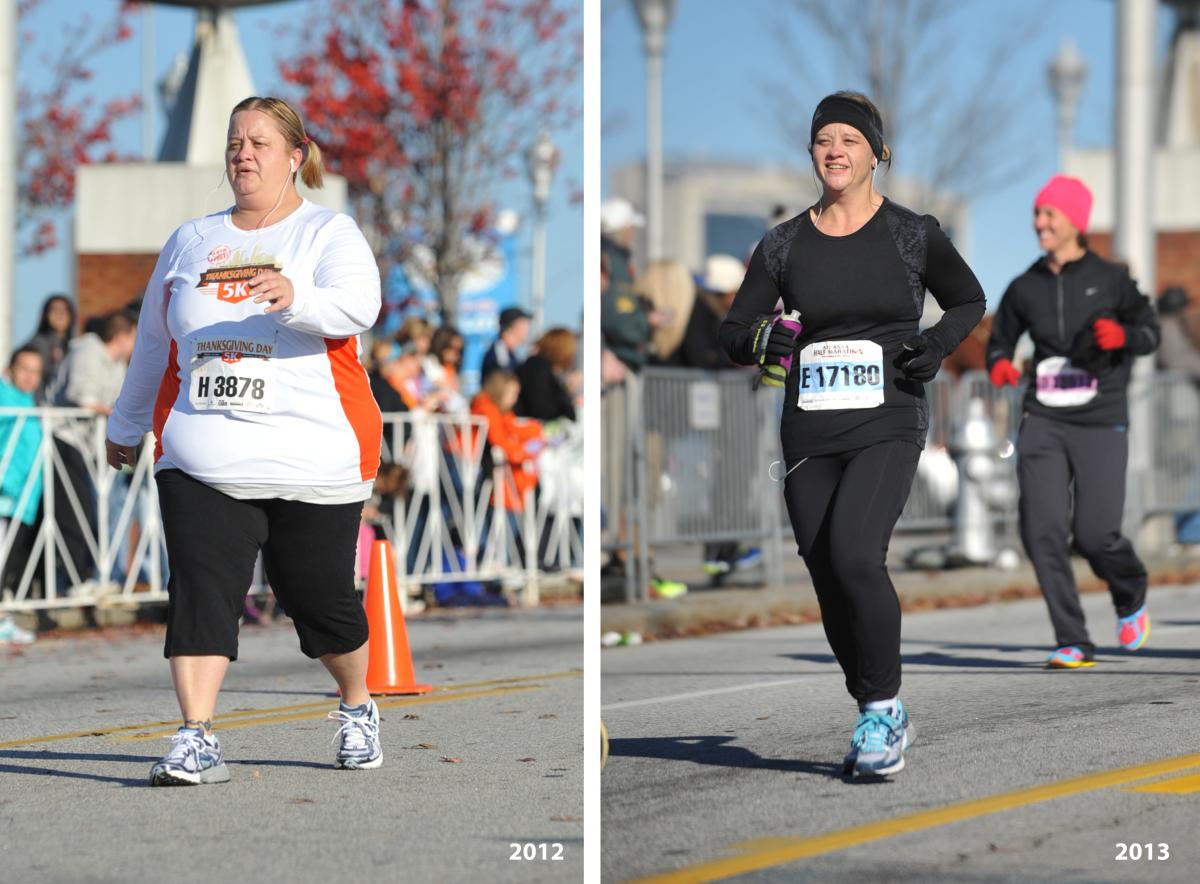
What a difference a year makes! I desperately wanted to be a different person and I completely changed my life. If I can do this, anyone can! You can read more about my journey on my blog http://fatgirldivesin.blogspot.com/

-
See my official success story here! I've since gotten to my goal weight and my life is changed forever. It's not easy but it's so worth it. I used to hate when I heard someone say "nothing tastes as good as being thin feels" but it's the absolute truth!
-
Thanks Fiddleman - you are quite the inspiration yourself! Lucy is part springer spaniel for sure but she has shorter hair than most- she was found on the side of the road with 6 others puppies so not really sure what she's mixed with! Honestly I would say my hardest struggle has been cutting back on my eating/drinking out. We have no kids and live in a neighborhood with great bars and restaurants within walking distance so that became a big part of our social life. Running has helped alot because I don't do well when I drink the night before a run so I focus on that, stay home and cook a nice dinner and go to bed early. I'm definitely more hungry than I used to be (which is partially from burning tons of calories) and I still have restriction of course but it's all me at this point and I'll always need to stay in control. Sometimes it's really obvious that they did surgery on my stomach but not on my head!
-
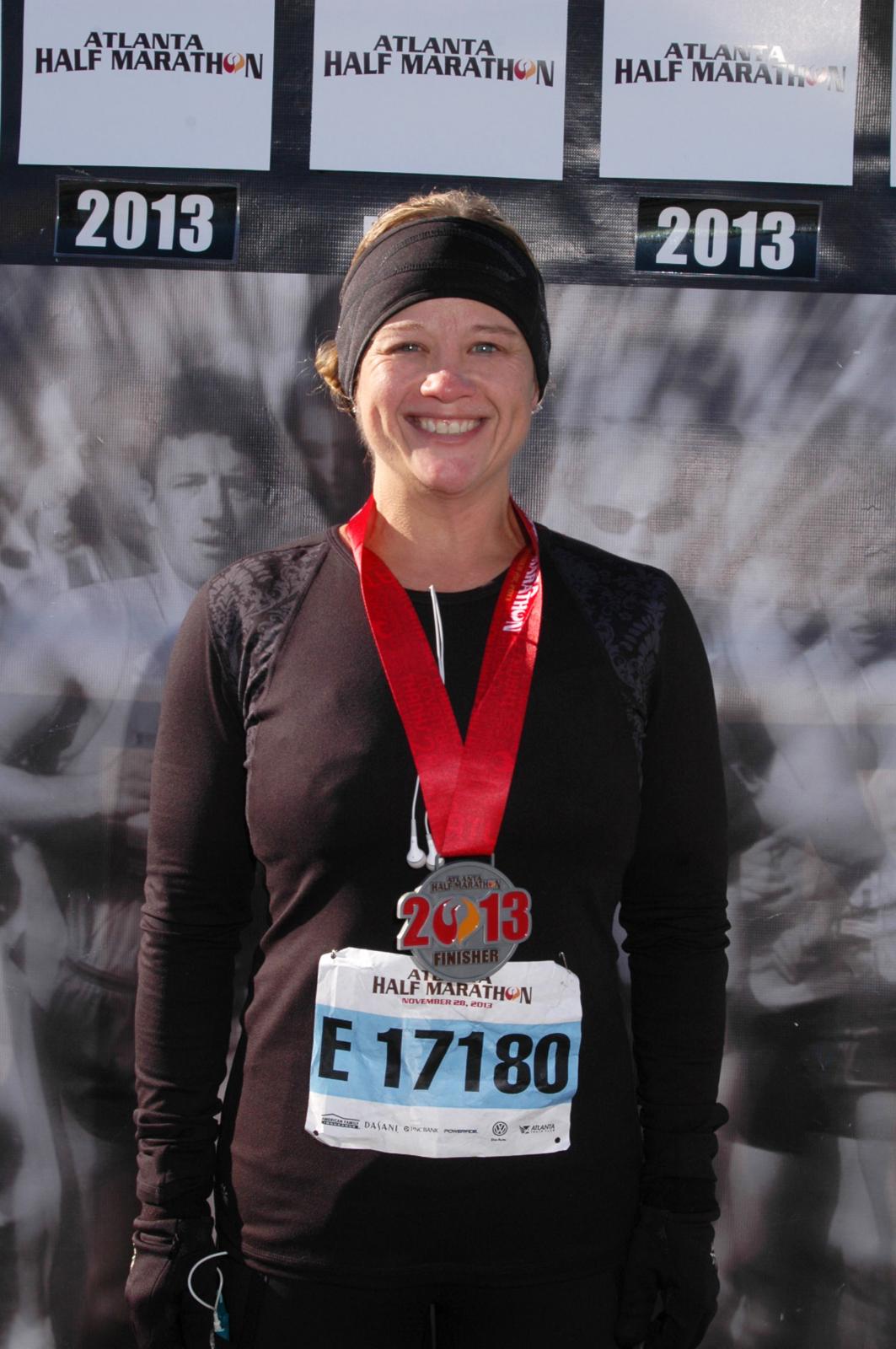
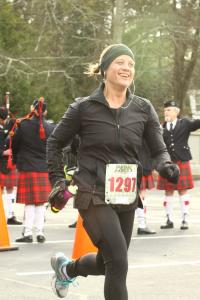
I had my surgery just over 10 months ago and today I hit my goal weight of 125! I chose that weight with my doctor because it's half my starting weight of 250 and a perfectly normal BMI at 5'0. My life has been saved and drastically changed FOREVER. I'm now the athlete I've always wanted to be, I can wear cute clothes and knee boots, my energy level is off the charts, I can cross my legs, I could go on and on. This was by no means easy. I had to completely change my lifestyle - I eat roughly 800-1000 calories a day getting in a minimum of 80 grams of Protein. I work out 6 days a week and on wednesdays I work out twice. I run 25-30 miles a week, do hot yoga and work with a personal trainer. There are times when I struggle with head hunger, especially working at home, but because I have nothing unhealthy in the house I can't get into much trouble snacking so I find ways to distract myself and I get over it. What I want people to know that you can do this and still live a normal life. I eat 2 pieces of dark chocolate a day, I eat out and I drink a couple glasses of wine or some tequila once a week. I've eaten slice of pizza twice in the last 2 months but because pizza is my nemesis, I waited until I was almost at goal to dare try it again. The key is continuing to monitor your portions, tracking calories and protein and balancing it with exercise which is what I'll continue to do as I venture in to maintenance. I've never not been on a diet. I have no idea what this is going to be like. My doctor says not to be surprised if I get lower than 125 if I continue to run half marathons (never stopping already registered for my next one!) so we'll see what the next phase brings. I update my blog regularly if you want to follow along - tomorrow's post will be all about this monumental day http://www.fatgirldivesin.blogspot.com


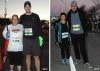
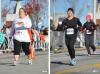

-
TARPHR - I usually eat around 800 calories a day. I follow the rules and eat high protein (about 3 ounces at a time always measured!) avoiding sugar and carbs. I try do drink alcohol only once a week. Also, I track everything I eat on My Fitness Pal. I'm TinaATL on there and my diary is public if you want to exactly what type of foods I eat. I still have a piece of dark chocolate almost every day but it's just one 42 calorie Dove dark promise instead of a king size Snickers like in the "old days".
-
I can't believe how quickly my life has changed! Getting the sleeve was the best thing I have ever done for myself but I had to do my share too! I run 20 miles a week, do yoga twice a week and train with a trainer twice a week. I've also had to completely re-train my brain when it comes to food. This time I'm never going back! You can follow my progress at http://fatgirldivesin.blogspot.com

-
I never thought I would call myself a distance runner but here I am, training for a half marathon after a few 5k's and 10k's got me hooked! I just did my farthest run (7.2 miles) and felt the need for some fuel about that point. Anyone have any recommendations for brands of gels or gummies or anything that works well for your sleeve? I don't eat much sugar and I'm afraid anything too sugary might make me sick. I know I will have to do some experimenting with what works for me but am hoping I can learn from some other sleeved runners out there!
-
I'm in Atlanta! Had surgery at Piedmont Hospital with Dr. Procter. I have lost almost 100 pounds in 6 months and couldn't be happier!
-
So proud to be a success story!!! http://bit.ly/17PCDjo
-
Sleeved 1/29 Starting weight 250 Current weight 180 Loss - 70 pounds Love my sleeve!!
-
Hi all! I don't post much here but wanted to share my story! I was 250 pounds and miserable when I first met with my surgeon (I'm only 5 feet tall!). Four short months later I'm 181 and yesterday, I ran 5 miles without stopping. I'm one of the lucky ones who has never had any complications - well luck AND following the rules I suppose! I have some tequila every week or 2 and a piece of dark chocolate when I need it. I stick to 700-800 calories a day with 70-90 grams of Protein. I think the thing that has made me the most successful is my exercise. I burn around 500 calories a day doing hot yoga, weight training and running. I work out just about every day - sometimes twice and it's completely changing my life. I'm training for a 10k in July and I'm currently 20 minutes faster than last year. Not carrying around 69 extra pounds makes you really fast I worked out a lot prior to surgery but never made much progress losing weight. Now I'm doing things I never thought possible with my new body. I'm about half way to my goal of 125 pounds and I can't even imagine what I'll be doing when I get to goal! I encourage anyone who's struggling to just get out there and move, move, MOVE. It will speed this process up tremedously. Sure it's hard as hell sometimes but if you never do anything challenging, you'll never know what you accomplish. Don't worry about what you look like or what's jiggling or what you look like in a bathing suit. Best of luck to everyone in this crazy journey! You can follow my blog and progress pictures at http://fatgirldivesin.blogspot.com
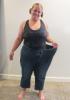
-
Sleeved January 29th and down 63 pounds. I eat 600-800 calories and work out every day - running and hot yoga mostly. Pushing myself beyond my comfort zone on the exercise front is what's really working for me! Today I ran a 5k outside, with hills! The whole thing! Without stopping! I love my sleeve and my new life!
-
I like a silver Patron on the rocks with a few limes. You can sip it for a while - like a margarita without the sugar!
-
I love this thread! Today I ran 2 miles in the morning and then 75 mins of hot yoga (bikram) in the evening. I feel pretty unstoppable after that. Training with my trainer in the morning and hoping I can still walk!
-
Sleeved 1/29 down 44 pounds and 20 inches! Couldn't be happier!!
-
I seem to have regular stalls every couplebof weeks. I'm dying to lose the next 10 pounds and be in onederland! I work out a ton and eat great so it's all I can really do. Measurements help and so do photos because the inches are definitely coming off. My surgery was 1/29 and I'm down 43 pounds and 20 inches!
-
I'm on my 3rd year of hot yoga. Mostly Bikram which is the same 26 postures each class and the hottest at 105 degrees. Obviously the surgery has changed everything - my yoga practice was the main reason I did it! Some days you will be better at it than others - no matter how long you do it! I felt really "good at it" after about a year. I think once a week is okay. 2 would be better but sounds like you have a well rounded routine! I'm impressed. Keep going! My instructor says that we have a choice over how mobile we want to be as we age! I blog about it often at fatgirldivesin.blogspot.com if you want to follow along. Best of luck with your practice!
-
It was a week for me too. If you met all your prerequisites you should be fine! I also had a 3 month wait but that's when I did all my tests.
-
I'm having the same issue. I just did my first purge but I just stored and refuse to give away my winter coats. I know I won't need them next year but deep down I can't believe they will be too small. I have to buy "normal sizes" now and I feel like there's no way any of it will fit. I just got 8 shirts and workout pants for under $100 at Old Navy. I think that will be my store of choice until I stop shrinking!
-
Good luck with your approval. You are in GREAT hands. 40 pounds today in only 7 weeks and 6 days
-
I'm in ATL! My surgeon was Dr Procter at piedmont hospital. Wonderful experience all around.I had a 2 week liquid diet was fully recovered after about a week. 6 weeks later and 39 pounds down. I feel awesome and I love my new life!!