










By ms.sss
- 340 views
- View ms.sss's images
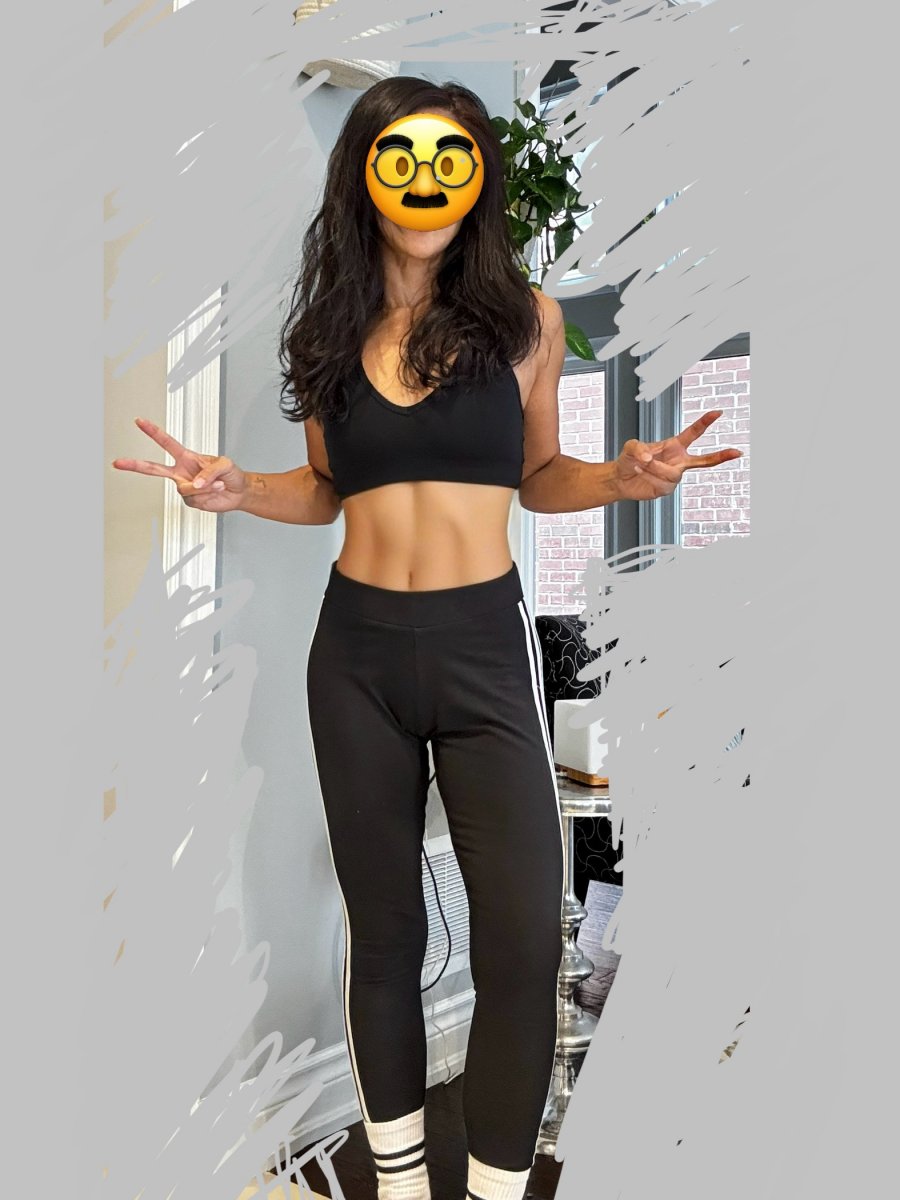
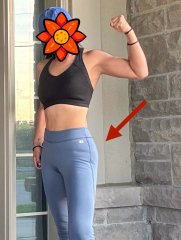
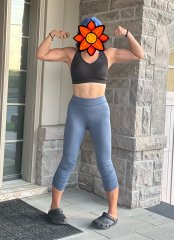
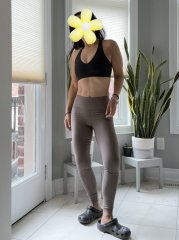
i live in workout clothes. and because i get all nice and sweaty in them every day (sometimes 2-3 times a day), i wash them ALOT. decided to take one last pic in these pants (my fave ones!) as they are getting tossed as they are all stretched out and are no longer super fitting...they fall down during class, especially as they get wetter with the sweat!
p.s also wanted to narcissistically show off my abs in their full glory as they are all sticky-outy and hard cuz i literally just came back from class where we did 5 sets of Hundreds (thats five hundred total omg...not even sure our instructor should be making us do this many, but i digress). in any case our abs will look bikini worthy for the next few hours, ha!
Recommended Comments
Join the conversation
You can post now and register later. If you have an account, sign in now to post with your account.