





Skip to content
View in the app

A better way to browse. Learn more.

BariatricPal

A full-screen app on your home screen with push notifications, badges and more.

To install this app on iOS and iPadOS
  1. Tap the Share icon in Safari
  2. Scroll the menu and tap Add to Home Screen.
  3. Tap Add in the top-right corner.
To install this app on Android
  1. Tap the 3-dot menu (⋮) in the top-right corner of the browser.
  2. Tap Add to Home screen or Install app.
  3. Confirm by tapping Install.

Join BariatricPal free

  • Ask your own questions
  • Reply and follow topics
  • Message other members
  • No cost, no spam

2024-March-03

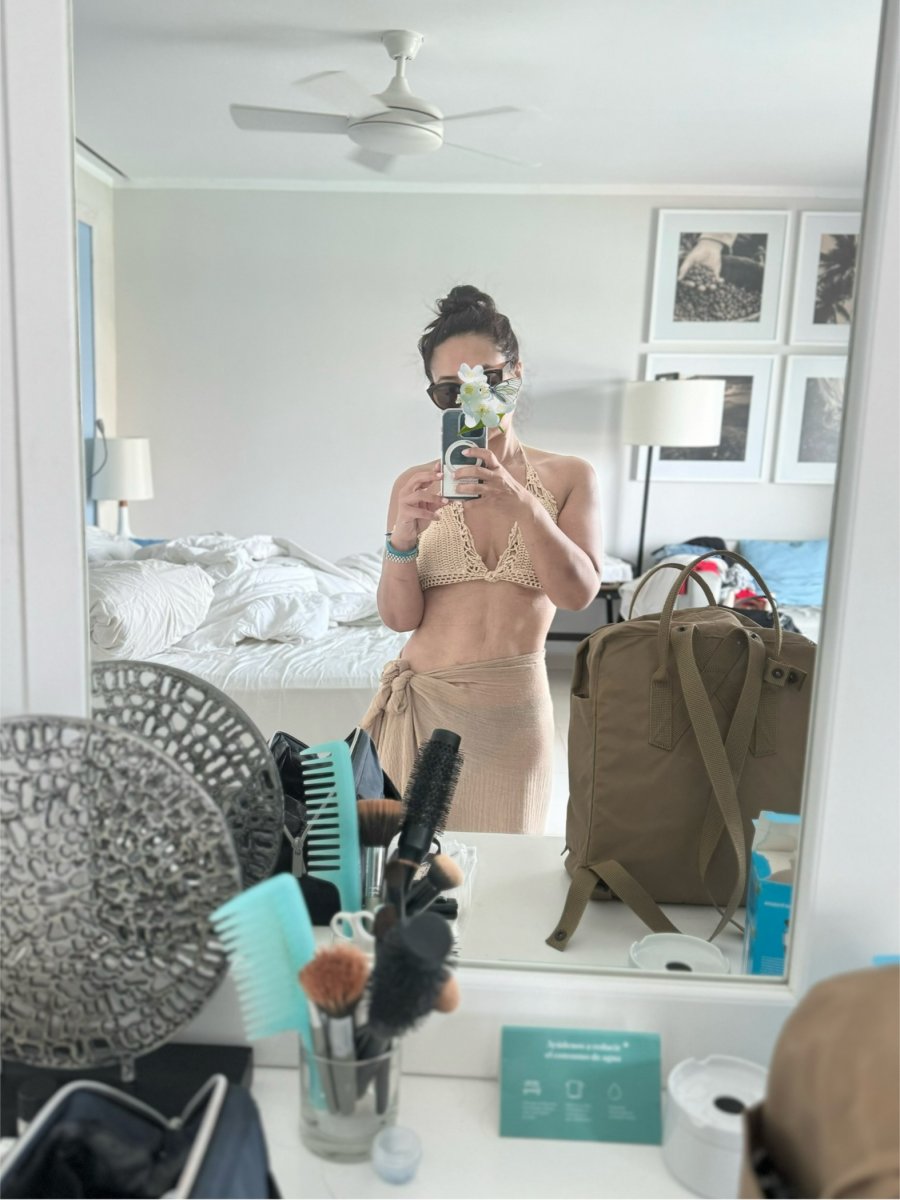
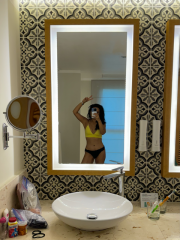
another gratuitous OOTD swimsuit shot! my abs are becoming a little more prominent...not because im exercising or anything, but because we have barely eaten while we've been here! i am NOT a fan of all-inclusive resort food and basically have only eaten over easy eggs and cabbage and the tube of Pringles i bought on the plane, ha. Oh, but i have probably drank my weight og vodka sodas omg.

  • From the album:

    ms.sss OOTDs

    · 138 images

    Account

    Navigation

    Search

    Search

    Configure browser push notifications

    Chrome (Android)
    1. Tap the lock icon next to the address bar.
    2. Tap Permissions → Notifications.
    3. Adjust your preference.
    Chrome (Desktop)
    1. Click the padlock icon in the address bar.
    2. Select Site settings.
    3. Find Notifications and adjust your preference.