






Skip to content
View in the app

A better way to browse. Learn more.

BariatricPal

A full-screen app on your home screen with push notifications, badges and more.

To install this app on iOS and iPadOS
  1. Tap the Share icon in Safari
  2. Scroll the menu and tap Add to Home Screen.
  3. Tap Add in the top-right corner.
To install this app on Android
  1. Tap the 3-dot menu (⋮) in the top-right corner of the browser.
  2. Tap Add to Home screen or Install app.
  3. Confirm by tapping Install.

2024-Jan-11b

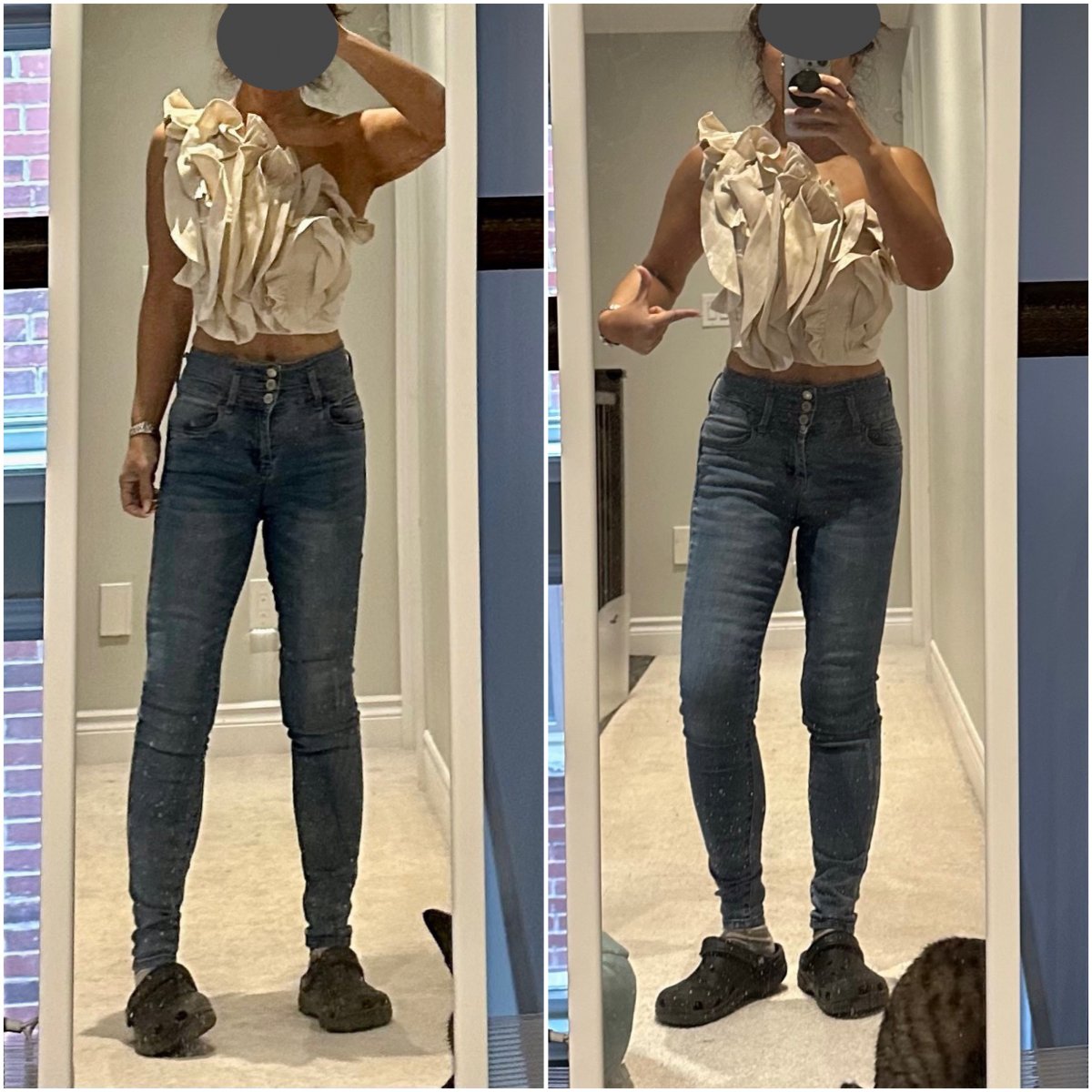
another online sale purchase i am not sure about! its a gold-ish, ruffled, asymmetrical, one-shoulder top. the listing called it a "statement top". nobody in the house is a fan, but i really like it for some reason...i think with a pair of black wide or straight leg pants with stilettos i could pull it off. BUT i have no occasion to wear it in the horizon. im probably gonna keep it since it was only $15 (Canadian!) on sale.

  • From the album:

    ms.sss OOTDs

    · 138 images

    Account

    Navigation

    Search

    Search

    Configure browser push notifications

    Chrome (Android)
    1. Tap the lock icon next to the address bar.
    2. Tap Permissions → Notifications.
    3. Adjust your preference.
    Chrome (Desktop)
    1. Click the padlock icon in the address bar.
    2. Select Site settings.
    3. Find Notifications and adjust your preference.