



Skip to content
View in the app

A better way to browse. Learn more.

BariatricPal

A full-screen app on your home screen with push notifications, badges and more.

To install this app on iOS and iPadOS
  1. Tap the Share icon in Safari
  2. Scroll the menu and tap Add to Home Screen.
  3. Tap Add in the top-right corner.
To install this app on Android
  1. Tap the 3-dot menu (⋮) in the top-right corner of the browser.
  2. Tap Add to Home screen or Install app.
  3. Confirm by tapping Install.

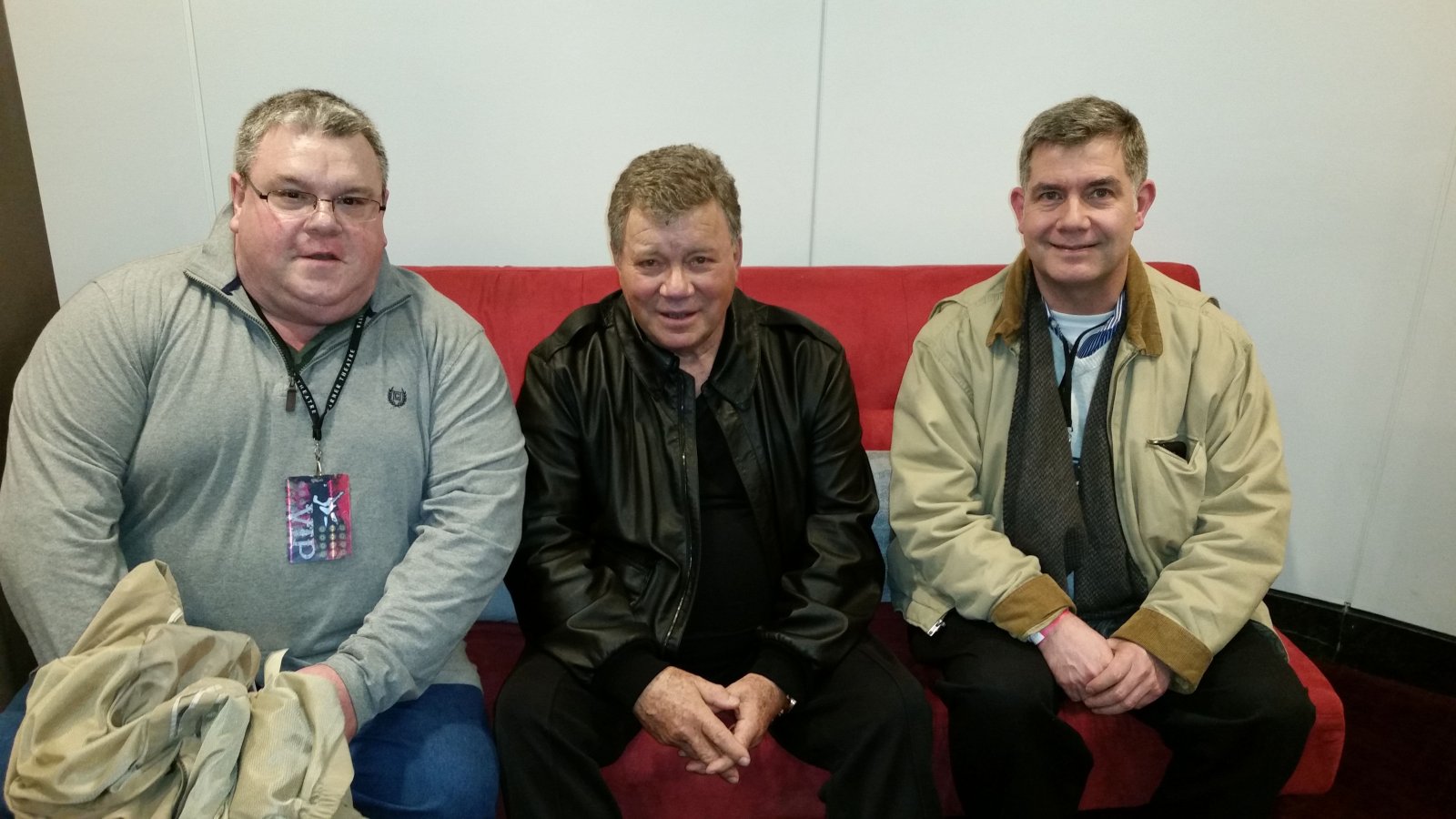
Steve at 307# with Mr. Shatner and my husband, Tim
Steve at 307# with Mr. Shatner and my husband, Tim. A weight loss surgery photo shared by shrinkingsteve from the album Steven Before on BariatricPal.

Copyright

© 2016 Catalyst Production

From the album:

Steven Before

· 1 image

Photo Information

  • Taken with samsung SM-G900P
  • Focal Length 4.8 mm
  • Exposure Time 1/30
  • Aperture f/2.2
  • ISO Speed 250

Account

Navigation

Search

Search

Configure browser push notifications

Chrome (Android)
  1. Tap the lock icon next to the address bar.
  2. Tap Permissions → Notifications.
  3. Adjust your preference.
Chrome (Desktop)
  1. Click the padlock icon in the address bar.
  2. Select Site settings.
  3. Find Notifications and adjust your preference.
