




Skip to content
View in the app

A better way to browse. Learn more.

BariatricPal

A full-screen app on your home screen with push notifications, badges and more.

To install this app on iOS and iPadOS
  1. Tap the Share icon in Safari
  2. Scroll the menu and tap Add to Home Screen.
  3. Tap Add in the top-right corner.
To install this app on Android
  1. Tap the 3-dot menu (⋮) in the top-right corner of the browser.
  2. Tap Add to Home screen or Install app.
  3. Confirm by tapping Install.

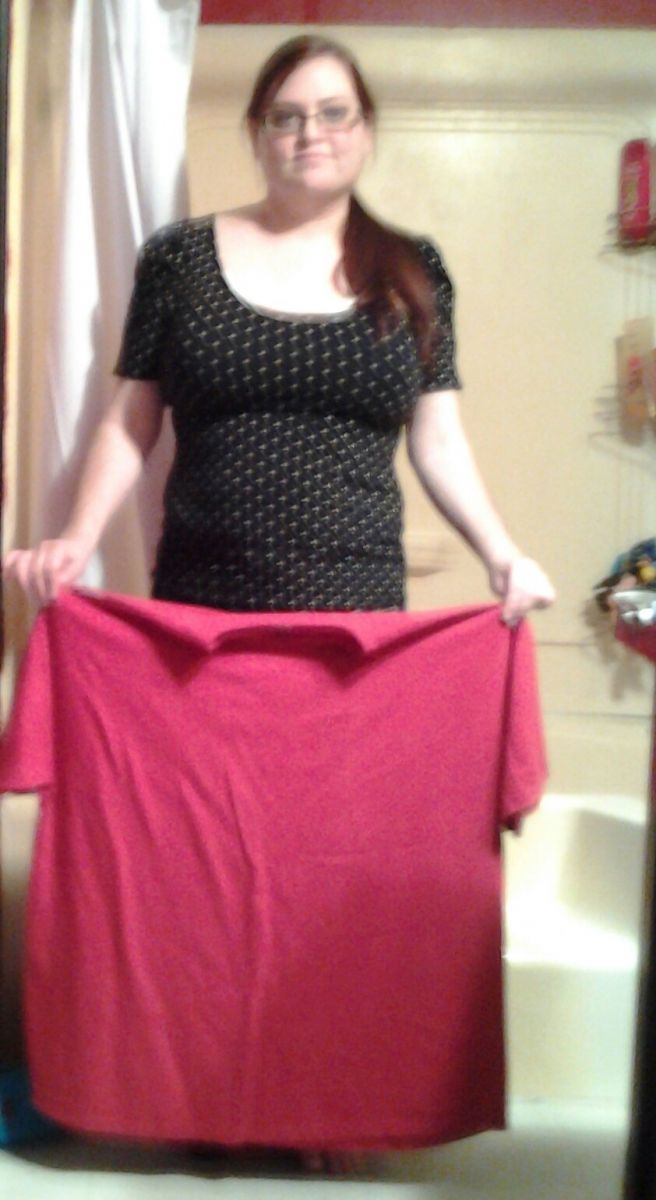
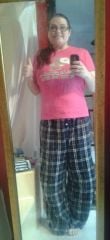
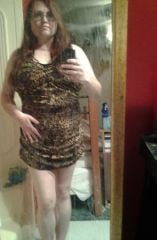
IMG 20140223 191403 1

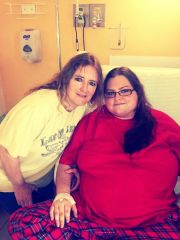
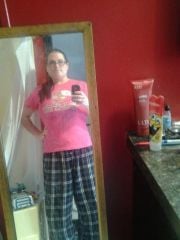
This is me today, february 23rd, 2014. 3 months post op. This red shirt is yhe shirt I wore in the hospital 2 days post op. I posted that pic right after this one so you can can see. Sorry about the blur...my 6 year old son, Greyson, had to snap it for me...

  • From the album:

    February 13 2014

    · 15 images

    Photo Information

    • Taken with SAMSUNG SCH-S738C
    • Aperture f/2.6

    Account

    Navigation

    Search

    Search

    Configure browser push notifications

    Chrome (Android)
    1. Tap the lock icon next to the address bar.
    2. Tap Permissions → Notifications.
    3. Adjust your preference.
    Chrome (Desktop)
    1. Click the padlock icon in the address bar.
    2. Select Site settings.
    3. Find Notifications and adjust your preference.
