




Skip to content
View in the app

A better way to browse. Learn more.

BariatricPal

A full-screen app on your home screen with push notifications, badges and more.

To install this app on iOS and iPadOS
  1. Tap the Share icon in Safari
  2. Scroll the menu and tap Add to Home Screen.
  3. Tap Add in the top-right corner.
To install this app on Android
  1. Tap the 3-dot menu (⋮) in the top-right corner of the browser.
  2. Tap Add to Home screen or Install app.
  3. Confirm by tapping Install.

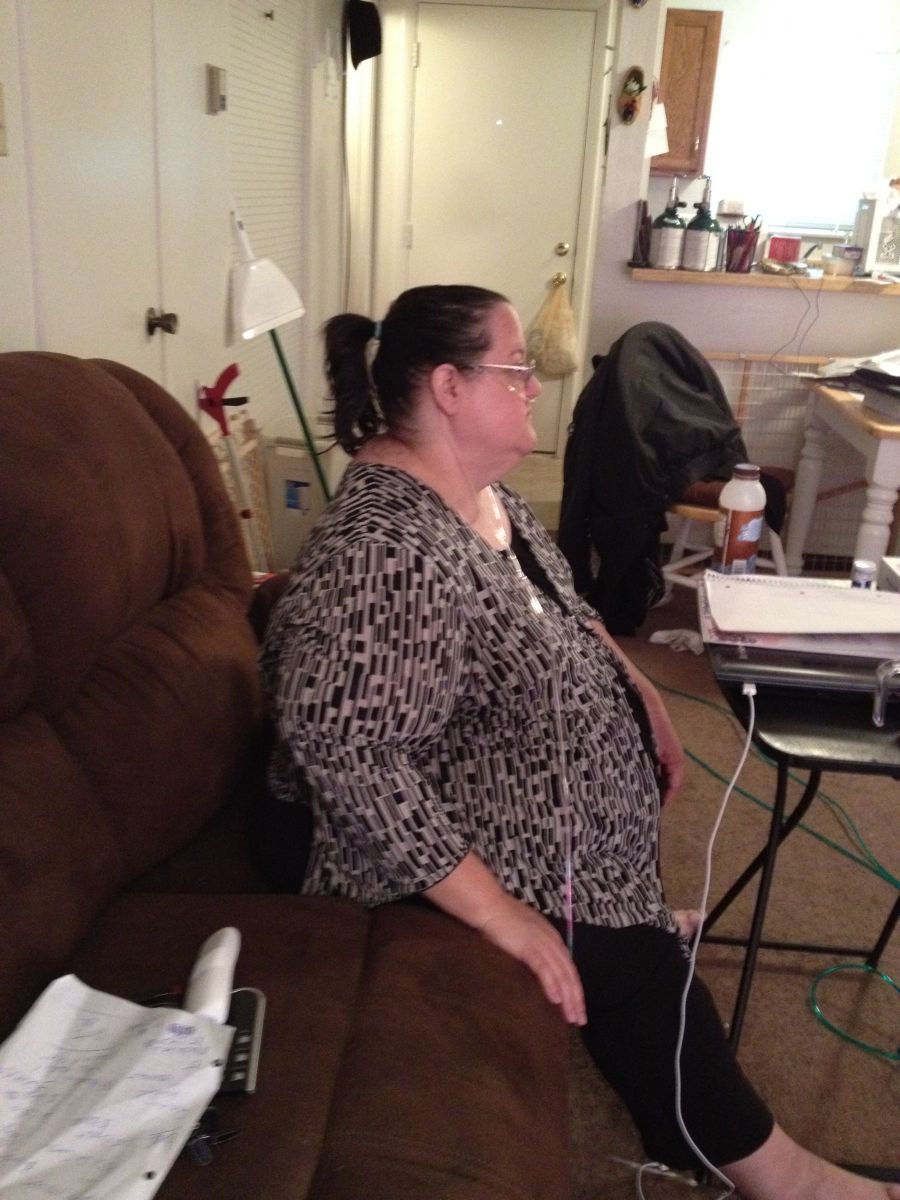
My in progress picture!
Now I'm down to 316! Much better but still a long ways to go! My beginning Aic was 8.1 a year ago, currently it's down to 6.5! I can climb stairs much better. My breathing is better. I'm still on Oxygen but I can leave it off for periods of time. I'm off my Insulin. I still take oral meds for diabeties type 2. I'm hoping to be off them by the end of this year.

From the album:

My Gallery

· 2 images

Account

Navigation

Search

Search

Configure browser push notifications

Chrome (Android)
  1. Tap the lock icon next to the address bar.
  2. Tap Permissions → Notifications.
  3. Adjust your preference.
Chrome (Desktop)
  1. Click the padlock icon in the address bar.
  2. Select Site settings.
  3. Find Notifications and adjust your preference.