




Skip to content
View in the app

A better way to browse. Learn more.

BariatricPal

A full-screen app on your home screen with push notifications, badges and more.

To install this app on iOS and iPadOS
  1. Tap the Share icon in Safari
  2. Scroll the menu and tap Add to Home Screen.
  3. Tap Add in the top-right corner.
To install this app on Android
  1. Tap the 3-dot menu (⋮) in the top-right corner of the browser.
  2. Tap Add to Home screen or Install app.
  3. Confirm by tapping Install.

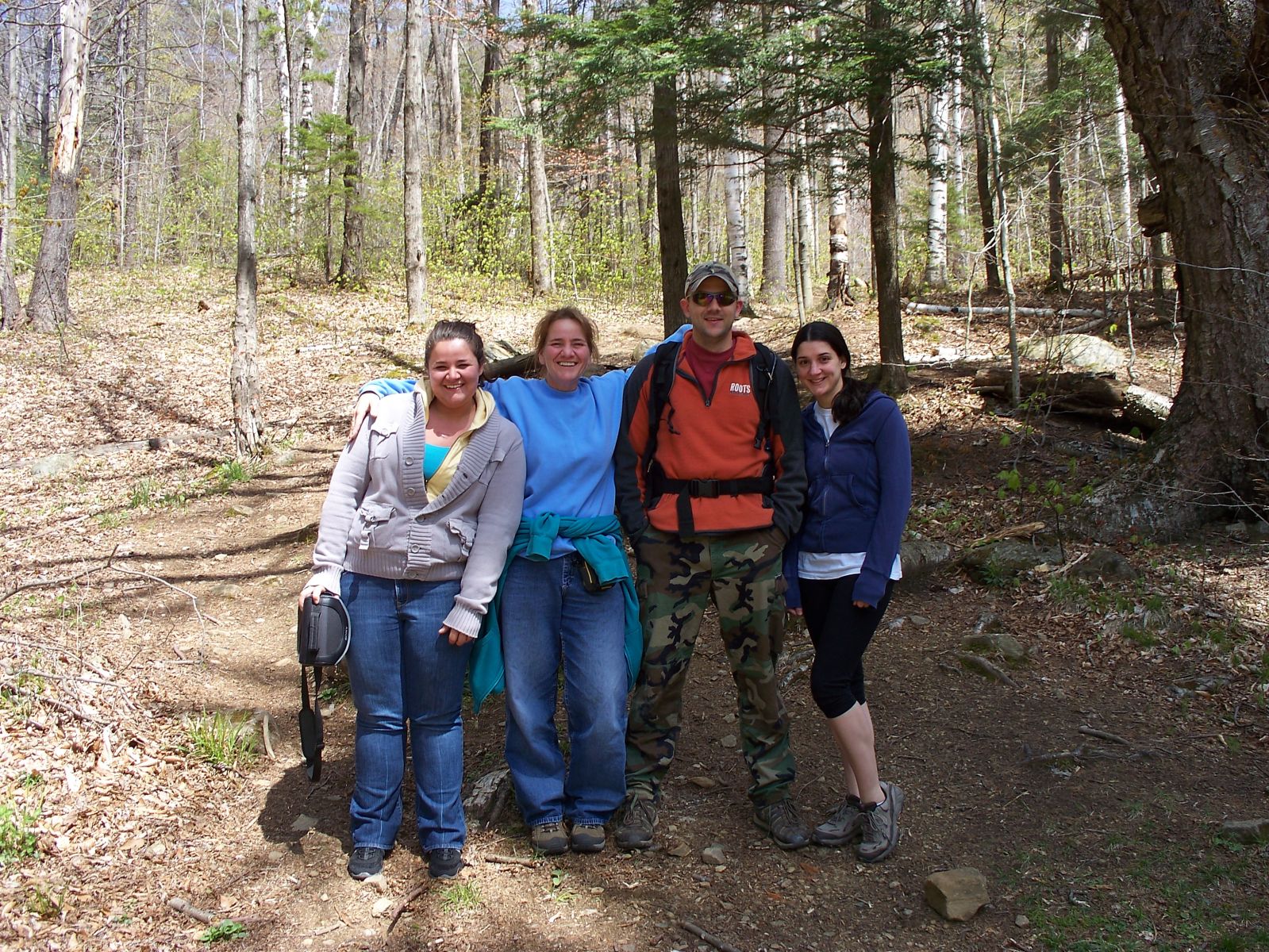
sleeping beauty Mtn 4.28.12 And My 49th birthday 017

After losing 100 lbs (from pre-surgery weight until now) I decided for my 49th birthday I wanted to hike to the top of a mountain in Lake George NY . I am in the blue shirt, my two children are on each side of me. We hiked for 6 hours that day. I never could have done at 100lbs heavier. Two years ago I would have asked to go out to dinner or to a movie for my birthday. This surgery has given me my life back to enjoy DOING things again!

  • From the album:

    Untitled Album

    · 1 image

    Account

    Navigation

    Search

    Search

    Configure browser push notifications

    Chrome (Android)
    1. Tap the lock icon next to the address bar.
    2. Tap Permissions → Notifications.
    3. Adjust your preference.
    Chrome (Desktop)
    1. Click the padlock icon in the address bar.
    2. Select Site settings.
    3. Find Notifications and adjust your preference.