Skip to content
View in the app

A better way to browse. Learn more.

BariatricPal

A full-screen app on your home screen with push notifications, badges and more.

To install this app on iOS and iPadOS
  1. Tap the Share icon in Safari
  2. Scroll the menu and tap Add to Home Screen.
  3. Tap Add in the top-right corner.
To install this app on Android
  1. Tap the 3-dot menu (⋮) in the top-right corner of the browser.
  2. Tap Add to Home screen or Install app.
  3. Confirm by tapping Install.
  • Appearance

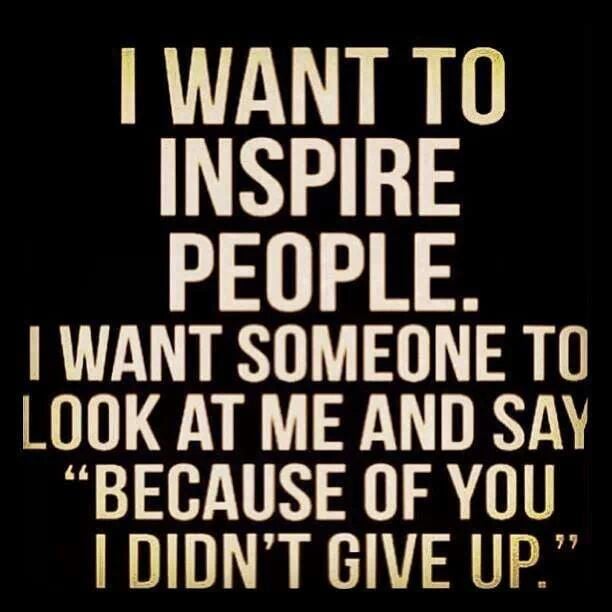
Take time to inspire someone

blog-0164415001390842376.jpeg

Happy Monday everyone!


I have been so busy I haven't had time to check in with everyone.


I wanted to share this story with everyone so I will try not to bore you! :)


When I started my lap band journey I only told my family and my best friends.


As I got more comfortable I started telling everyone!


Today a fellow co worker came up to me and told me that he is getting the lap band because I inspired him.


I was shocked but I was so happy for him.


We had this conversation before.


He asked me questions and I told about my journey. But I always told him "my journey will be different from yours."


I am proud to say that I am happy that I was able to inspire someone to live a healthier lifestyle.


I don't think I say this enough but I am thankful for this site and everyone on this site. You guys inspire me to do better and for that I thank you!


So take time to inspire someone today and maybe that person will pay it forward.


God is Good!


Thanks for reading!

1 Comment

Recommended Comments

Debbie3sons

LAP-BAND Patients

Way to go girl , see you must have done something right for you for someone else to see the ne improved healthy life style change , that made them say mmm and thought and watched to see how things went , that is great.

Guest
Add a comment...

Account

Navigation

Search

Search

Configure browser push notifications

Chrome (Android)
  1. Tap the lock icon next to the address bar.
  2. Tap Permissions → Notifications.
  3. Adjust your preference.
Chrome (Desktop)
  1. Click the padlock icon in the address bar.
  2. Select Site settings.
  3. Find Notifications and adjust your preference.