




I Loovee it <3

By Tisa
· 554 views
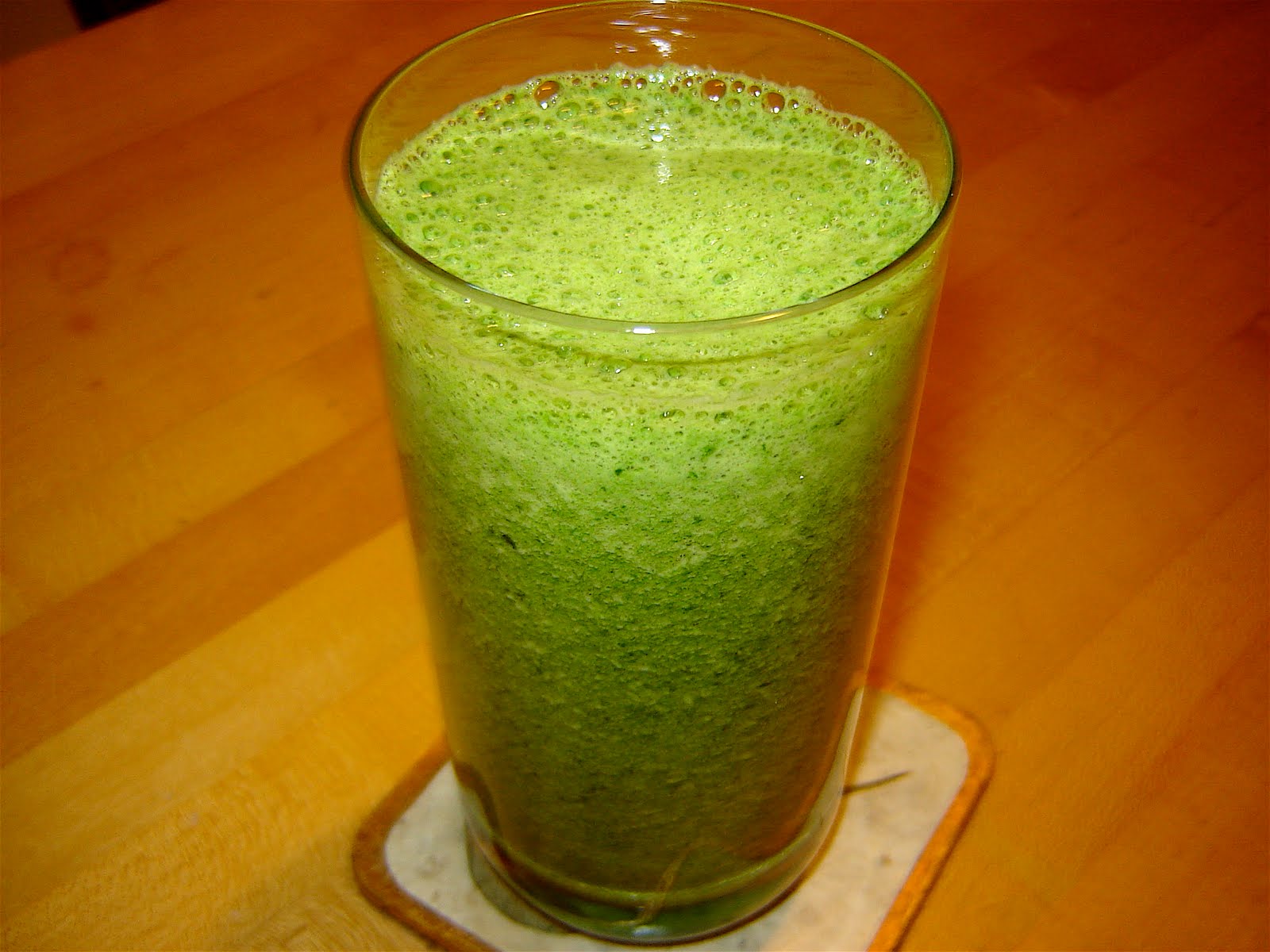 Look at it, doesn't it look disgusting?? doesn't the thought of consuming such a thing just put you off? well guess what it's actually delicious! i know i was surprised too. Low calorie, full of vitamins/minerals, filling, delicious can it get any better than that?
well i first heard of the green smoothie from this book forgot the name of it, but the recipe the lady gave me tasted despicable >.<. Ok so rule of thumb, the smoothie should be half greens half fruit so it's sweet, also make sure to blend until smooth so its not chunky and gross. I use half spinach and half strawberry/apple, banannas dont have enough flavor for me :/. It tasted just like apple juice! breakfast anyone 
Recommended Comments