Skip to content
View in the app

A better way to browse. Learn more.

BariatricPal

A full-screen app on your home screen with push notifications, badges and more.

To install this app on iOS and iPadOS
  1. Tap the Share icon in Safari
  2. Scroll the menu and tap Add to Home Screen.
  3. Tap Add in the top-right corner.
To install this app on Android
  1. Tap the 3-dot menu (⋮) in the top-right corner of the browser.
  2. Tap Add to Home screen or Install app.
  3. Confirm by tapping Install.
  • Appearance

Join BariatricPal free

  • Ask your own questions
  • Reply and follow topics
  • Message other members
  • No cost, no spam

How can I update my surgery tab?

I've been trying to update my surgery info since yesterday and I don't know how. Can someone help me, please?

  • Replies 11
  • Views 5.1k
  • Created
  • Last Reply

Top Posters In This Topic

Most Popular Posts

  • Starwarsandcupcakes
    Starwarsandcupcakes

    I have this link saved on my favorites on my phone for when I want to update anything about my surgery.

  • Aprice76
    Aprice76

    Thank you Starwarsandcupacakes, it worked!! I was able to update.

  • Greendragonfly
    Greendragonfly

    Go to the dropdown next to your name, click surgery then, progress. Be sure to click save on the bottom.

Posted Images
Featured Replies

Go to the dropdown next to your name, click surgery then, progress. Be sure to click save on the bottom.

  • Author

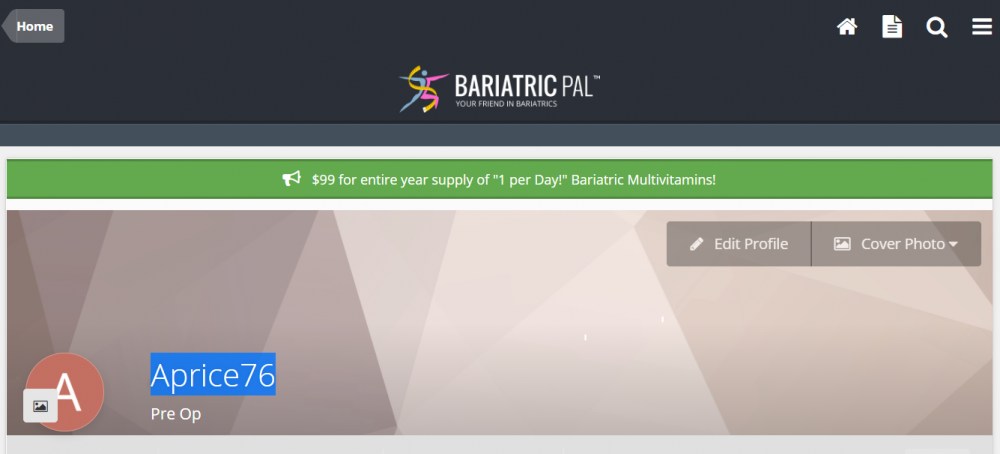
Thank you Greendragonfly for responding. I was able to update some of my surgery info thru a link I found in one of the forums. For some reason I can not find the drop down box to save my life lol. I have attached a picture of what I see. Are you referring to the 3 lines on the right hand corner?

image.thumb.png.3fefbcc89a8e6b8356f4fd488684acb9.png

What type of device are you on? My screen shot is different.

Edited by Greendragonfly

Not sure if any moderators are reading this, but it would be great if there were an easier, more accessible, faster way to update our weight loss, such as a tab to click on at our homepage. Even after being in the forum for more than two years, I still have trouble navigating to the surgery progress page to update my weight.

  • Popular Post

I have this link saved on my favorites on my phone for when I want to update anything about my surgery.

9 minutes ago, Starwarsandcupcakes said:

I have this link saved on my favorites on my phone for when I want to update anything about my surgery.

Thanks!

  • Author

Greendragonfly, I am using my laptop.

  • Author

Prestonandme thanks for letting me know that is a little complicated to update. Starwarsandcupcakes, I will try to use the link you posted. Hopefully, it will work. Thank you everyone for all your help. ?

  • Author

Thank you Starwarsandcupacakes, it worked!! I was able to update.

  • 6 months later...
On 5/23/2021 at 8:45 AM, Starwarsandcupcakes said:

I have this link saved on my favorites on my phone for when I want to update anything about my surgery.

Thank you! Couldn't find it anywhere!

  • 3 months later...
On 5/23/2021 at 12:45 AM, Starwarsandcupcakes said:

I have this link saved on my favorites on my phone for when I want to update anything about my surgery.

Thank you! This link finally got me to the area to update surgery etc...

Join the conversation

You can post as a guest; create a free account to track replies, follow topics, and be part of the largest weight loss surgery community.

Join the conversation

You can post now and register later. If you have an account, sign in now to post with your account.

Guest
Reply to this topic...

Account

Navigation

Search

Search

Configure browser push notifications

Chrome (Android)
  1. Tap the lock icon next to the address bar.
  2. Tap Permissions → Notifications.
  3. Adjust your preference.
Chrome (Desktop)
  1. Click the padlock icon in the address bar.
  2. Select Site settings.
  3. Find Notifications and adjust your preference.