Skip to content
View in the app

A better way to browse. Learn more.

BariatricPal

A full-screen app on your home screen with push notifications, badges and more.

To install this app on iOS and iPadOS
  1. Tap the Share icon in Safari
  2. Scroll the menu and tap Add to Home Screen.
  3. Tap Add in the top-right corner.
To install this app on Android
  1. Tap the 3-dot menu (⋮) in the top-right corner of the browser.
  2. Tap Add to Home screen or Install app.
  3. Confirm by tapping Install.

Food/water intake tracker

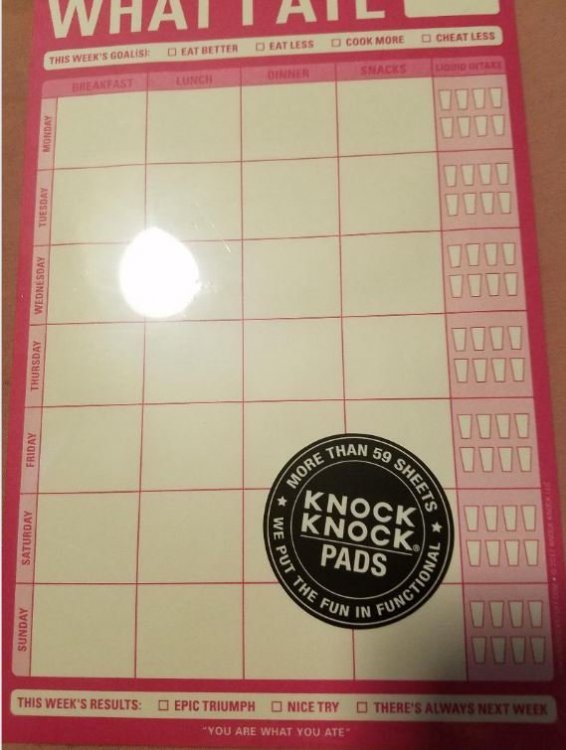
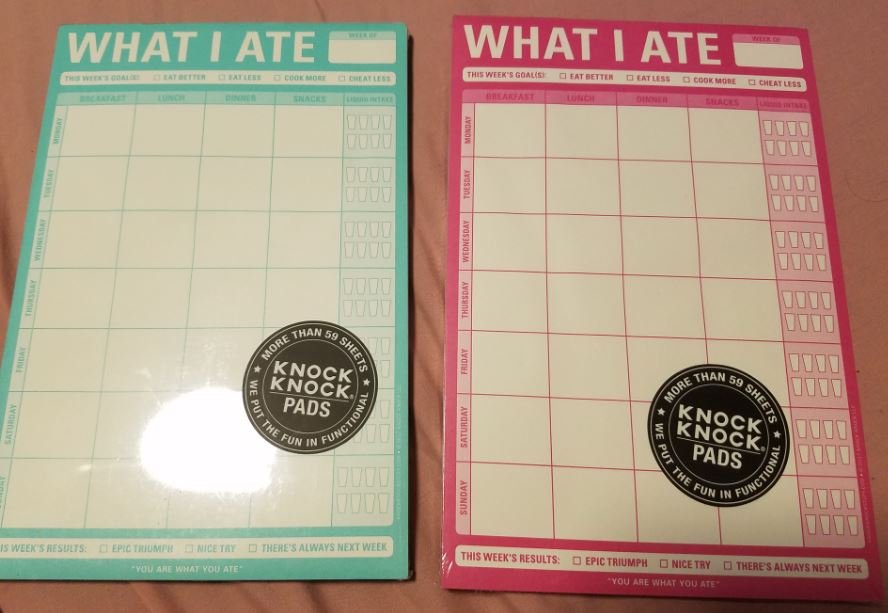
Heya - I just got back from TJ Maxx and found these neat calendar pads where you can keep track of what you are for breakfast, lunch, dinner and snacks... as well as liquid intake. They were only $2.99 per pad. They contain 60 sheets each, according to the brand's website. So each pack will last for more than a year. It also has a magnet on the back, so you can affix it to your refrigerator.

I've been using weekly planner I got at the Dollar Tree -- which works fine, but this looks even easier.

CALENDER.JPG

CALENDER1.JPG

  • Replies 4
  • Views 1.1k
  • Created
  • Last Reply

Top Posters In This Topic

Most Popular Posts

  • tarotcardreader
    tarotcardreader

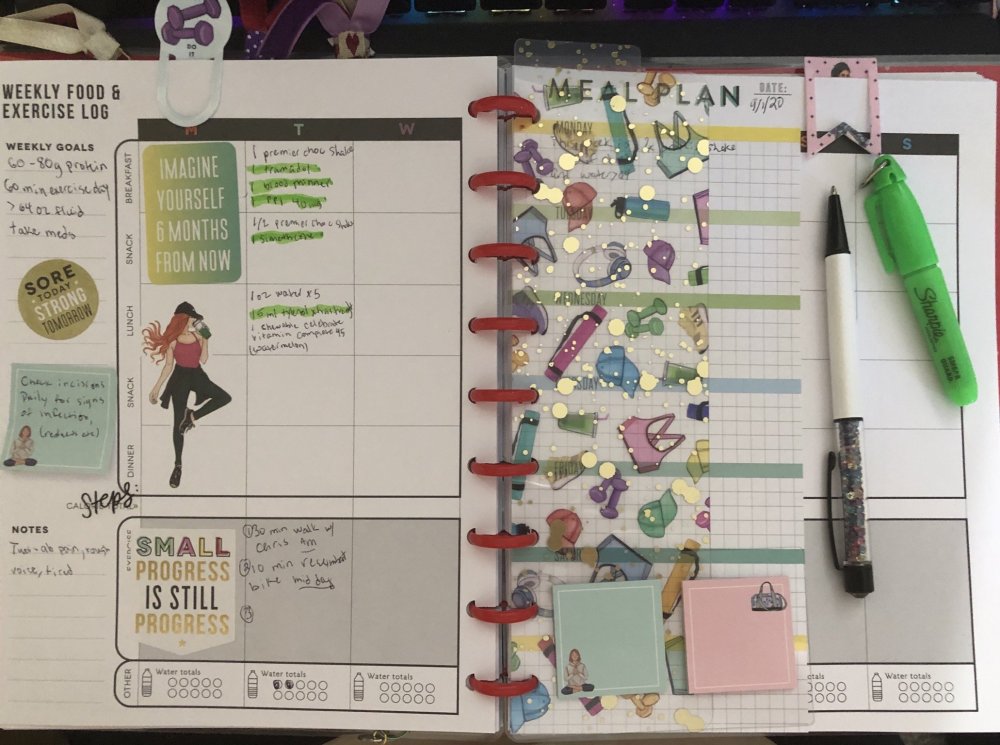
    Thats cute i been using happy planner fitness

  • I do LOVE your planner, @tarotcardreader ~ it so cute!

  • tarotcardreader
    tarotcardreader

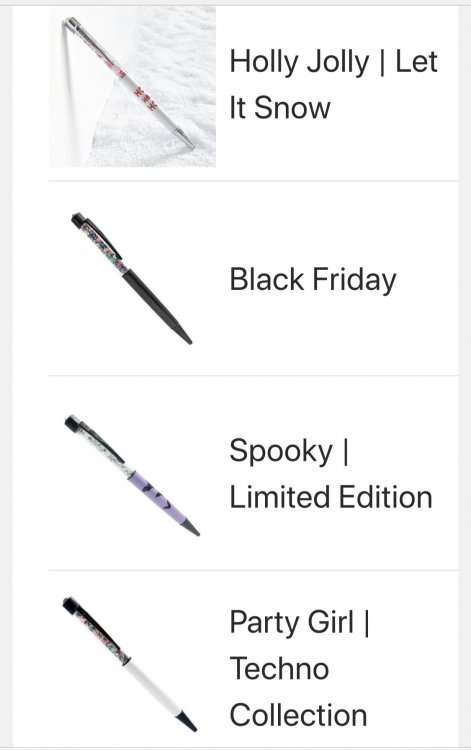
    Yes you gotta be careful with that happy planner dot com place before you know it youd have an entire collection. Then i also found pen gems ?

Posted Images
Featured Replies

6 hours ago, Lanie992 said:

I do LOVE your planner, @tarotcardreader ~ it so cute!

Yes you gotta be careful with that happy planner dot com place before you know it youd have an entire collection. Then i also found pen gems ?

B7D1E8FD-5749-46F4-82A0-174215C920AD.jpeg

I like using carb manager. You can do it from ur phone.

I monitor my food intake, water. Vitamins and exercise. U can email it to yourself or you can send it to your nutritionist

Sent from my SM-G960U1 using BariatricPal mobile app

Join the conversation

You can post now and register later. If you have an account, sign in now to post with your account.

Guest
Reply to this topic...

Trending Products

PatchAid Vitamin Patches

Account

Navigation

Search

Search

Configure browser push notifications

Chrome (Android)
  1. Tap the lock icon next to the address bar.
  2. Tap Permissions → Notifications.
  3. Adjust your preference.
Chrome (Desktop)
  1. Click the padlock icon in the address bar.
  2. Select Site settings.
  3. Find Notifications and adjust your preference.