Skip to content
View in the app

A better way to browse. Learn more.

BariatricPal

A full-screen app on your home screen with push notifications, badges and more.

To install this app on iOS and iPadOS
  1. Tap the Share icon in Safari
  2. Scroll the menu and tap Add to Home Screen.
  3. Tap Add in the top-right corner.
To install this app on Android
  1. Tap the 3-dot menu (⋮) in the top-right corner of the browser.
  2. Tap Add to Home screen or Install app.
  3. Confirm by tapping Install.
  • Appearance

Join BariatricPal free

  • Ask your own questions
  • Reply and follow topics
  • Message other members
  • No cost, no spam

Six Month Post-Op Then and Now

  • Popular Post

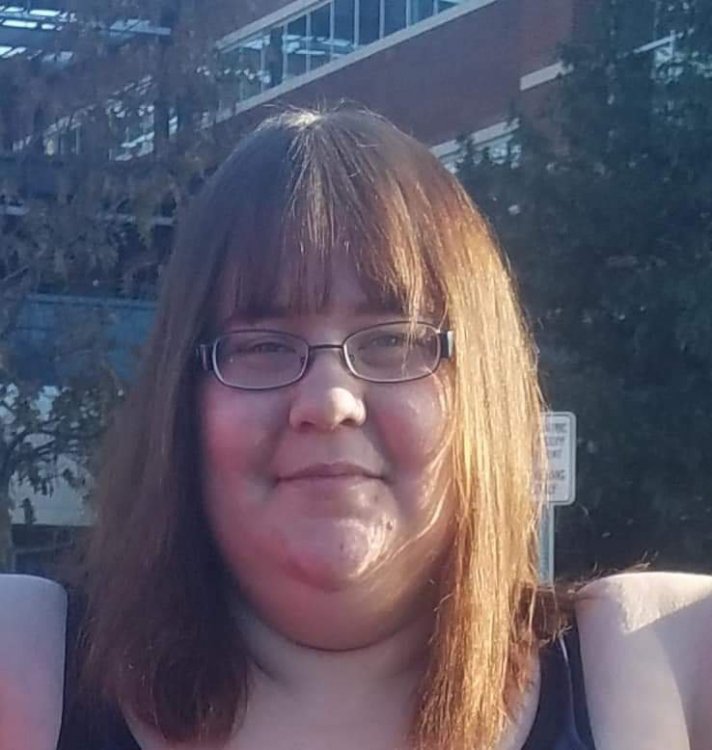
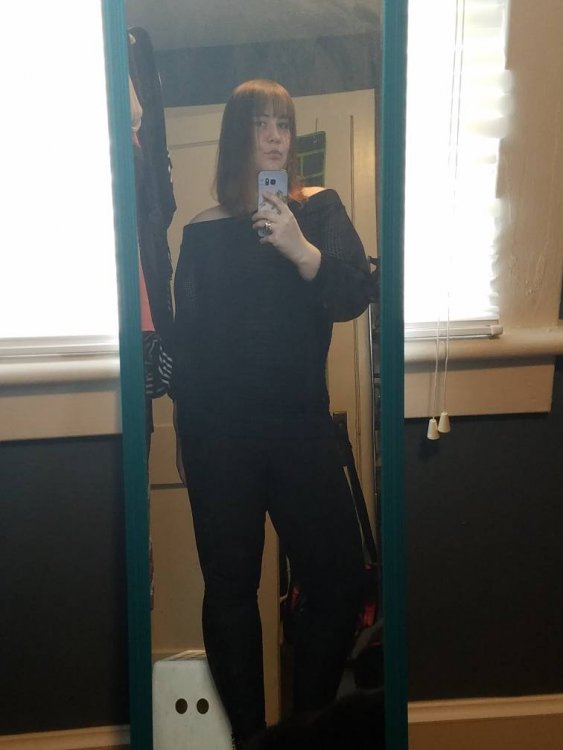
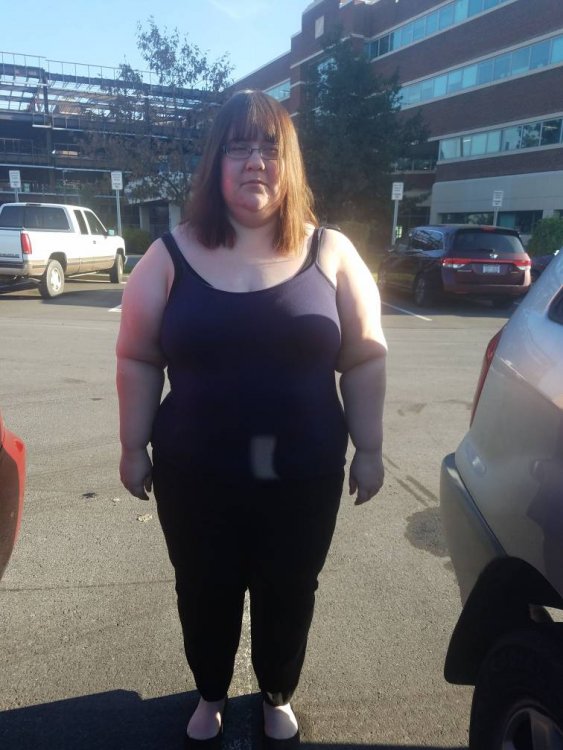
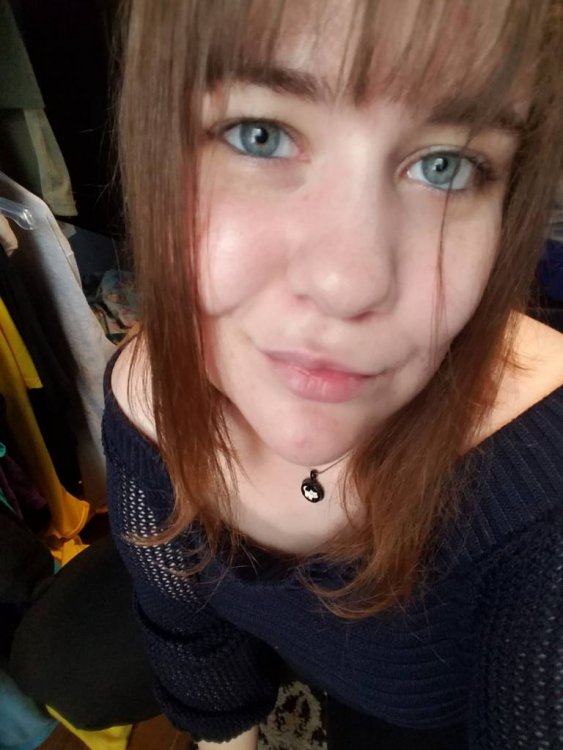
6 months was on 5/1. Down 97lbs from 286 SW. 48 more to go. 20181031_093023.jpeg20190504_121433.jpegFB_IMG_1553268566375.jpeg20190504_121821.jpeg

  • Replies 16
  • Views 3.9k
  • Created
  • Last Reply

Top Posters In This Topic

Most Popular Posts

  • mousecat88
    mousecat88

    Thanks everyone. I feel a lot better, physically. I look forward to my trainer sessions each week. Had my six-month appointment and they were thrilled with the results so far and said I don't need to

  • Jacquie1952
    Jacquie1952

    Your doing great! I'm much older than most. I'm just starting the process of getting the Sleeve.

  • justmetj
    justmetj

    You look great! Congratulations ?

Posted Images
Featured Replies

You look AMAZING !

Your after picture made me smile because just the other day someone complimented my daughters big blue eyes and asked where she got them so which I replied UH ME!! I made some snarky comment mine being big too before I gained weight, So the difference in your big blue eyes made me smile, maybe mine will come back when my face thins too!

Join the conversation

You can post as a guest; create a free account to track replies, follow topics, and be part of the largest weight loss surgery community.

Join the conversation

You can post now and register later. If you have an account, sign in now to post with your account.

Guest
Reply to this topic...

Account

Navigation

Search

Search

Configure browser push notifications

Chrome (Android)
  1. Tap the lock icon next to the address bar.
  2. Tap Permissions → Notifications.
  3. Adjust your preference.
Chrome (Desktop)
  1. Click the padlock icon in the address bar.
  2. Select Site settings.
  3. Find Notifications and adjust your preference.