



Skip to content
View in the app

A better way to browse. Learn more.

BariatricPal

A full-screen app on your home screen with push notifications, badges and more.

To install this app on iOS and iPadOS
  1. Tap the Share icon in Safari
  2. Scroll the menu and tap Add to Home Screen.
  3. Tap Add in the top-right corner.
To install this app on Android
  1. Tap the 3-dot menu (⋮) in the top-right corner of the browser.
  2. Tap Add to Home screen or Install app.
  3. Confirm by tapping Install.

Fry Up

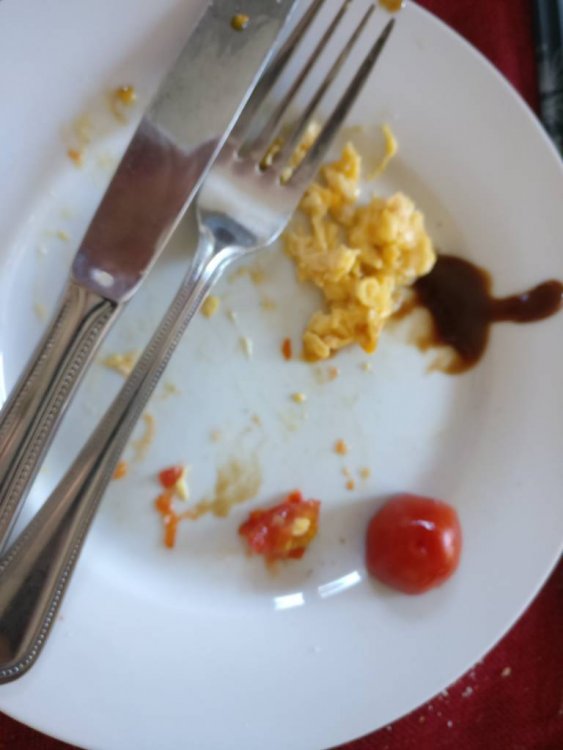
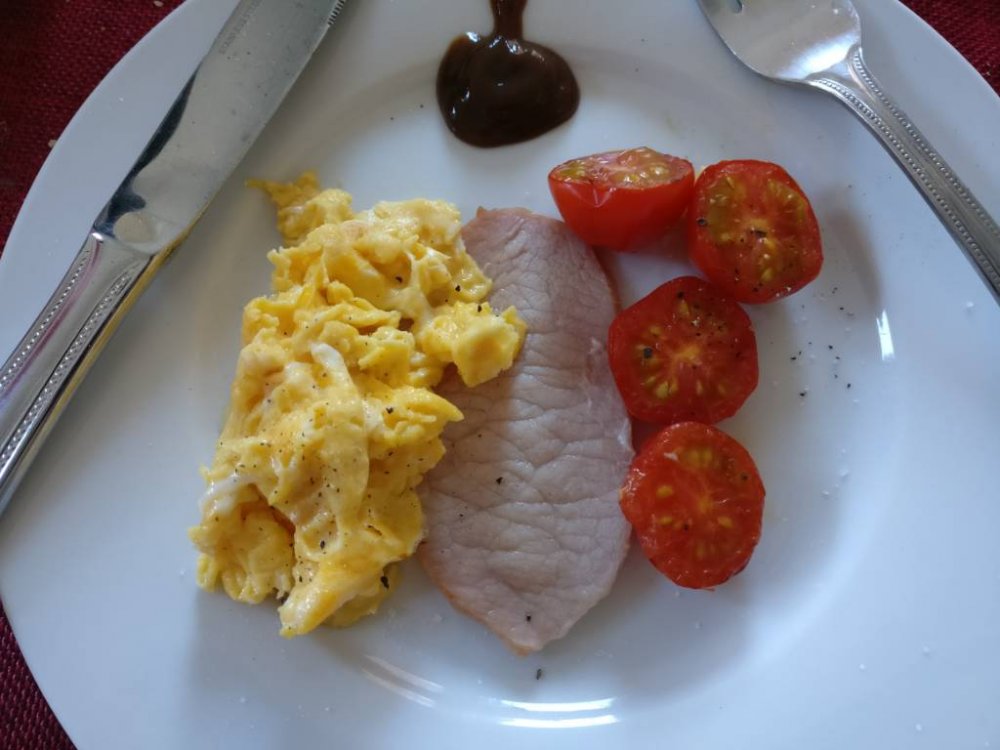
Idea rather than recipe. Grilled bacon & tomato with scramble done in non-stick pan with just a squirt of oil. My alternative to an old school fry up with some HP Sauce, just cos.

1 Egg

1 Dry cure bacon medallion (I like smoked)

2 Cherry tomatoes

2 Squirts spray oil

3g HP Sauce

Salt and pepper.

According to my app 118kcal, Protein: 12.4, Carbs 1.1g (Sugars 1g), Fats 4.7 (Sat. 2.4g)

IMG_20190226_125013.jpegIMG_20190226_125441.jpeg

Sent from my ONEPLUS A3003 using Tapatalk

  • Replies 1
  • Views 3.6k
  • Created
  • Last Reply

Top Posters In This Topic

Most Popular Posts

  • Avery's Mom
    Avery's Mom

    looks yummy except for the tomatoes lol I need to add some veggies to my breakfast plates. I have been scrambling a half dozen eggs every few days so I can heat them in a hurry in the AM and I usua
Posted Images

Featured Replies

looks yummy except for the tomatoes lol I need to add some veggies to my breakfast plates. I have been scrambling a half dozen eggs every few days so I can heat them in a hurry in the AM and I usually grab some cheese or sliced turkey or rotisserie chicken for extra protein.

Join the conversation

You can post now and register later. If you have an account, sign in now to post with your account.

Guest
Reply to this topic...

Trending Products

PatchAid Vitamin Patches

Account

Navigation

Search

Search

Configure browser push notifications

Chrome (Android)
  1. Tap the lock icon next to the address bar.
  2. Tap Permissions → Notifications.
  3. Adjust your preference.
Chrome (Desktop)
  1. Click the padlock icon in the address bar.
  2. Select Site settings.
  3. Find Notifications and adjust your preference.