



Skip to content
View in the app

A better way to browse. Learn more.

BariatricPal

A full-screen app on your home screen with push notifications, badges and more.

To install this app on iOS and iPadOS
  1. Tap the Share icon in Safari
  2. Scroll the menu and tap Add to Home Screen.
  3. Tap Add in the top-right corner.
To install this app on Android
  1. Tap the 3-dot menu (⋮) in the top-right corner of the browser.
  2. Tap Add to Home screen or Install app.
  3. Confirm by tapping Install.

Be Happy

  • Popular Post
We all have days of frustrations, not trusting the process or whatever it may be...let’s try and focus on the positive and be thankful for our wonderful tool. Enjoy your weekend everyone ?
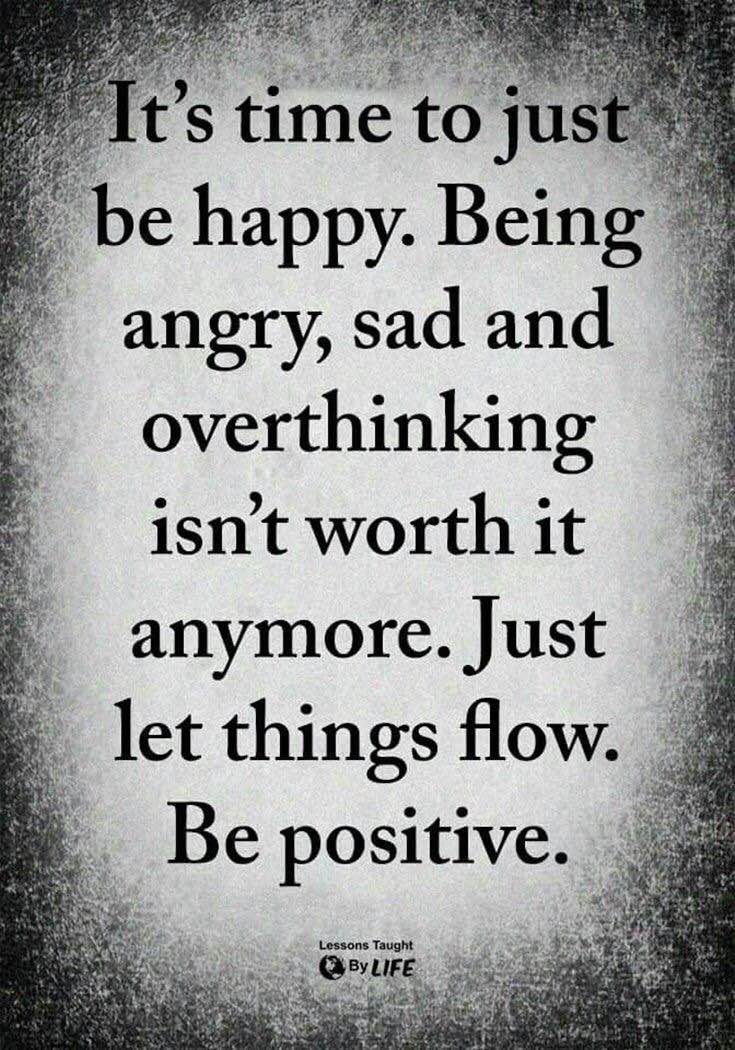

image-0.00691413879394531.jpg

  • Replies 2
  • Views 506
  • Created
  • Last Reply

Top Posters In This Topic

Most Popular Posts

  • Thanks Wanda, on this day if assessment, where you sit and thi,k " Did I do all I could have done this year? What could I done better?" As a Protestant I have to think about it now, if I were Jewish I

  • Here is to looking to 2019 and everything it will bring with it.
Posted Images

Featured Replies

Thanks Wanda, on this day if assessment, where you sit and thi,k " Did I do all I could have done this year? What could I done better?" As a Protestant I have to think about it now, if I were Jewish I would have had Yom Kippur and my Day of Atonement would be over. A positive note was I got my surgery, the RnY I had been seeking since August 2015, and if everything wasn't and isn't perfect, I am still glad I had it. More positives than negative to my journey, and I would never turn back. Henry David Thoreau said "Pursue some path, however narrow and crooked, in which you can walk with love and reverence." And I find myself agreeing with his thought.

Here is to looking to 2019 and everything it will bring with it.

Join the conversation

You can post now and register later. If you have an account, sign in now to post with your account.

Guest
Reply to this topic...

Trending Products

PatchAid Vitamin Patches

Account

Navigation

Search

Search

Configure browser push notifications

Chrome (Android)
  1. Tap the lock icon next to the address bar.
  2. Tap Permissions → Notifications.
  3. Adjust your preference.
Chrome (Desktop)
  1. Click the padlock icon in the address bar.
  2. Select Site settings.
  3. Find Notifications and adjust your preference.