




Skip to content
View in the app

A better way to browse. Learn more.

BariatricPal

A full-screen app on your home screen with push notifications, badges and more.

To install this app on iOS and iPadOS
  1. Tap the Share icon in Safari
  2. Scroll the menu and tap Add to Home Screen.
  3. Tap Add in the top-right corner.
To install this app on Android
  1. Tap the 3-dot menu (⋮) in the top-right corner of the browser.
  2. Tap Add to Home screen or Install app.
  3. Confirm by tapping Install.

This is getting real

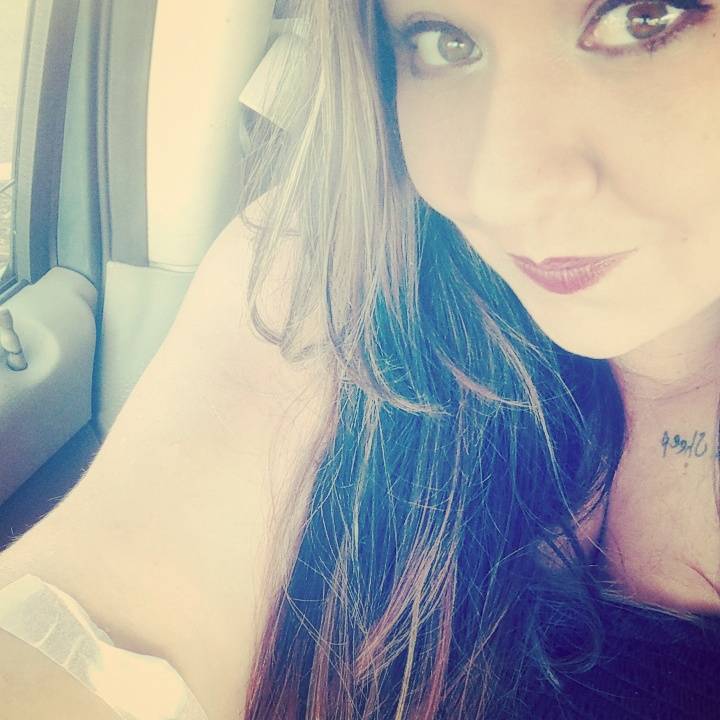
So although I've started this journey about 9 months ago with all the weigh ins and what not, two days ago I finally went and had my pre blood work and chest x-ray done. It's amazing how those two things made this seem so much more real. I have my EKG in two weeks and my surgery consult on September 11th. I'm beyond excited to be on this life changing journeyIMG_20170825_084259_774.jpg
Sent from my Pixel using BariatricPal mobile app

  • Replies 2
  • Views 357
  • Created
  • Last Reply

Featured Replies

It's a wonderful feeling when you realize that it's all coming together [emoji4]


I don't want to sound weird at all but....I'm sure you have heard this before. You my friend are BEAUTIFUL!!!! It is very exciting to finally get to start the true work. You will find this journey is very worth everything that it takes to get there!! I hope to see more of your journey please keep us posted. Good Luck

Archived

This topic is now archived and is closed to further replies.

Trending Products

PatchAid Vitamin Patches

Account

Navigation

Search

Search

Configure browser push notifications

Chrome (Android)
  1. Tap the lock icon next to the address bar.
  2. Tap Permissions → Notifications.
  3. Adjust your preference.
Chrome (Desktop)
  1. Click the padlock icon in the address bar.
  2. Select Site settings.
  3. Find Notifications and adjust your preference.