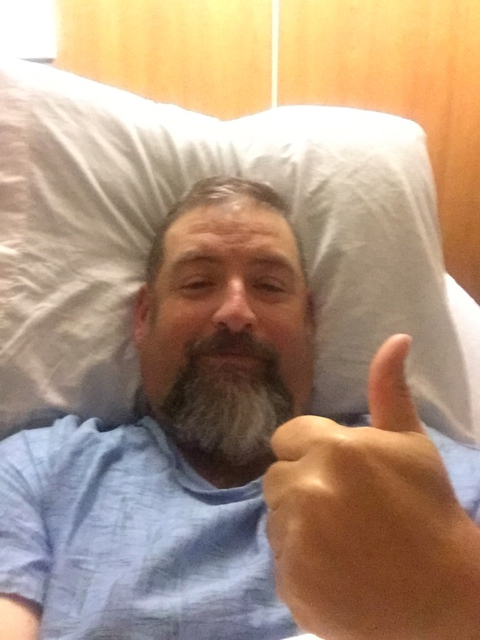
Got Sleeved today
- Replies 7
- Views 712
- Created
- Last Reply
Top Posters In This Topic
-
LetGoJo 2 posts
-
Navigating the Wilderness 1 post
-
Lannie 1 post
-
shericrazylady 1 post




Popular Days
Most Popular Posts
-
Congrats. You'll be surprised at how quickly you bounce bacK. the difference from day 1 to day 3 is remarkable. It gets better each day.
-
Your doing amazing - I was sleeved a week ago and I think you have probably walked more than me.
-
I was one of the lucky ones, I only had pain from my incisions. nothing else. Keep walking and walking too, I would only suggest when you get home to sip, sip, sip everything you drink during the liq

Featured Replies
Join the conversation
You can post as a guest; create a free account to track replies, follow topics, and be part of the largest weight loss surgery community.
Got Sleeved this morning. Everything went really well. Had a lot of pain when I got to my room. It has gotten better as the day progresses it has become less and less. Walked 20 minutes after I got to room and now have done 6 1/2 laps and about to call it a night. Pain meds have been helpful. The swabs they have me to moisten my mouth have been very helpful. Got up by myself about an hour ago so pain and flexibility are much better. Tomorrow is the leak test and then I have to hold down 8oz of water and once those are done I am headed home!