




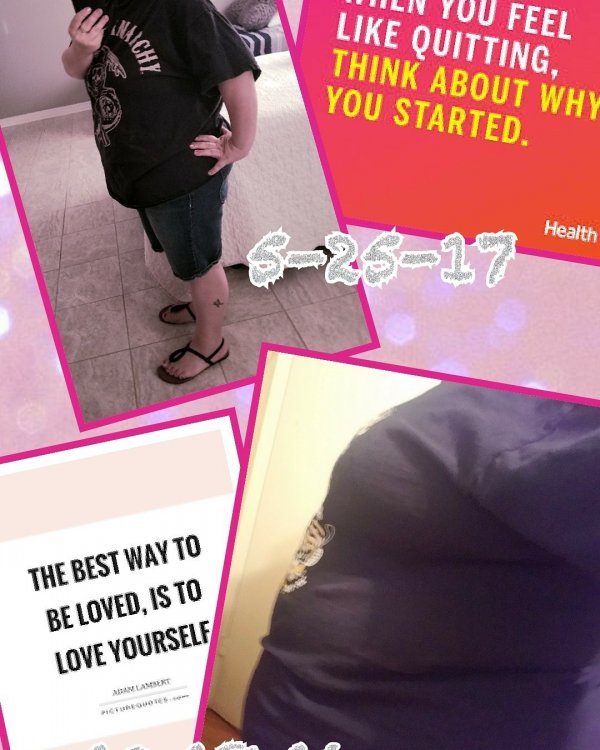
7 months out!
- Replies 17
- Views 2.3k
- Created
- Last Reply
Top Posters In This Topic
-
angelgloria 2 posts
-
mylighthouse 1 post
-
Newme17 1 post
-
LifeIsAllGood 1 post





Posted Images
Featured Replies
Join the conversation
You can post as a guest; create a free account to track replies, follow topics, and be part of the largest weight loss surgery community.
I had my sleeve done on Oct 18, 2017. BEST DECISION EVER. I am almost a new person. The things I can do now that I couldnt before such as drive without the steering wheel on my stomach, tie my shoes without being out of breath, walk up stairs without hurting, play with my son. These are just a few things I can do now. So far I have lost a total of 110lbs! The only loose skin I have is my arms but it's always been like this. Working out to tone them up as much as possible!!! Guys what's your story.