h.brooks661989
Pre Op
-
Joined
-
Last visited
Everything posted by h.brooks661989
-
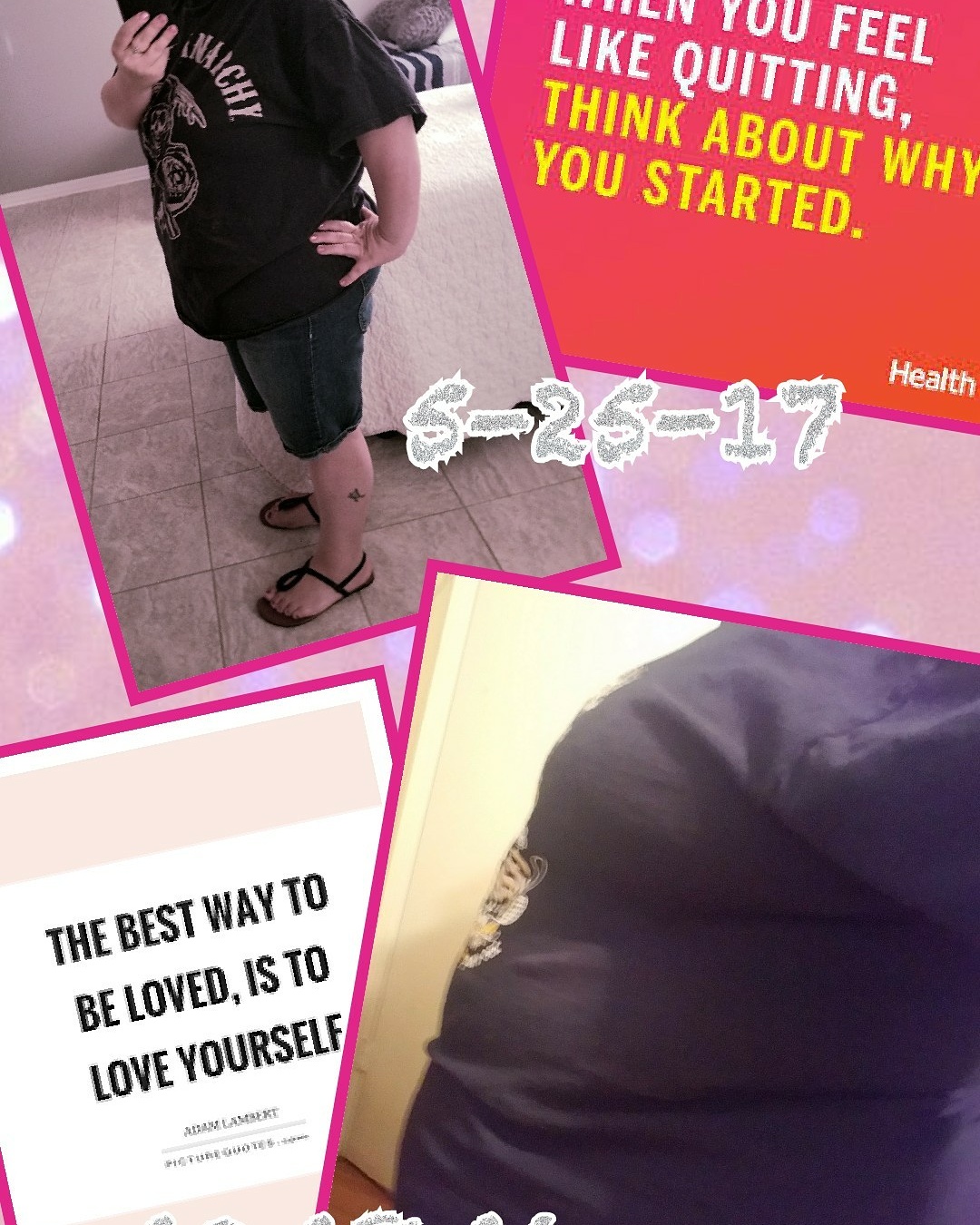
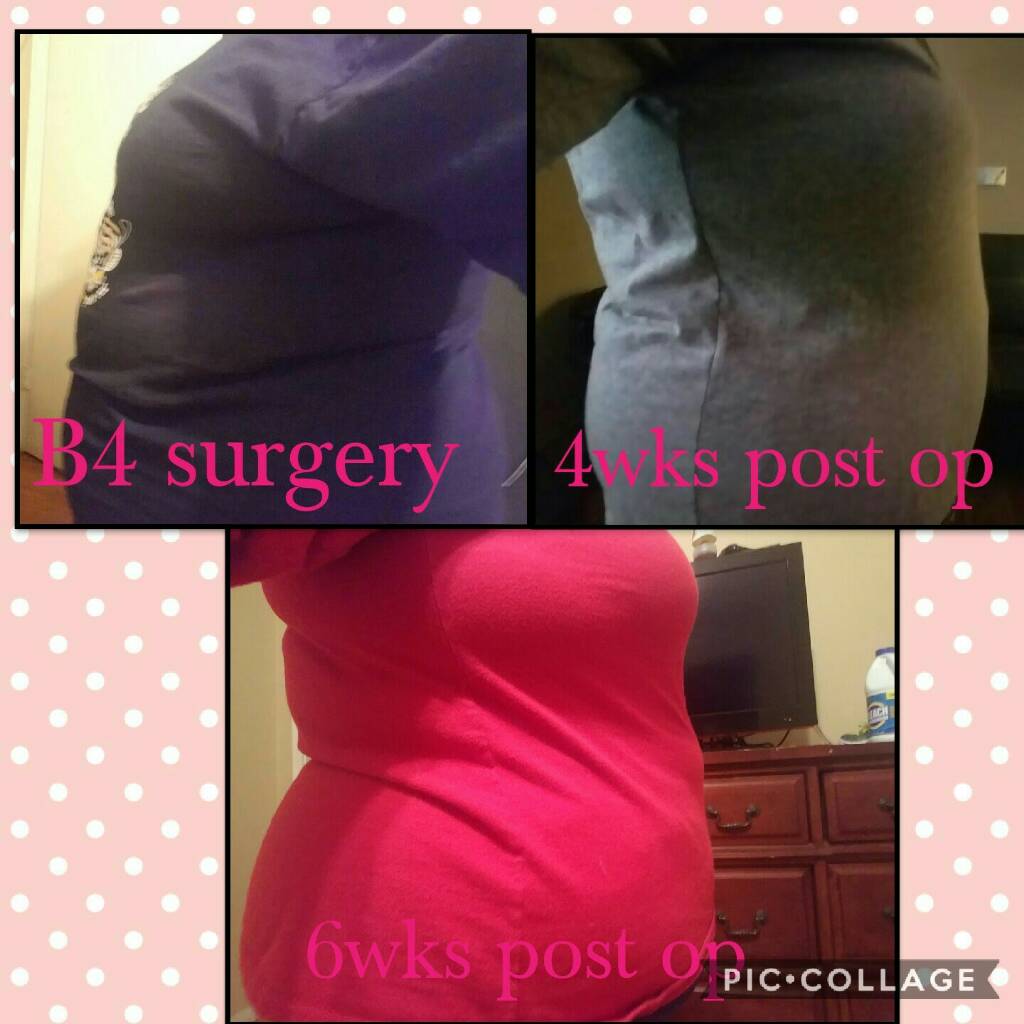
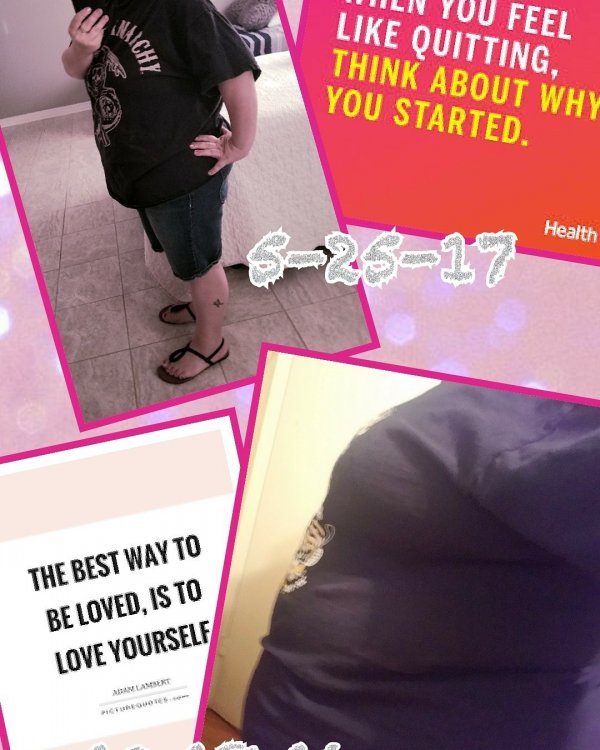
I had my sleeve done on Oct 18, 2017. BEST DECISION EVER. I am almost a new person. The things I can do now that I couldnt before such as drive without the steering wheel on my stomach, tie my shoes without being out of breath, walk up stairs without hurting, play with my son. These are just a few things I can do now. So far I have lost a total of 110lbs! The only loose skin I have is my arms but it's always been like this. Working out to tone them up as much as possible!!! Guys what's your story.
-
Ohhhh i love sugar wafers i must try!!
-
Whats your favorite protein bar and where to buy? Prefer low carbs. Some are as high as 25
-
Does medicaid cover skin removal?
-
Yes maam i just did it and the numbers seem more sensible. How many carbs do you get daily
-
Thank you i will try that
-
How are you guys loosing so quickly im 4 months out lost 40 lbs.
-
Including the two stalls for a little over a week each.
-
Ive been using this app for a few months now but up until now ive been just logging my information in and didnt pay attention to anything else. Anyone who uses this app can you tell me if i should be going by the macros because some of these numbers seem high to me. My NUT told me as long as i get Protein and Water in dont worry about carbs but im still concerned. I am loosing weight but slowly and my dr seems happy. Surgery date 10-18-2016 Start weight 302 Day of 281 Today 243 Total of weight lost 59
-
Loving my results Bs 302 Day of 282 Today 254 Sent from my SM-G935P using the BariatricPal App
-
I add after!!. I love seasoning so i need to taste it. Sent from my SM-G935P using the BariatricPal App
-
If you add low fat ranch or your favorite low fat dressing pretty tasty Sent from my SM-G935P using the BariatricPal App
-
Yes maam i got a food processor and process my meats Sent from my SM-G935P using the BariatricPal App
-
Shouldnt be too much longer. I can only eat 3 to 4 oz at a time about 3 times a day. If i snack its on cheese or something Protein. Sent from my SM-G935P using the BariatricPal App
-
Are you eating at 2.5 months out? I feel as if im eating 3-4 oz. Is this too much? Sent from my SM-G935P using the BariatricPal App
-
Did you really say that? Sent from my SM-G935T using the BariatricPal App Sometimes its best to take things with a grain of salt and run with it. Sent from my SM-G935P using the BariatricPal App
-
Slimming a little but i start working out this week so hopefully that will help. The only foods im having trouble with is sweets. I only tried it once a christmas cookie and that was it couldnt handle it. Which makes me happy lol Sent from my SM-G935P using the BariatricPal App
-
Lol yes it is. Sent from my SM-G935P using the BariatricPal App
-
Before surgery 303lbs Day of 280lbs Current 261lbs Total loss 41lbs Working out starts this week. Got to tone up.
-
Before surgery 303lbs Day of 280lbs Current 261lbs Total loss 41lbs Sent from my SM-G935P using the BariatricPal App
-
Whats everyoned favorite recipes with chicken ground meat, and pork. Those are my fav. And what's your fav Snacks Sent from my SM-G935P using the BariatricPal App
-
Im sorry hun. You will soon. Sent from my SM-G935P using the BariatricPal App
-
14 lbs in 2 1/2 weeks is excellent! Stay with the plan and off the scale!Thank you I will continue to do my best. Sent from my SM-G935P using the BariatricPal App
-
Any ideas on homemade Protein shakes. I am getting to the point where i cant stand the taste. Sent from my SM-G935P using the BariatricPal App
-
Thank you Sent from my SM-G935P using the BariatricPal App