Skip to content
View in the app

A better way to browse. Learn more.

BariatricPal

A full-screen app on your home screen with push notifications, badges and more.

To install this app on iOS and iPadOS
  1. Tap the Share icon in Safari
  2. Scroll the menu and tap Add to Home Screen.
  3. Tap Add in the top-right corner.
To install this app on Android
  1. Tap the 3-dot menu (⋮) in the top-right corner of the browser.
  2. Tap Add to Home screen or Install app.
  3. Confirm by tapping Install.

Then and now pics!

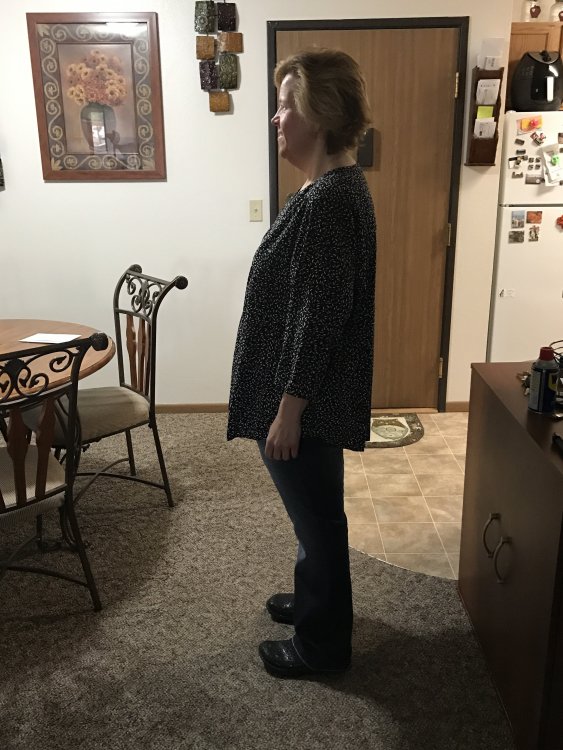
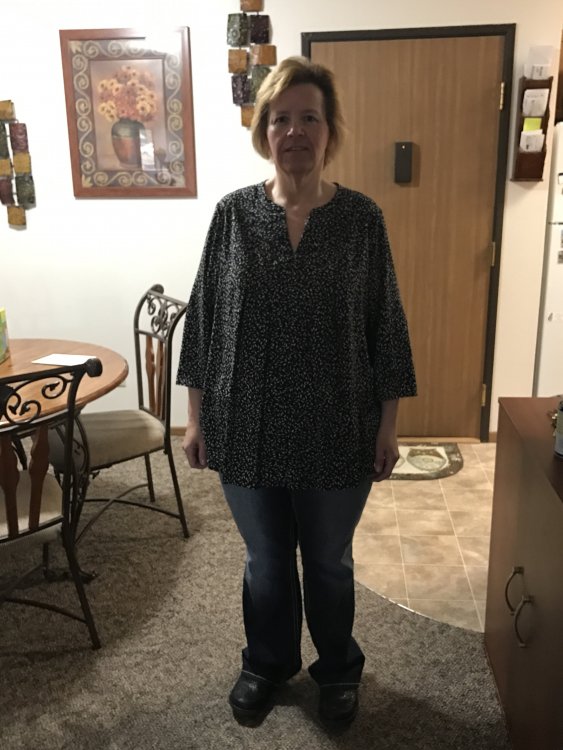
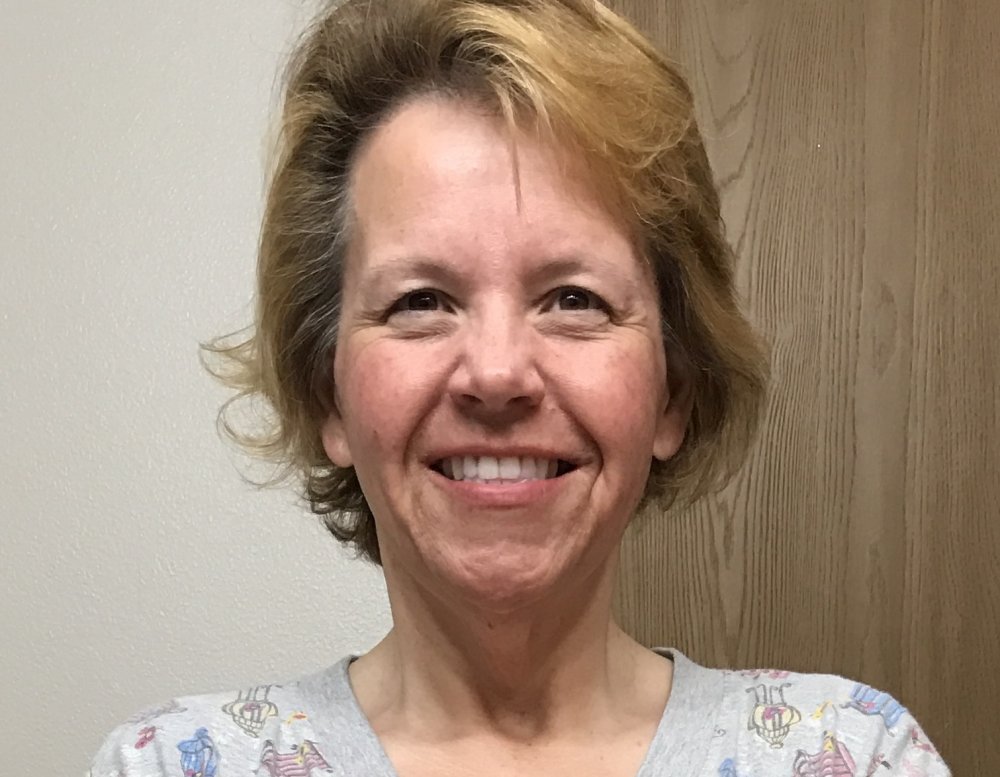
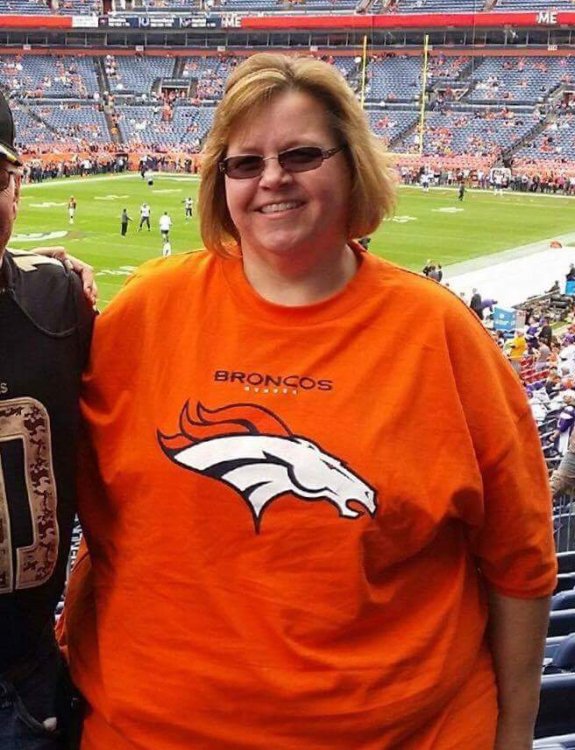
I started my journey in Oct 2015 at 324lbs and as of today I'm 197! I'm happier then I've ever been...I'd like to lose another 25-30lbs but if I don't I'm ok with that!

IMG_0133.JPG

IMG_0309.JPG

IMG_0891.JPG

IMG_0896.JPG

IMG_0897.JPG

  • Replies 13
  • Views 3.3k
  • Created
  • Last Reply

Featured Replies

Awesome job!


  • Author
Wow! You don't even look like the same person! Fabulous job! So tell us who are trying to los this much how you did it- what was your plan like?


I am 13 months out ...I try to at least get 75g of protein a day...my calories usually average around 1300...some days a little less some a little more....I don't eat bread and stay away from breaded fried food. My breakfast is always a premier protein shake. I just recently joined a gym about a month ago...I walked quite a bit last summer but didn't do a whole lot this past winter [emoji1304]


  • Author

Thanks everyone [emoji16][emoji106]


  • 3 months later...
  • 3 weeks later...

Whoop hoop amazing


Aka_ET

HW-220
Pre-op 194.3
RNY
SD June 16th 2017
CW-172
GW-140
HT 5' 3"
[emoji120][emoji878][emoji1272]

"You may see me struggle but you will never see me quit"

  • 3 months later...

Wow a new person you look amazing!


“There will be obstacles. There will be doubters. There will be mistakes. But with hard work, there are no limits.” —Michael Phelps

Archived

This topic is now archived and is closed to further replies.

Trending Products

PatchAid Vitamin Patches

Account

Navigation

Search

Search

Configure browser push notifications

Chrome (Android)
  1. Tap the lock icon next to the address bar.
  2. Tap Permissions → Notifications.
  3. Adjust your preference.
Chrome (Desktop)
  1. Click the padlock icon in the address bar.
  2. Select Site settings.
  3. Find Notifications and adjust your preference.