Skip to content
View in the app

A better way to browse. Learn more.

BariatricPal

A full-screen app on your home screen with push notifications, badges and more.

To install this app on iOS and iPadOS
  1. Tap the Share icon in Safari
  2. Scroll the menu and tap Add to Home Screen.
  3. Tap Add in the top-right corner.
To install this app on Android
  1. Tap the 3-dot menu (⋮) in the top-right corner of the browser.
  2. Tap Add to Home screen or Install app.
  3. Confirm by tapping Install.
  • Appearance

Join BariatricPal free

  • Ask your own questions
  • Reply and follow topics
  • Message other members
  • No cost, no spam

Sites not loading

When I'm browsing a thread that has more than one page and I change to e. g. the second or third page the page is not loading.

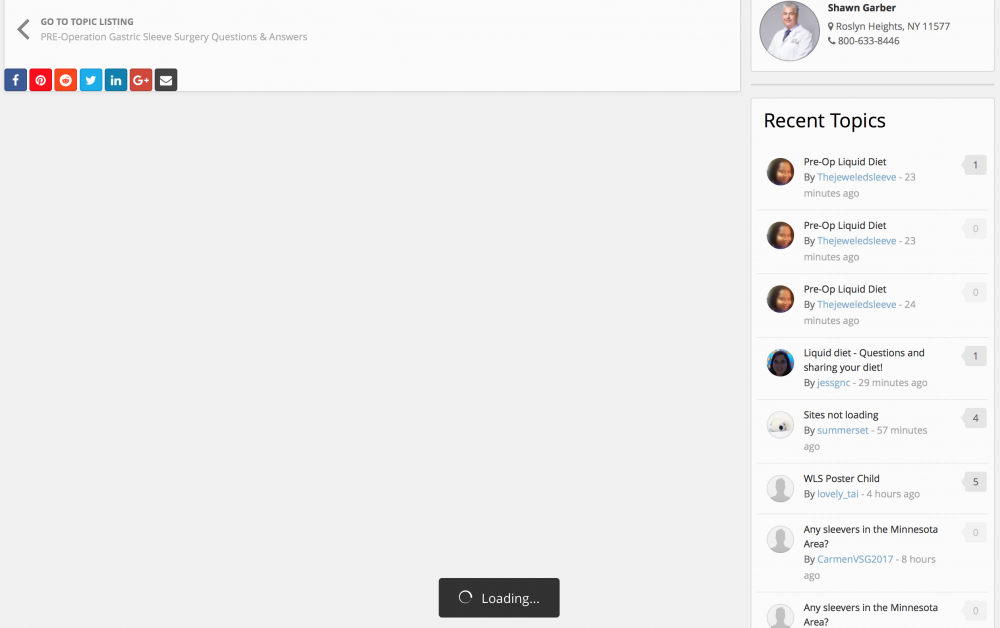
At the bottom of the page is written "loading" but nothing happens. I have to refresh the tab so the page loads.

  • Replies 49
  • Views 5.3k
  • Created
  • Last Reply

Top Posters In This Topic

Most Popular Posts

  • summerset
    summerset

    Oh, it's every thread with more than one page so you can choose. (Here is one example though.) I'm using Safari 10.0.2 on Sierra 10.12.2. It only happens when I'm reading one page of the

  • summerset
    summerset

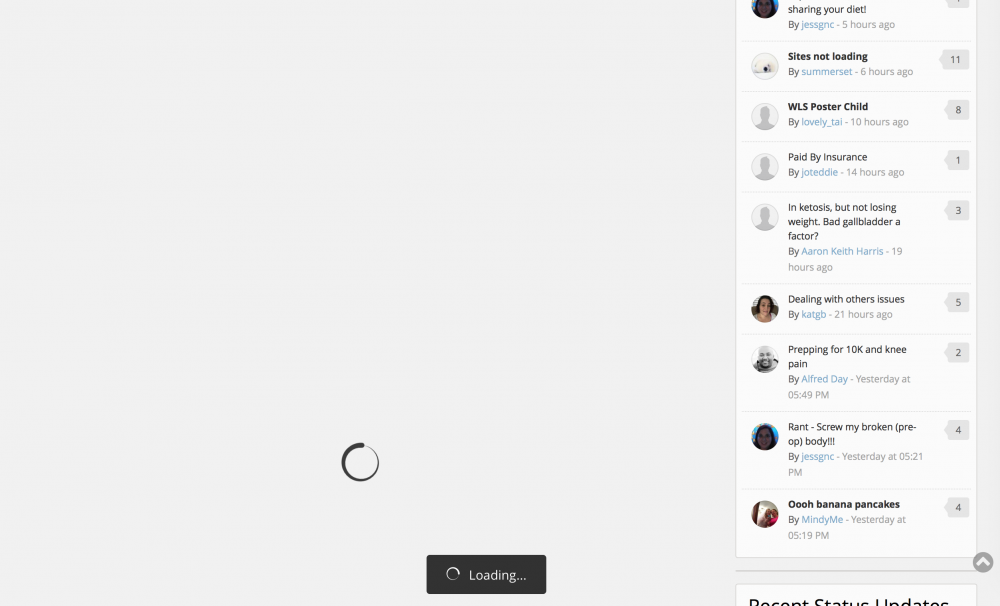
    Ok, the cookie thing didn't work. No change. This is what the page looks like then.

  • orionburn
    orionburn

    Don't know if it would be related or not, but I've noticed in the past two weeks I get a "bad gateway" error message from time to time. Sometimes that error page will show for a few seconds and then t

Posted Images
Featured Replies

So to reiterate.. for me the loading issue seems to target:

- Chrome (not counting other experiences that suggest diff OS and browsers)

- googletagservices.com

- Pagination (pagination within subforums, pagination within threads)

Exceptions:

- Firefox worked fine for me

- IE worked fine for me

- Loading bug did not occur when viewing a subforum and clicking on a specific topic's pages (eg browsing subforum list -> click topic "blah blah" page 6).. it directed to that page fine

I hope this is helpful and not even more confusing. :(

Edited by PatientEleventyBillion

So to reiterate.. for me the loading issue seems to target:
- Chrome (not counting other experiences that suggest diff OS and browsers)
- googletagservices.com
- Pagination (pagination within subforums, pagination within threads)
Exceptions:
- Firefox worked fine for me
- IE worked fine for me
- Loading bug did not occur when viewing a subforum and clicking on a specific topic's pages (eg browsing subforum list -> click topic "blah blah" page 6).. it directed to that page fine
I hope this is helpful and not even more confusing. [emoji20]


You've been extremely helpful :-). If you put things back to the way they were before, blocking googletagservices, does it work properly now?


14 minutes ago, Ken S. said:


You've been extremely helpful :-). If you put things back to the way they were before, blocking googletagservices, does it work properly now?

- Put hosts back to block on googletagservices.com - (no bug), page changed fine

- Turned on VPN - (no bug), page changed fine

- Tested both within topics and within subforums, within topic changed page fine, no loading screen.. within subforums page changed as before but "loading"+foreground got out of the way so it was normal

So far so good I think. :)

Just need feedback from others.. hope it's positive.

12 hours ago, PatientEleventyBillion said:

So two more things:

1) When I tried clicking on Page 5 from Page 4 it gave me that error @orionburnmentioned earlier. (I get these anywhere between 5-15 times a day, might be something completely unrelated)

lxOT4rp.png

2) When browsing a subforum, and trying to change pages to list older threads in that subforum, it does the same permanent "loading" thing, except in the background I can see it actually changing the page, i.e. showing relevant threads, who posted, what day, etc.. For some reason it seems like a foreground script is wanting to stick around. (I'm not a programmer so trying my best to explain in laymans terms ;) )

Yep, that's the error I'd get from time to time. There was one day last week where it wouldn't load for the first few hours in the morning. This was on my desktop using Chrome as well (no installed extensions or ad blockers). Tried the site on my phone and it loaded fine. I eventually restarted my computer and the site was accessible then. In the past I would get the Bad Gateway message and it the page would stay there. As of late if I get it then it only displays for maybe 2-3 seconds and then the page loads correctly. I have not had any issues with other pages not loading like the others have spoken of.

Join the conversation

You can post as a guest; create a free account to track replies, follow topics, and be part of the largest weight loss surgery community.

Join the conversation

You can post now and register later. If you have an account, sign in now to post with your account.

Guest
Reply to this topic...

Account

Navigation

Search

Search

Configure browser push notifications

Chrome (Android)
  1. Tap the lock icon next to the address bar.
  2. Tap Permissions → Notifications.
  3. Adjust your preference.
Chrome (Desktop)
  1. Click the padlock icon in the address bar.
  2. Select Site settings.
  3. Find Notifications and adjust your preference.