Skip to content
View in the app

A better way to browse. Learn more.

BariatricPal

A full-screen app on your home screen with push notifications, badges and more.

To install this app on iOS and iPadOS
  1. Tap the Share icon in Safari
  2. Scroll the menu and tap Add to Home Screen.
  3. Tap Add in the top-right corner.
To install this app on Android
  1. Tap the 3-dot menu (⋮) in the top-right corner of the browser.
  2. Tap Add to Home screen or Install app.
  3. Confirm by tapping Install.

DNA and Weight

Well, darn, there goes that excuse.

haha.png

  • Replies 8
  • Views 1.6k
  • Created
  • Last Reply

Featured Replies

Interesting. Where did you get this assessment done?

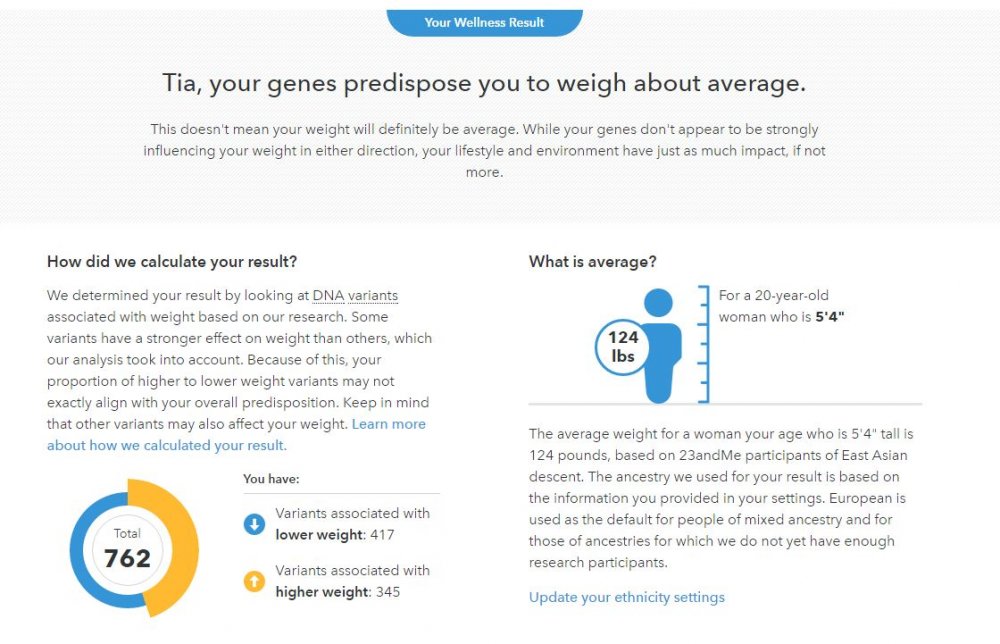
This is from 23andme. I just got the email tonight about the new wellness report too!


weight.JPG

Edited by PAstudent
add picture

  • Author
19 hours ago, hermione53 said:

Interesting. Where did you get this assessment done?

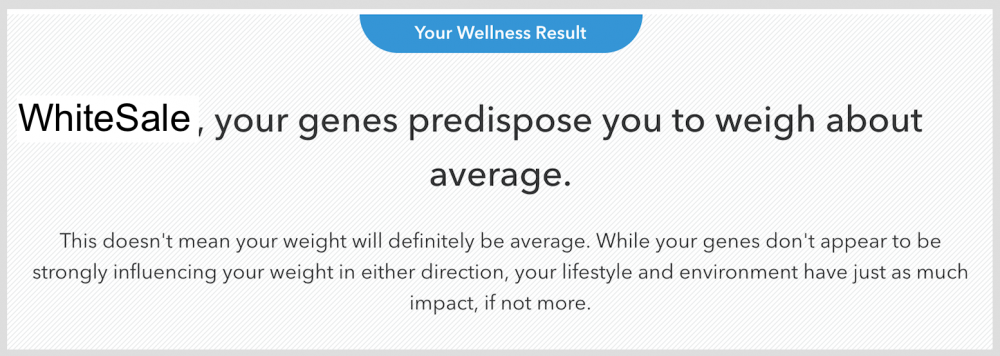
Yep, 23andme, just like PAstudent mentioned.

Did you all find the DNA testing useful? Did it tell you things like succeptibility to cancer?

32 minutes ago, hermione53 said:

Did you all find the DNA testing useful? Did it tell you things like succeptibility to cancer?

My carrier statuses weren't my primary reasons for taking the DNA test, but it was nice to know that I don't have variants for any of the conditions they test for. There are 41 including sickle cell anemia and tay-sachs. If you're interested in susceptibility to cancer, you can download the raw data of your DNA from the 23andme website and upload it to Promethease for $5 to analyze. This will give you much more health related information.

Edited by PAstudent

Thanks to you all. I'll consider it!

Interesting! I sent away for my DNA to be tested by 23andme back in February, but I'm still waiting on the results to come in.

Archived

This topic is now archived and is closed to further replies.

Trending Products

PatchAid Vitamin Patches

Account

Navigation

Search

Search

Configure browser push notifications

Chrome (Android)
  1. Tap the lock icon next to the address bar.
  2. Tap Permissions → Notifications.
  3. Adjust your preference.
Chrome (Desktop)
  1. Click the padlock icon in the address bar.
  2. Select Site settings.
  3. Find Notifications and adjust your preference.