Skip to content
View in the app

A better way to browse. Learn more.

BariatricPal

A full-screen app on your home screen with push notifications, badges and more.

To install this app on iOS and iPadOS
  1. Tap the Share icon in Safari
  2. Scroll the menu and tap Add to Home Screen.
  3. Tap Add in the top-right corner.
To install this app on Android
  1. Tap the 3-dot menu (⋮) in the top-right corner of the browser.
  2. Tap Add to Home screen or Install app.
  3. Confirm by tapping Install.

SeriouslyLori

Pre Op
  • Joined

  • Last visited

  1. I also was sleeved 12/17 and am on the same journey as you. Good to know!
  2. How far out were you when you had crackers?
  3. I was told that the fluid washes away the nutrients you are getting from the food so it’s best to drink apart from eating 99% of the time. But if I’m eating Mexican or something I’m gonna take a sip or two of water.
  4. I had surgery Monday 12/17.
  5. I had sleeve surgery on Monday and they discovered I had a hiatal hernia. Has anyone else had this happen? I’m home now and in so much pain. Every breath hurts.
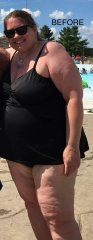
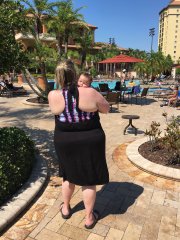
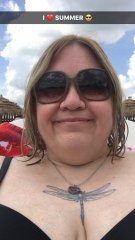
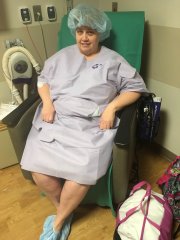
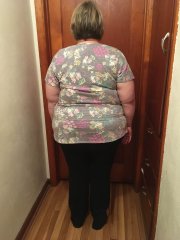
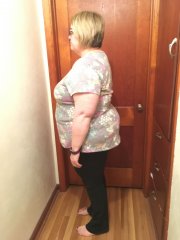
  6. Images added to a gallery album owned by SeriouslyLori in Before and After Gastric Sleeve Photos
    Surgery 12/17/18

Trending Products

PatchAid Vitamin Patches

Account

Navigation

Search

Search

Configure browser push notifications

Chrome (Android)
  1. Tap the lock icon next to the address bar.
  2. Tap Permissions → Notifications.
  3. Adjust your preference.
Chrome (Desktop)
  1. Click the padlock icon in the address bar.
  2. Select Site settings.
  3. Find Notifications and adjust your preference.