
BGOV1225
Gastric Sleeve Patients
-
Joined
-
Last visited
-
-
-
-
-
-
-
-
-
-
-
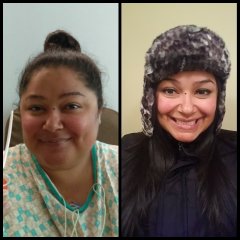
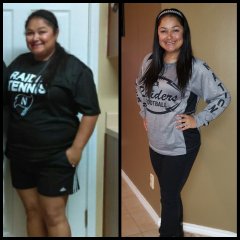
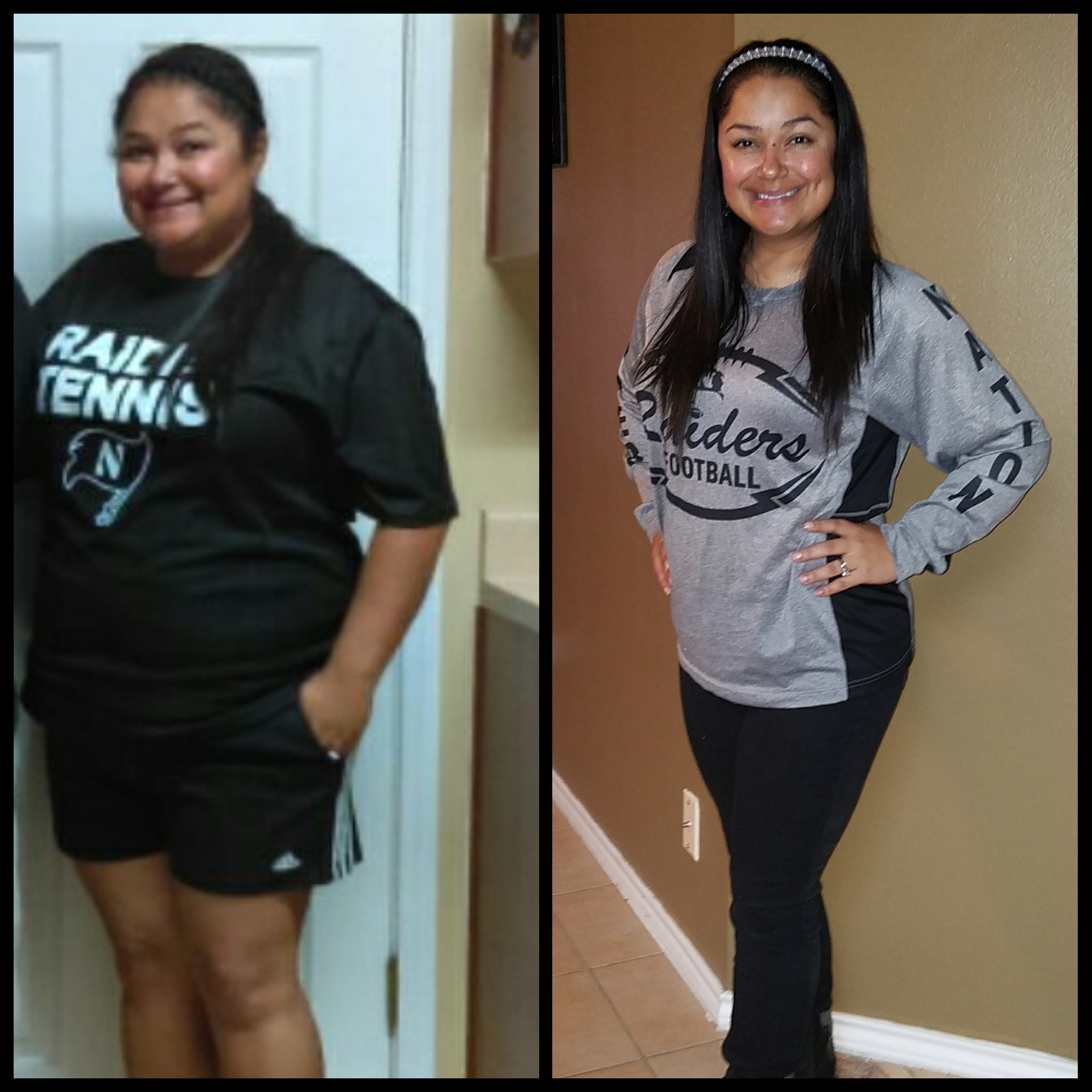
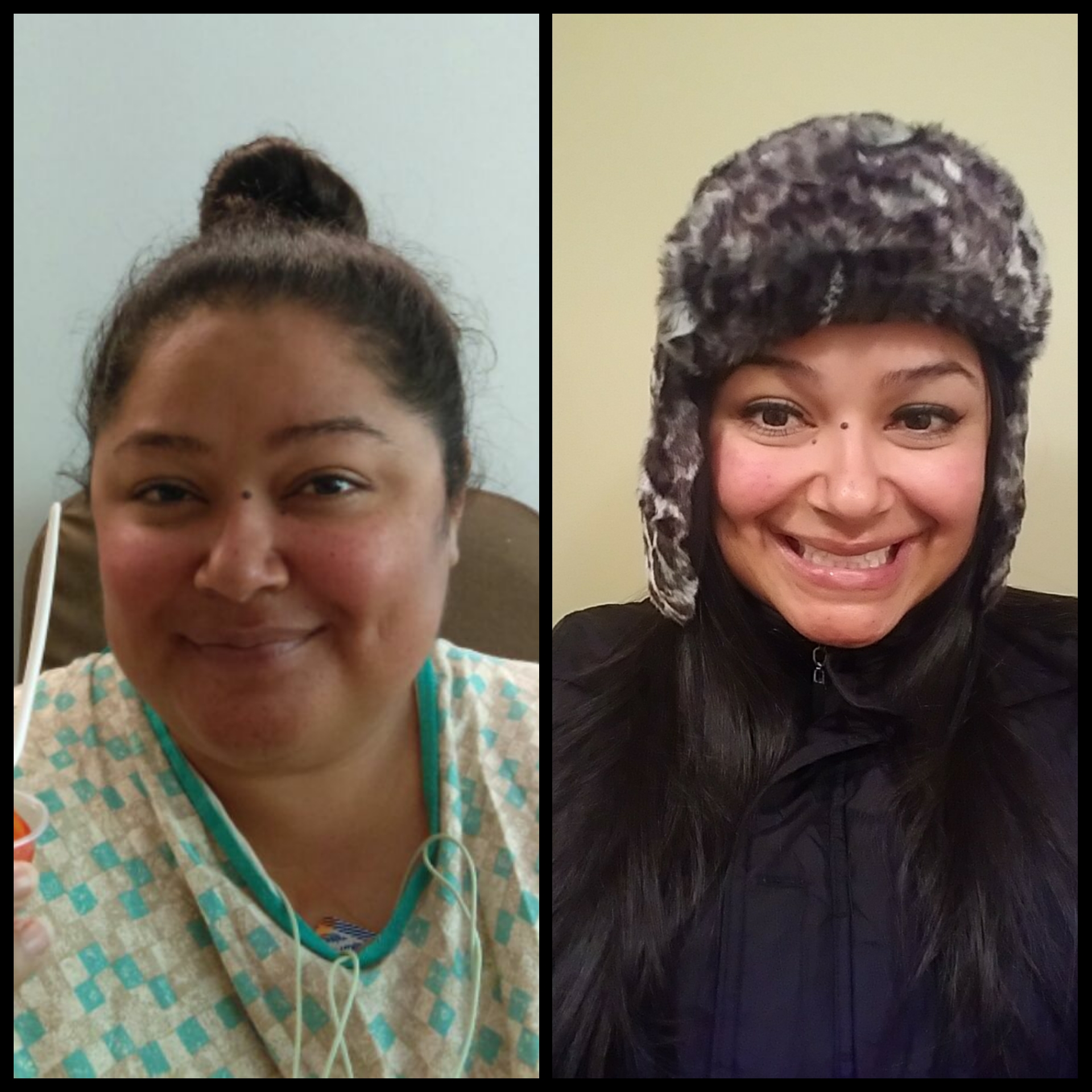
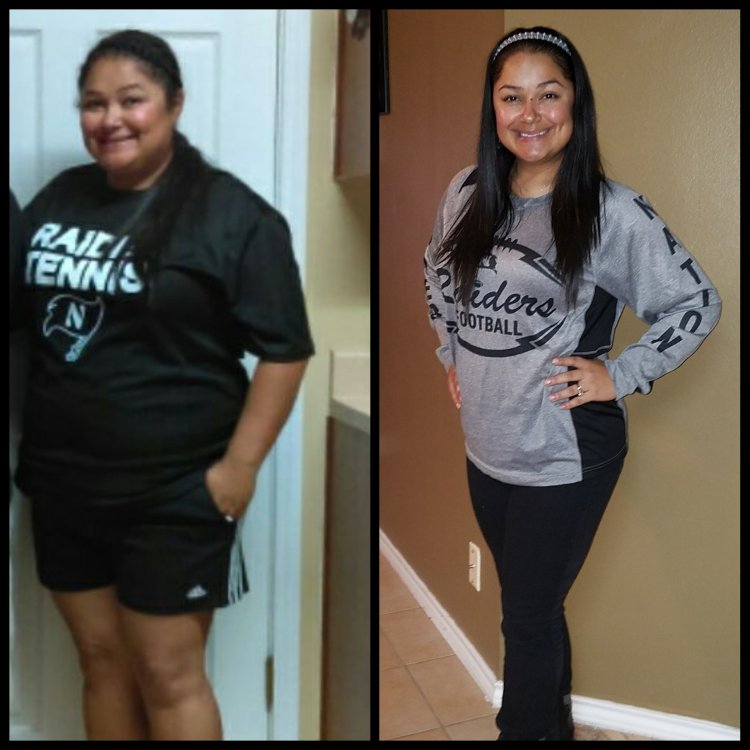
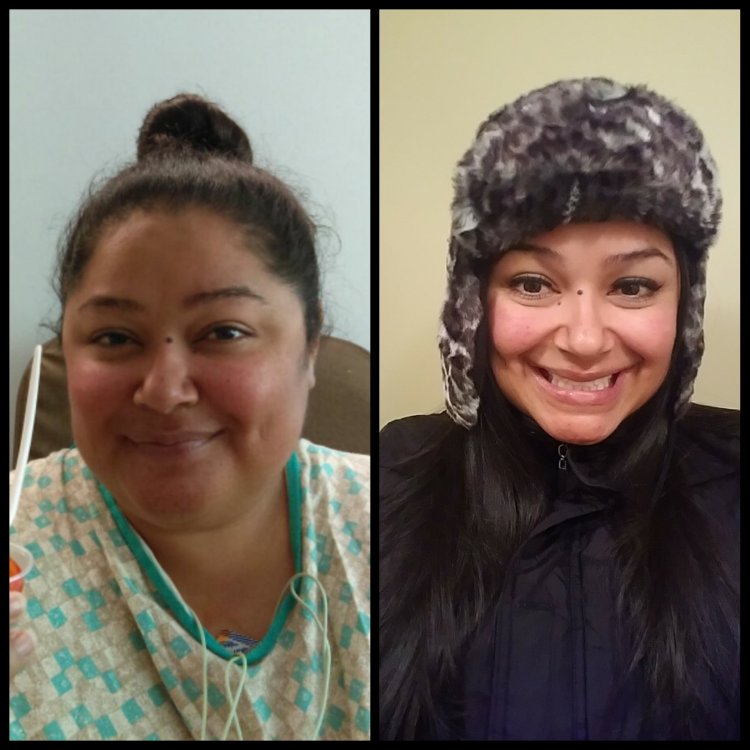
HERE ARE SOME OF MY BEFORE PICS
-
BGOV1225 changed their profile photo
-
AT ABOUT 3 MONTHS I STARTED LOSING LOTS AND LOTS OF HAIR. WHAT WAS WORSE WAS THAT IT WAS IN THE FRONT WHERE EVERYONE CAN SEE. I WAS SO FREAKED OUT ABOUT MY HAIR LOSS I WENT TO MY DOCTOR TO SEE WHAT I CAN DO. FIRST THING HE ASKED IS IF I TAKE ALL MY VITAMINS....WELL THAT WAS A NEGATIVE. I WASN'T TAKING THEM ON A REGULAR BASIS BECAUSE THEY'D MAKE ME FEEL SICK. I STARTED TAKING THEM RELIGIOUSLY AND ADDED BIOTIN. MY HAIR HAS BEEN GROWING OUT NOW, AND I DON'T LOSE AS MUCH HAIR. ***SO THE KEY IS TO MAKE SURE YOU TAKE ALL YOUR VITAMINS EVERY SINGLE DAY***
-
I'm almost 7 months out of surgery and feel grrrreeat!!! Best thing I could've done for myself.
-
WHAT IS EVERYONE'S FAVORITE PROTEIN? BEST TASTING? MOST PROTEIN?
-
My doctor told me to wait at least 3 months. I'm almost 4 months and just barely had my first drink last night. I had vodka and diet cranberry with some water. I had no complications, but I was drinking water as well.
-
-
IT'S NORMAL. FIRST WEEK I LOST 15LBS. FIRST MONTH I LOST 39 LBS. AFTER THE FIRST MONTH I STARTED SLOWING DOWN TO ABOUT 2-3LBS A WEEK. JUST KEEP UP YOUR LIQUID AND TRY TO WALK AT LEAST 30 MINS.
-
-
-
-
-
-
-
When can we start doing Situps and crunches? Sent from my SM-G935T using BariatricPal mobile app
-
I told everyone....i was so excited to get my surgery... after surgery everyone has been so supportive...Plus they know not to bring me junk food now Sent from my SM-G935T using BariatricPal mobile app
-
-
-
-
My husband is doing the same thing as Guru in training's wife. He's starting to walk a lot more now. It is awesome to have the extra support. Any was there is a reason she's your ex, her not appreciating the weight loss just gives you another reason.
-
Has anyone had problems with breaking out? My face use to be so clear (except for my rosacea break outs) before surgery, now I feel like I break out more. I also feel like I'm extra sensitive now. It's so weird!!
-
MINE ARE 1 WEEK, 1 MONTH, 3 MONTHS, 6 MONTHS, 1 YEAR
-
LOL!!! I LOVE BOTH AS WELL
-
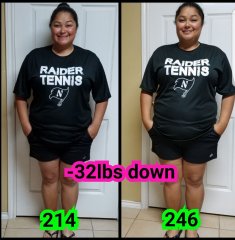
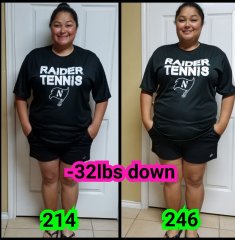
SLEEVED 4/13/17 PIC TAKEN 5/7/17 DOWN -32LBS
-
TAKEN YESTERDAY 5/7/17 I CAN ACTUALLY SEE A DIFFERENCE NOW. DOWN -32 LBS SLEEVED 4/13/17
-
I'm an athletic secretary at a high school/ security guard (lol). I went back a week later. Felt ok. I just took a nap during lunch and after work. Sent from my SM-G935T using BariatricPal mobile app