MowryRocks
Gastric Sleeve Patients
-
Joined
-
Last visited
Everything posted by MowryRocks
-
I'm 3 weeks post surgery and the vivid food dreams were crazy. I woke up convinced that I had eaten Nachos and hot dogs (foods I rarely ate before). I still feel hunger, but less frequently and definitely not in relation to something I see or smell. Sent from my iPhone using the BariatricPal App
-
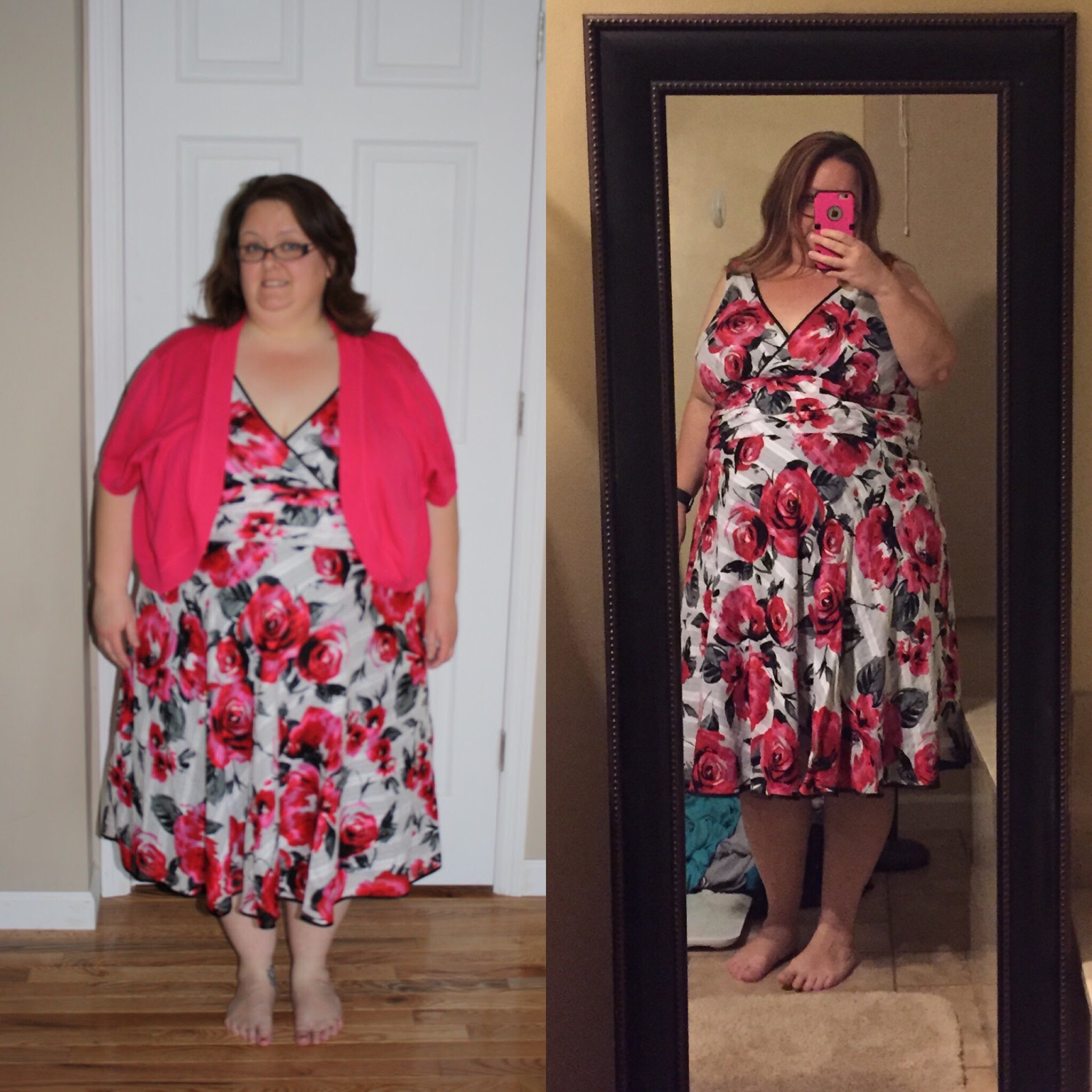
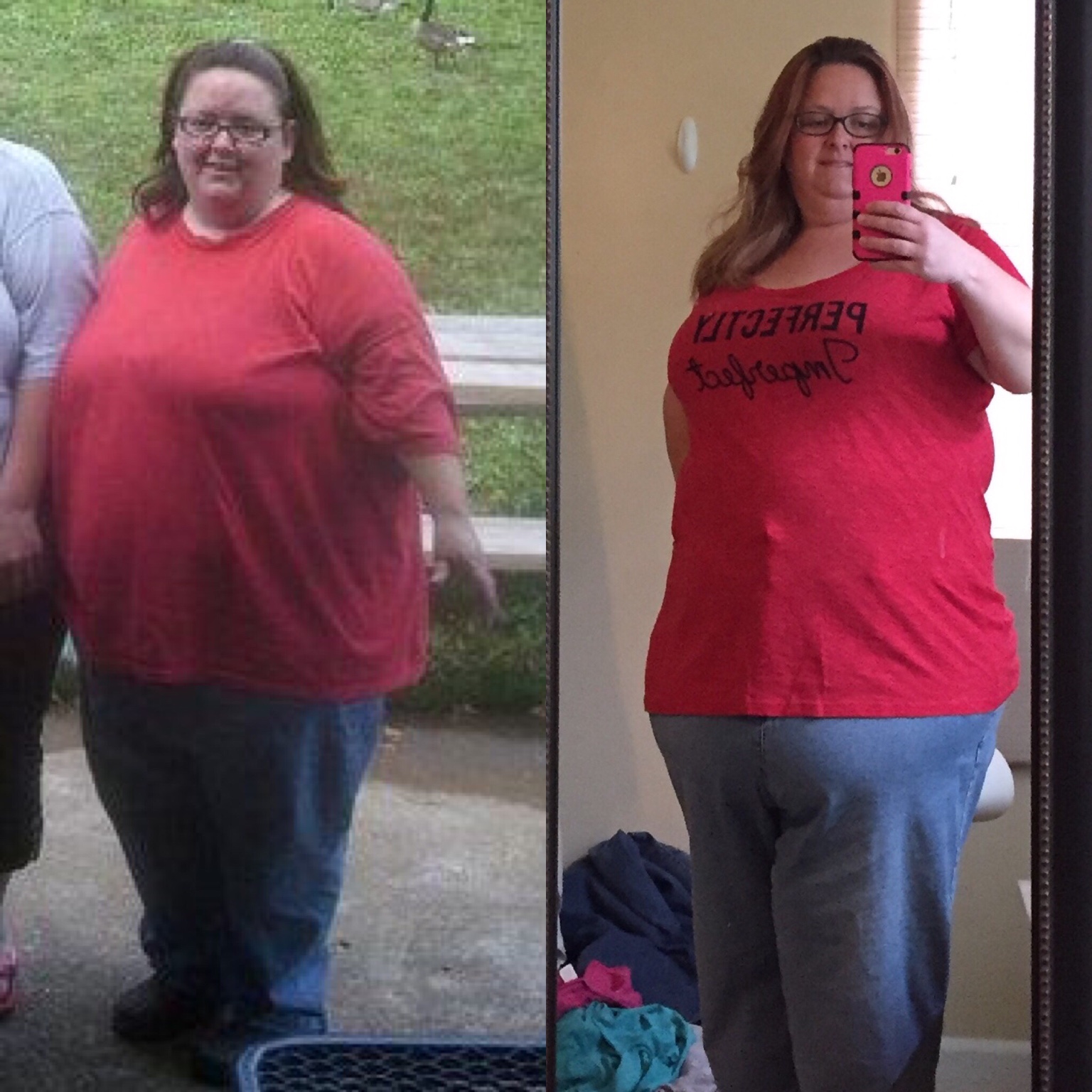
I'm only 3 weeks post surgery, but these are my before and after so far! Sent from my iPhone using the BariatricPal App
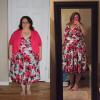
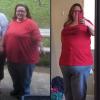
-
I'm post-op 10/26. I lost 34lbs pre surgery and 15 post. I have a different take on the communication aspect. I told everybody and I was grateful that I did. I have gotten so much support both pre and post surgery and I feel like all that would have happened if I hadn't been vocal was other people's speculation. I'd rather control my own narrative. I even blog about my experiences and have since 2011. Www.lifeinsidetheblubbersarcophagus.blogspot.com. Congrats on your pre-op victory! It's your journey, make it your own! Sent from my iPhone using the BariatricPal App
-
I was sleeved on 10/26 at 12:00pm and went home the following day at 4pm. My surgeon requires one night in hospital, but does an X-ray to check for leaks prior to releasing. Sent from my iPhone using the BariatricPal App