dgross
Gastric Sleeve Patients
-
Joined
-
Last visited
-
-
hello ! what all test have you had done ? I am having the same issues with Gerd. Did you have to go through all the classes and test again ? what insuance do you have?
-
-
-
-
-
-
-
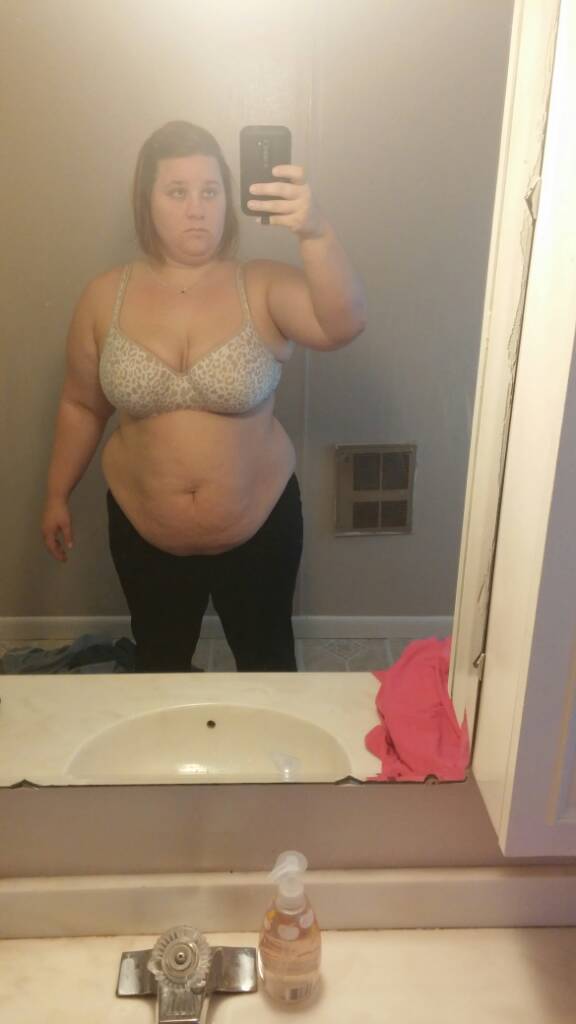
down 38 lbs ~ dec 22


-
williamsport
-
-
-
I was sleeved on dec 22 they didnt start my case till 300 in icu by 630....the only pain i had was in my left side. Nurses made me,get up and walk at like midnight that is where i met my friends the dry-heaves for the next day any time i moved,foley was removed they decided i needed a blood transfusion and a ton of fluids since i was unable to void ! 4 ivs later tons of fluids and 1 unit of blood i was finally allowed to go home 6pm dec 26 - would not change my choice although i was not happy while in hospital best choice little to no pain after day 1 !
-
@@arielgail21 i am,the same was we are allowed to use carnation instant breakfast (sugar free)
-
-
Thanks @@FaithfromPA1983 my nerves wont hit me till night before thats how i was with my csections you will do great!
-
My insurance did not allow me to go there i started my whole process oct 28th 2014 and am having surgery dec 22 2014. I was lucky to have no weigh ins and did not have to lose any weight. I am on my 2 week pre op diet now.(aka 2 weeks of hell) and have pre op testing today ... Im 5'4 In may i was 278 Oct i was 265 Today i am 254
-
-
@@FaithfromPA1983 i am using leigh valley of hazelth dr bono you ?
-
-
-
-
-
It dosent really check function that would be an echo Ekgs check the rythm of your heart to make sure. This checks thw rate at which ur heart beats. It also checks to make sure there are not blocks or extra beats ...
-
-
-
-
-
Approved wahoo !
-
Wahoo

-
-
An upper endo they take a camera into ur stomach through ur mouth ... Not hard,or painful
-
I hate to say it,but my kids .... Gained,alot of weight with all 3 ..last one,is now,????# dec22



-
Alexa take your protein shake with or water bottle to meeting ...
-
@@fuzzyangelbear sorry that you have not had a good experience call the office and see what else you need to complete there is still time .. ????