VGB
Pre Op
-
Joined
-
Last visited
Everything posted by VGB
-
Sleeved 2/16

-
I was sleeved on 2/16 and still have trouble! I am still eating like you soup/sf jello/ popsicles! I did have beef stew without eating the beef today! I also had some French fries that I baked in the oven but only ate 2. I am praying this will get better soon hopefully by week 7!
-
No! I don't want to want to eat but I don't want to spend my life just drinking water and protein shakes.
-
I will be 4 weeks out on Monday but I do not want to eat!! I just drink water and I am fine! When will I want food again?
-
Has anyone had troubles getting in their protein? If so, how did you handle it and did it prevent you from losing weight?
-
No, the Isopure taste like vomit to me!!! I wish I could eat some beans or something for the protein!
-
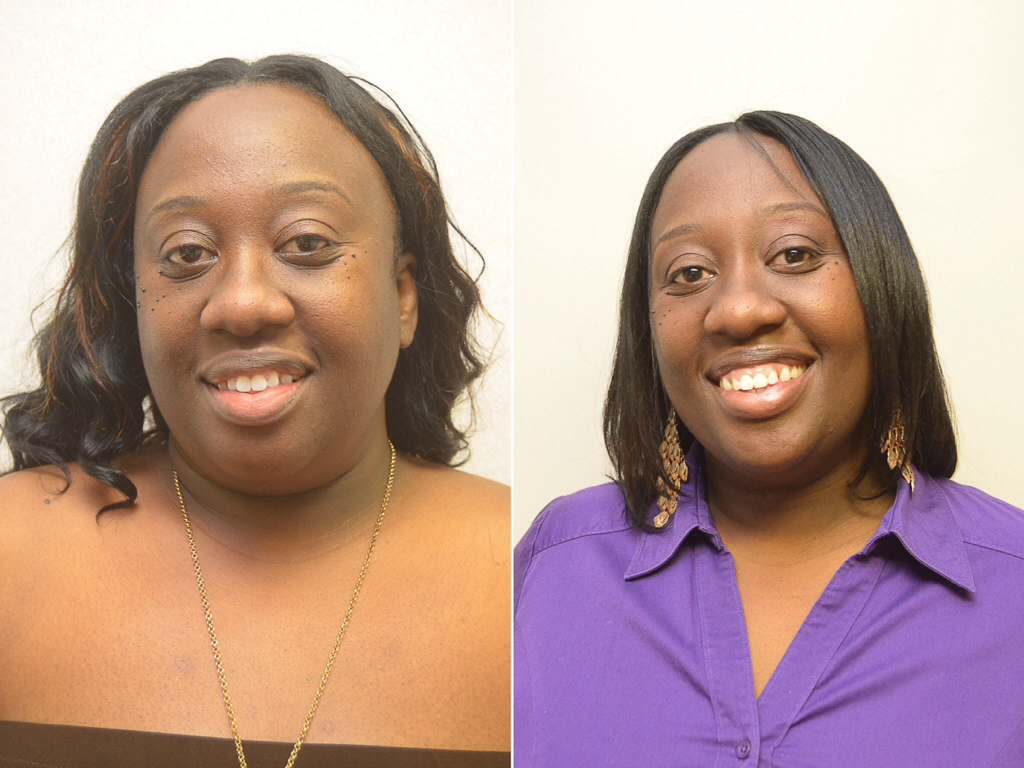
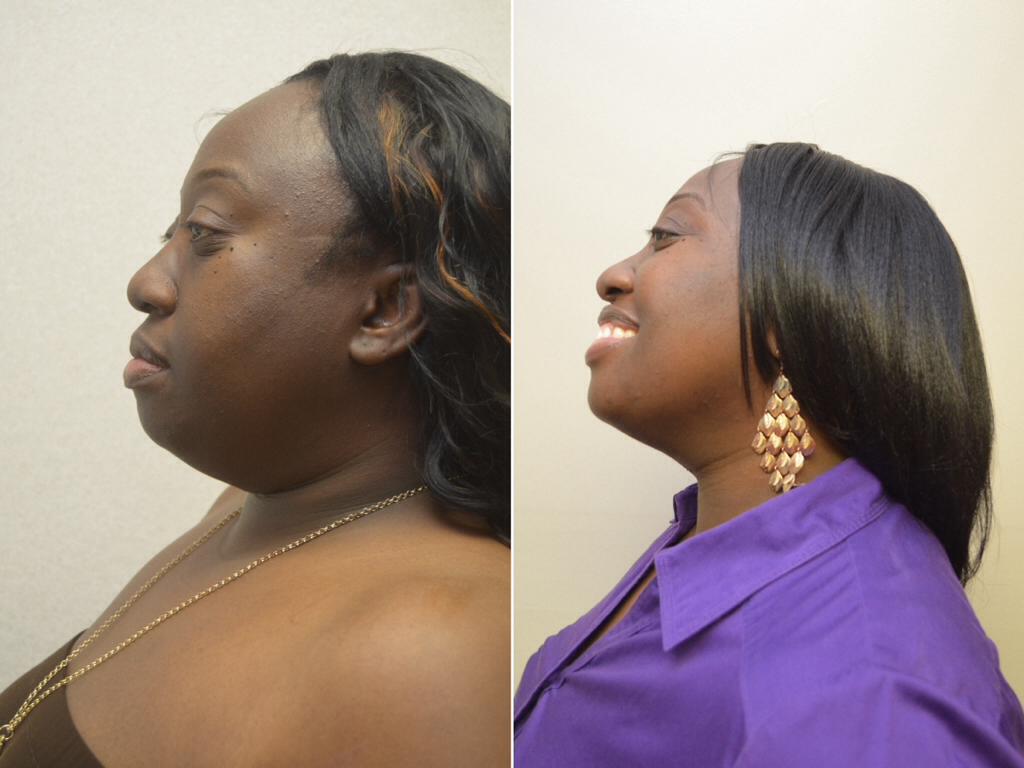
I was sleeved on the 16th and cannot stand these protein drinks or vitamins! Doctor fussed at me but I have lost 26 pounds since surgery!
-
Well, I had it and I am fine! I guess I forgot to add I had a hiatal hernia repair that my insurance did cover! I didn't want to go into detail, that is why I posted the website!
-
Has anyone ever had a VSG and not loss any weight?
-
Does anyone drink juice? (motts for tots apple juice or diet cranberry juice)
-
No, my insurance doesn't cover this type of surgery! I paid $3499! I had surgery on the 16th! Check him out www.mycompletetransformation.com
-
Try Dr. Clayton Frenzel in dallas, Tx! I paid a total of $3499.00 for everything!!!
-
I had my surgery on Monday and I will be back at work on Monday!!! I think the only thing I am fearful of is being exhausted. All any of them know is I took a week vacation!
-
@@joatsaint THANK YOU SO MUCH!!! I needed that!!
-
I had surgery on the 16th but I am scared that I won't lose any weight!! I know this is not common but this is my fear!
-
I had surgery on the 16th but my biggest fear is that I will not
-
I am drinking Isopure! I was told to wait until I was on full liquids for the premier protein.
-
What did everyone eat after about 7 weeks?
-
I was outpatient and doing really well. I went to the mall today to walk, walk, walk! First time I didn't want to see all of the mall! I haven't been in any pain except for today, but being nauseous those first 3 days were murder! Matter of fact, I am going to work Monday!
-
I have found chewing on ice gives me the chewing sensation that I needed!! I don't think in the first two weeks any of us will be really full! Do what the doctor said for best results! ????
-
Just pray!!! It will be fine!!
-
How long do you have to sip?
-
How long did it take to go away?
-
Did anyone have dry heaving problems? How did you solve it?
-
I am on my way!!! Surgery in the morning! Can't believe this day has finally come!!