mrslb5
Gastric Sleeve Patients
-
Joined
-
Last visited
Everything posted by mrslb5
-
You look awesome!
-
Great job you look awesome!
-
Great job awesome story keep doing what is working for you
-
Great job keep up the awesome work you are well on your way
-
Sounds great I'm trying this
-
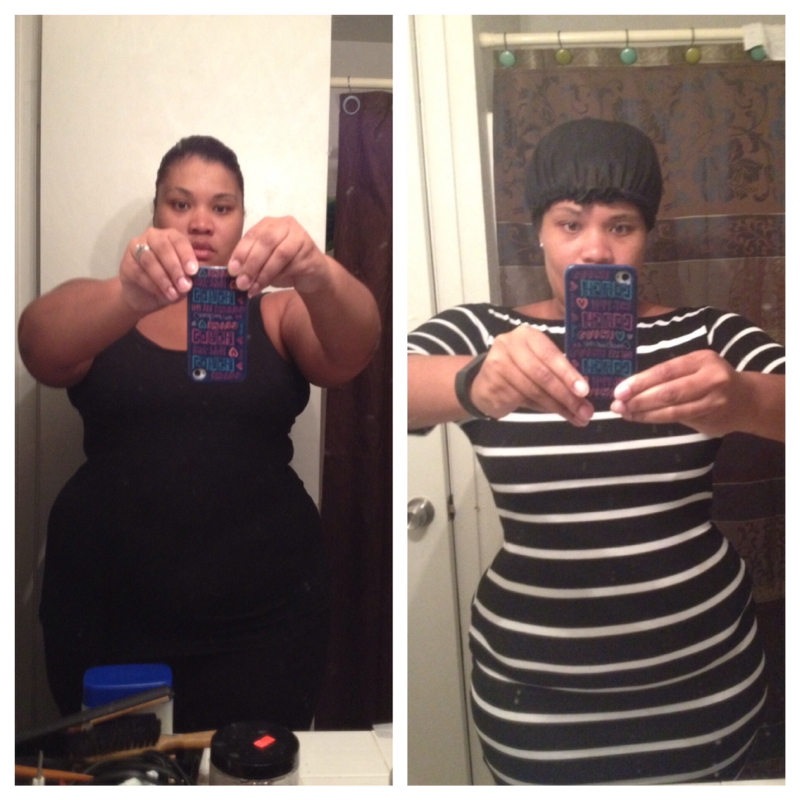
5 months out!
-
Great job I want to show my picture now you look great!
-
Great job, you'll have many more moments like that to come.
-
Awesome job keep up the good work!
-
Cw 225 down 2 this week 21 away from goal!
-
Great job
-
Mrsbryant5
-
I love my sleeve I'm 5 months out and 76lbs down and getting closer to goal it's all in the choices you make!
-
Awesome keep doing what you are doing that's working for you!
-
Starting 234 Today 227
-
Awesome great job
-
Great job keep it coming off
-
Great job
-
Awesome great job!
-
Congrats great job!
-
I'm in!! Starting 234 Goal 204
-
234 final I didn't hit my goal but at least the scale started moving again
-
It's so crazy how different we all are I'm 5'6 at 235 I wear a 16 bottom and a 14 top
-
I think many doctors offices and insurances are different I didn't have my EDG until my revision was approved through the insurance I had my surgery 2 weeks after my EDG
-
Try walking I had the same issue I'm very bottom heavy once I stared walking the inches on my thighs, hips, and butt started falling off!