-
-
-
-
-
-
-
-
-
-
-
-
Oz
How many ounces are we supposed to be getting in? I'm 8 months out I just ate the whole bag of baby carrots & that's like 3oz ^,^
-
-
-
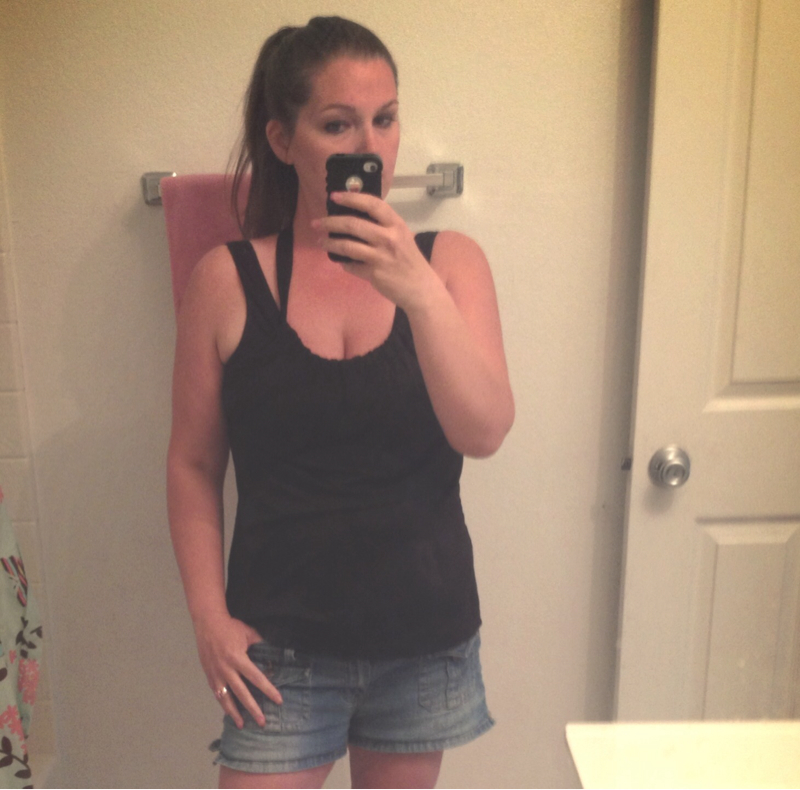
I Want To See Before & After Pics! (Cont'd)
Collarbone woot!
-
I Want To See Before & After Pics! (Cont'd)
- I am scared
I still eat good food. I still eat a cheeseburger with no bread though I eat a little bit of fries here and there. I just don't drink soda & you know what I don't miss it. I still eat sugar but SF or no sugar added. no regrets I love my sleeve- Ugh
- Ugh
- Ugh
Definitely going to ask about that- Cold sore?
Canker sore my bad.. You can see I never get them lol eh Ty- acid reflux?
Yes.. That went away. I popped a gasX. I see my surgeon this week so I'll let him know thank you very much- acid reflux?
Feeling kind of weak and it feels like something is in my throat?- Cold sore?
I have one on my tongue.. So annoying! I heard they come because of an upset stomach?- You know you lost weight when
When the thighs don't rub against each other no more- 6 months out
Thank you- 6 months out
Thank you so much ????????????- 6 months out
- I am scared
Join BariatricPal free
- Ask your own questions
- Reply and follow topics
- Message other members
- No cost, no spam
Account
Navigation
Search
Configure browser push notifications
Chrome (Android)
- Tap the lock icon next to the address bar.
- Tap Permissions → Notifications.
- Adjust your preference.
Chrome (Desktop)
- Click the padlock icon in the address bar.
- Select Site settings.
- Find Notifications and adjust your preference.
Safari (iOS 16.4+)
- Ensure the site is installed via Add to Home Screen.
- Open Settings App → Notifications.
- Find your app name and adjust your preference.
Safari (macOS)
- Go to Safari → Preferences.
- Click the Websites tab.
- Select Notifications in the sidebar.
- Find this website and adjust your preference.
Edge (Android)
- Tap the lock icon next to the address bar.
- Tap Permissions.
- Find Notifications and adjust your preference.
Edge (Desktop)
- Click the padlock icon in the address bar.
- Click Permissions for this site.
- Find Notifications and adjust your preference.
Firefox (Android)
- Go to Settings → Site permissions.
- Tap Notifications.
- Find this site in the list and adjust your preference.
Firefox (Desktop)
- Open Firefox Settings.
- Search for Notifications.
- Find this site in the list and adjust your preference.