





Evolving
Gastric Sleeve Patients
-
Joined
-
Last visited
Everything posted by Evolving
-
Hello!!!! I will be 7 mo post op on the 25th and I'm hoping to be at 100 lb loss by then!!! My wife's been super supportive! I am thankful for my sleeve- it was the consistency I couldn't do/have alone without it!! I'm 32 and a mental health counselor/therapist! Sent from my iPhone using VST
-
I hadn't even thought of that! yes it is thank you Sent from my iPhone using VST
-
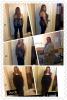
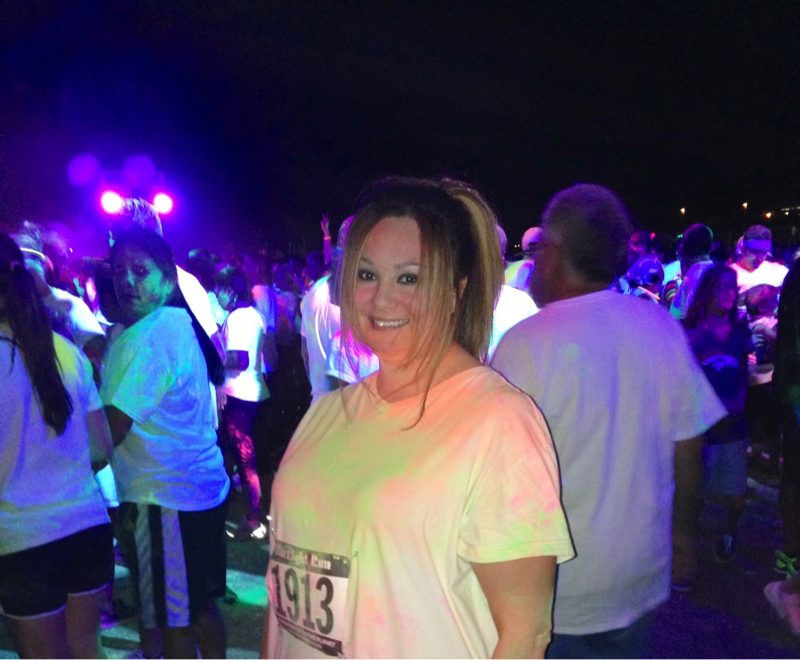
Before and today- Down 90 and 6 mo out! I walked it but I did my 1st 5K in an hour! Sent from my iPhone using VST



-
I was sleeved feb 25th- I'm now 6 months out and down 90 lbs... I'm ok with that but if course it doesn't quite feel good enough- Sent from my iPhone using VST

-
Great job and attitude! Sent from my iPhone using VST
-
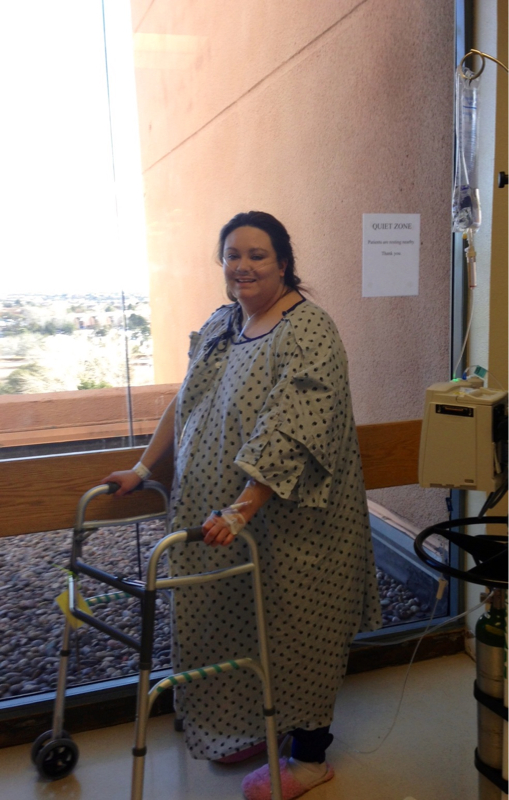
The 25th (yesterday) was my 6 months..... Pics are: sat night- and after surgery Sent from my iPhone using VST


-
Wow very nice Sent from my iPhone using VST
-
Beautiful Sent from my iPhone using VST
-
Gooood job!!! Sent from my iPhone using VST
-
Damn good job!! Sent from my iPhone using VST
-
Yay Sent from my iPhone using VST
-
Great great job!!!!!!! Sent from my iPhone using VST
-
Wow good job! Sent from my iPhone using VST
-
Wow!!!!!!!!!!!!!! Sent from my iPhone using VST
-
On a phone-app-- After hitting reply the lil + button Sent from my iPhone using VST
-
Awesome!! Sent from my iPhone using VST
-
Everyone is doing such a great job- sometimes a lil slower is better! Sent from my iPhone using VST
-
Congrats!! Yay! Sent from my iPhone using VSTWoah!!!! Great job!!!! Can't wait til I'm under 200!!!! Sent from my iPhone using VSTWow great job Sent from my iPhone using VST





Account
Navigation
Search
Configure browser push notifications
Chrome (Android)
- Tap the lock icon next to the address bar.
- Tap Permissions → Notifications.
- Adjust your preference.
Chrome (Desktop)
- Click the padlock icon in the address bar.
- Select Site settings.
- Find Notifications and adjust your preference.
Safari (iOS 16.4+)
- Ensure the site is installed via Add to Home Screen.
- Open Settings App → Notifications.
- Find your app name and adjust your preference.
Safari (macOS)
- Go to Safari → Preferences.
- Click the Websites tab.
- Select Notifications in the sidebar.
- Find this website and adjust your preference.
Edge (Android)
- Tap the lock icon next to the address bar.
- Tap Permissions.
- Find Notifications and adjust your preference.
Edge (Desktop)
- Click the padlock icon in the address bar.
- Click Permissions for this site.
- Find Notifications and adjust your preference.
Firefox (Android)
- Go to Settings → Site permissions.
- Tap Notifications.
- Find this site in the list and adjust your preference.
Firefox (Desktop)
- Open Firefox Settings.
- Search for Notifications.
- Find this site in the list and adjust your preference.