tabithad
Gastric Sleeve Patients
-
Joined
-
Last visited
Everything posted by tabithad
-
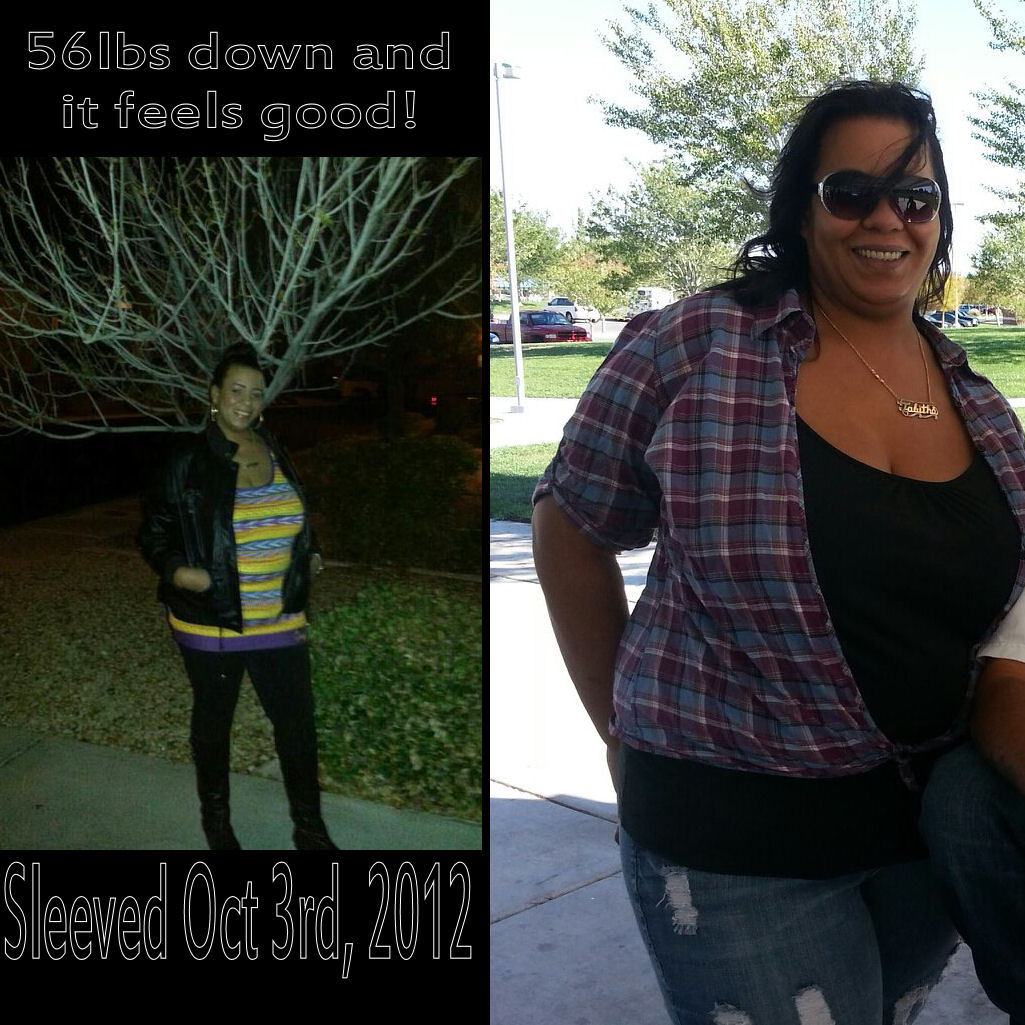
I feel so good, I am glad I got the surgery. Starting weight 325 lbs. Current weight 269 lbs. Goal 175-200 lbs. I'm tall, so 200lbs would be great on me

-
Seems like less adverse side effects then sonr prescription drugs.
-
I took depo in 1994-1997 gained 80 lbs from it. I was not a wls patient then. I just know i gained lots of weight from it.
-
I dont like the bariatric advantage multi viatiams either i find sucking on them works better for my rather then chewing them.
-
Hi im 5'11 and got sleeved on October 3. My pre op weight was 325. I am just shy of a month out and weigh 300. My goal weight is 175.
-
Sleeved oct 3rd my mfp is blazintee down 30lbs so far
-
Las Vegas nv
-
Try eggbeaters taste good easier on tummy.
-
Wtg enjoy your new life i know i do!
-
I thought you dont get dumping from the sleeve only bypass?
-
I dont like the same foods i did pre op. I dont like too cook anymore. I dont like to watch others eat fatty foods. But i keep this to myself why should my family suffer this is my chouce and i have no regrets. I truelly eat to live now.
-
Pre op 325 Cw 296 Goal for thankssgiving 275
-
I confess i smoke I chew and spit naughty foods out. I dont take my viatiams regularly. I eat spaghettos like 3x a week.
-
My nut advised me to get some sugar free jam or preserves and add that with stevia a sugar alternative its awesome.
-
Whats the site you have your recipes on?
-
I live in vegas had my surgery with dr.hanna did a great job. If you need any help hit me up.
-
Thank you I do feel sometimes like I am completely healed, I have to take a step back and relax.
-
I chewed a chicken taco with cheese, (no shell) and spit it out. It was so flavorful, I cried afterwards because I felt out of control, even if I didnt swallow it, I told my NUT what I did and she comforted me by saying alot of ppl do this and its normal.
-
What are the symptoms of a sleeve leak?
-
I had my surgery on Oct 3rd, little over 2 weeks post op. I am back to work 3 days a week, and pretty active in my life. I feel fine for the most part during the day. But when I wake up in the morning I am so weak, I feel like every bit of energy is sucked out of my body. Its sorta scary how it feels, sometimes it makes me cry because I dont like this feeling. So I drink a protein shake and drink water which takes me close to 30 mins to complete and I feel better. My question is there anything I can do to prevent this feeling first thing in the morning and does anyone else have this problem.
-
took me 4 days
-
Had surgery on Oct 3rd feeling energetic in the first part of the day. Towards the end of the day i get a bit tired. No pain since day 4.
-
You both looking healthy and very happy.
-
Yes I was sleeved on Oct 3rd, and I still get those pains. I find taking a deep breath as the pain starts helps relieve it and gets the gas out.
-
WTG! I'm very happy for you!