SML1997
LAP-BAND Patients
-
Joined
-
Last visited
Everything posted by SML1997
-
Wow you look amazing!!!!! Congrats on a job well done.
-
Congratulations! That is quite an accomplishment.
-
Congratulations on your success!!!! Woohoo!!!
-
Wow....congratulations on the success! Keep up the great job.
-
Good Stuff!!! Congrats!
-
Congratulations! That is awesome! Simply things sometimes mean a whole lot! =)
-
That's super awesome! Congrats on your success.
-
Congrats on your accomplishment! Keep up the great job!
-
Congrats on the phenomenal results. You look great man!
-
Awesome Results! Congratulations to you!
-
That is super awesome! Congratulations!
-
Oustanding Job!!!! Congrats
-
Awesome job. Congrats!
-
Thanks everyone for your kind words. That's why I love VST. A place where I feel like I'm understood.
-
That is absolutely awesome!!! Congrats on your success and thanks for sharing. Funny how those simple things that others take for granted in every day life... mean so much to us!!! It's a very telling story. Awesome Job!
-
DEFINITELY!!!!! I stalled for like 2 weeks at week 3. Just keep doing what your doctor tells you. Keep pushing and drink as much Water as you can. Eventually... YOU WILL.... break through the stall. Go get em!
-
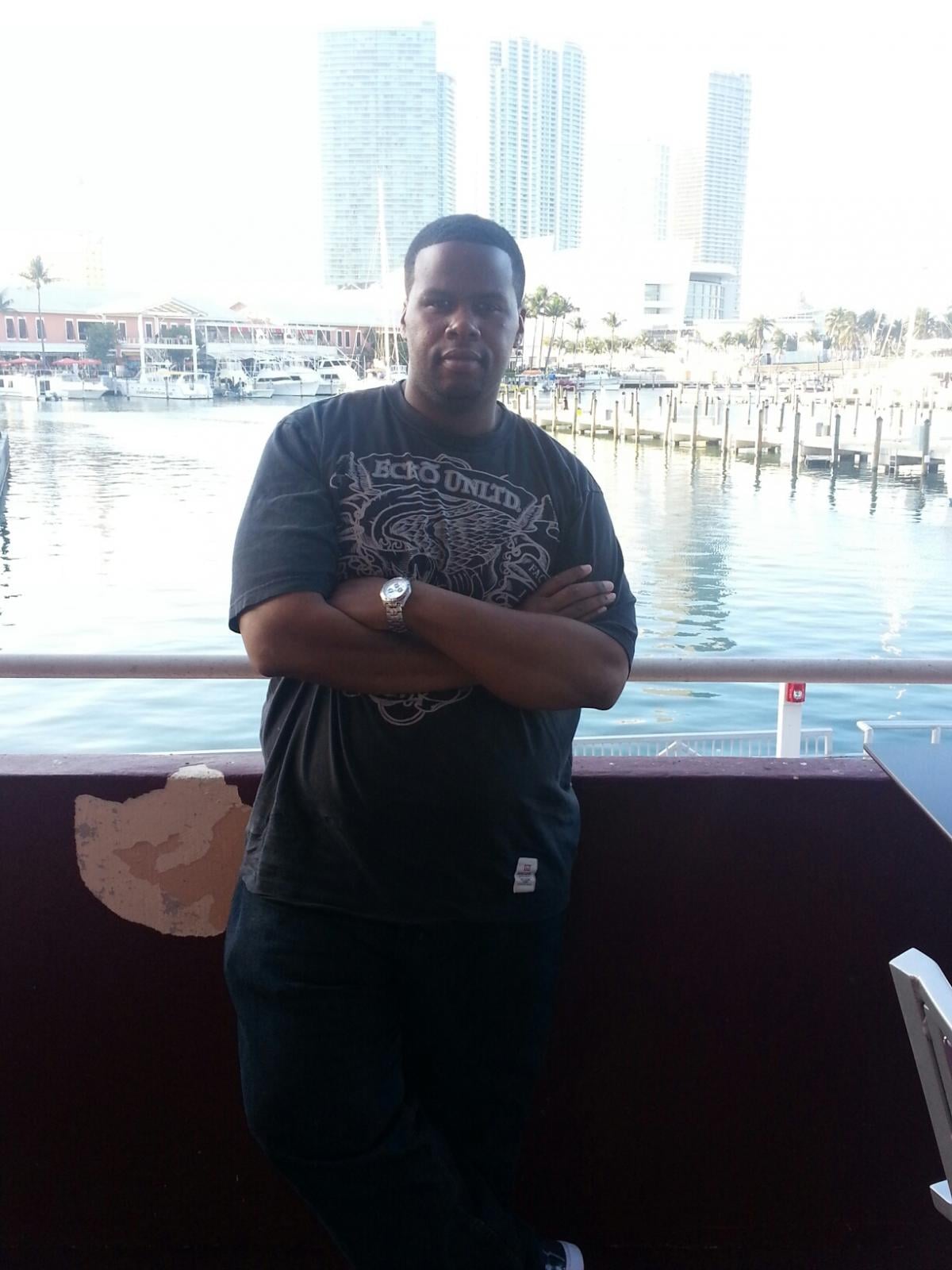
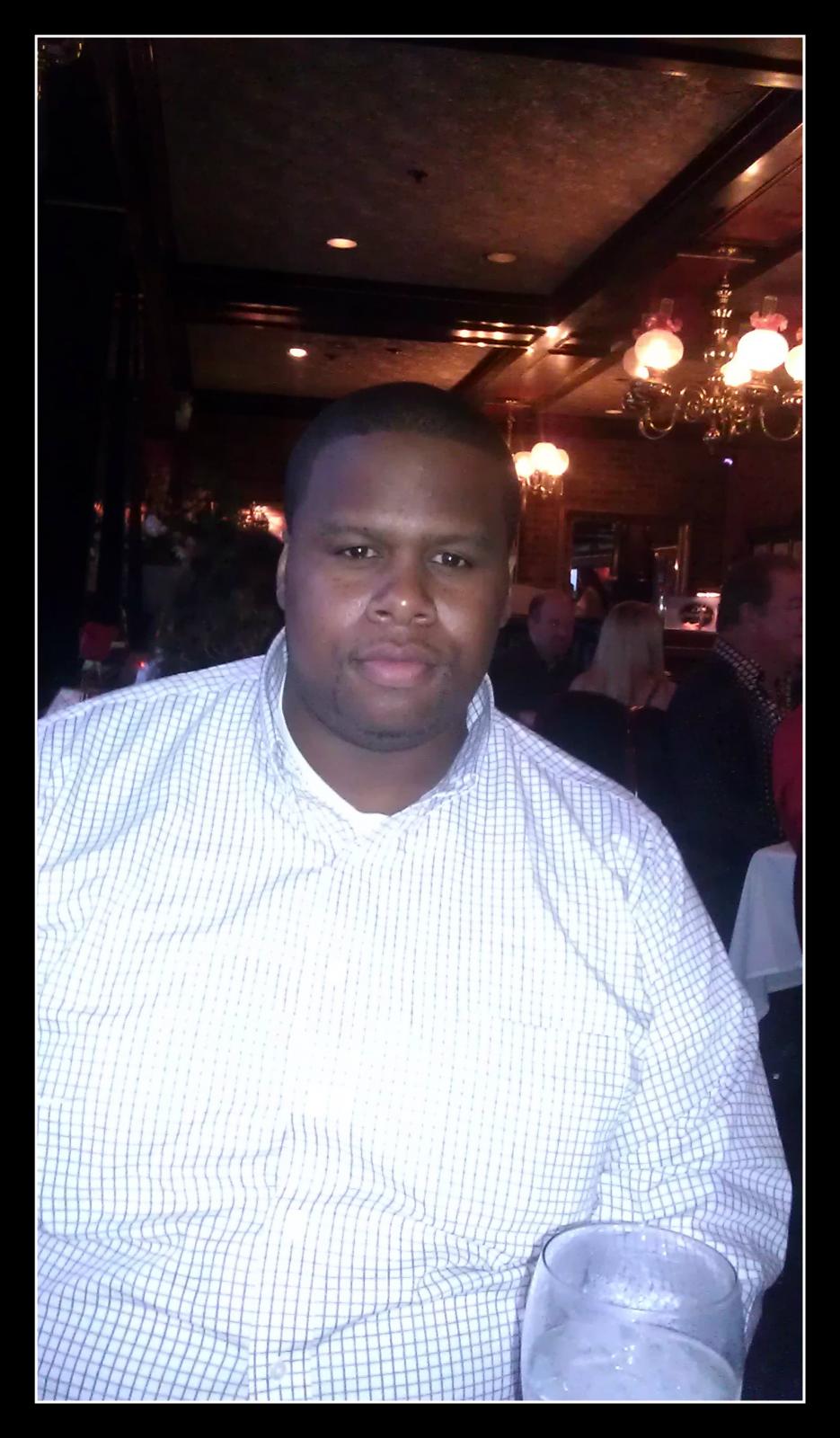
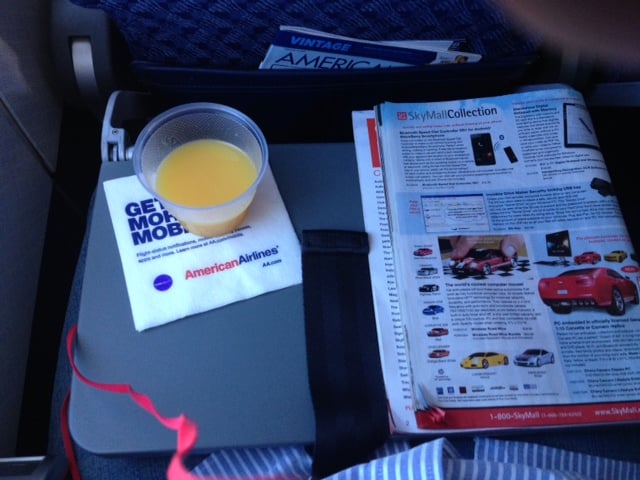
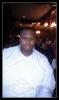
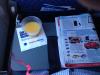
Hello Everyone, I haven't posted here in a while, work has just been crazy lately. Anyhow.... I recently came back from a business trip/vacation and I have several NSVs that I would like to share just as an encouragement to anyone still thinking about getting sleeved. Last year, I shared on here I had a couple terrible experience flying to Milwaukee and Jamaica. Just being a big guy, I was never comfortable riding a plane, asking for a seat belt extender, not being able to place the tray table down, etc. Well...that certainly has changed. A few NSVs... I was able to fit comfortably into my airplane seat. (And I noticed a difference in the people I sat by. No one gave me that...."Oh my... don't sit by me" look that you get as a big person walking down the aisle. I not only didn't need to ask for a seat belt extender, but I was able to place the tray table all the way down, and had a lot of slack left over from the seat belt. (I didn't show it on the outside, but on the inside.... I know I shed some tears. I spent the whole flight reflecting on the terrible experiences I've had in the past and how blessed I was to have this opportunity.) At my conference, there were festivities during the night with live music and dancing....I couldn't believe the amount of offers I had to dance. It was unbelieveable... I had great time.... and I didn't feel like the fat guy on the outside of the "in crowd." After my business conference in Orlando last week, I stayed for few days and visited the Disney and Universal theme parks. A huge NSV for me is that I fit on every single ride that I went on. Even the ones I would never think I could fit onto.... I FIT. Finally, I saw several co-workers that I haven't seen in a while at the conference... and I received so many compliments. It was awesome! Well.... I'm sure I could think of some more... but these are what comes to mind right away. I still have a ways to go...but the sleeve has definitely given me a fighting chance at being happy and healthy for the remainder of my life. A couple pics below. *Downtown Miami - 2/21/2013 - Down 80 LBS - 5 Months Post Op *Pre-Op in July of 2012 *NSV Picture - Airplane Flight - Tray Table Down, Magazine & juice, and Seat Belt Room Still Left
-
Outstanding job!!!!!!
-
Awesome job!!!!!! Congrats.
-
Woohoo outstanding job!!!!
-
Wow!!!! Outstanding job man.
-
Wow!!!! Great job!!!! You got your swag going in full effect! You look great. Congrats on the success.
-
Great job dude! Awesome results.
-
Very nice! Outstanding job!!!
-
Awesome job. Congrats on your success.