




Super Chili Bowl

· 714 views
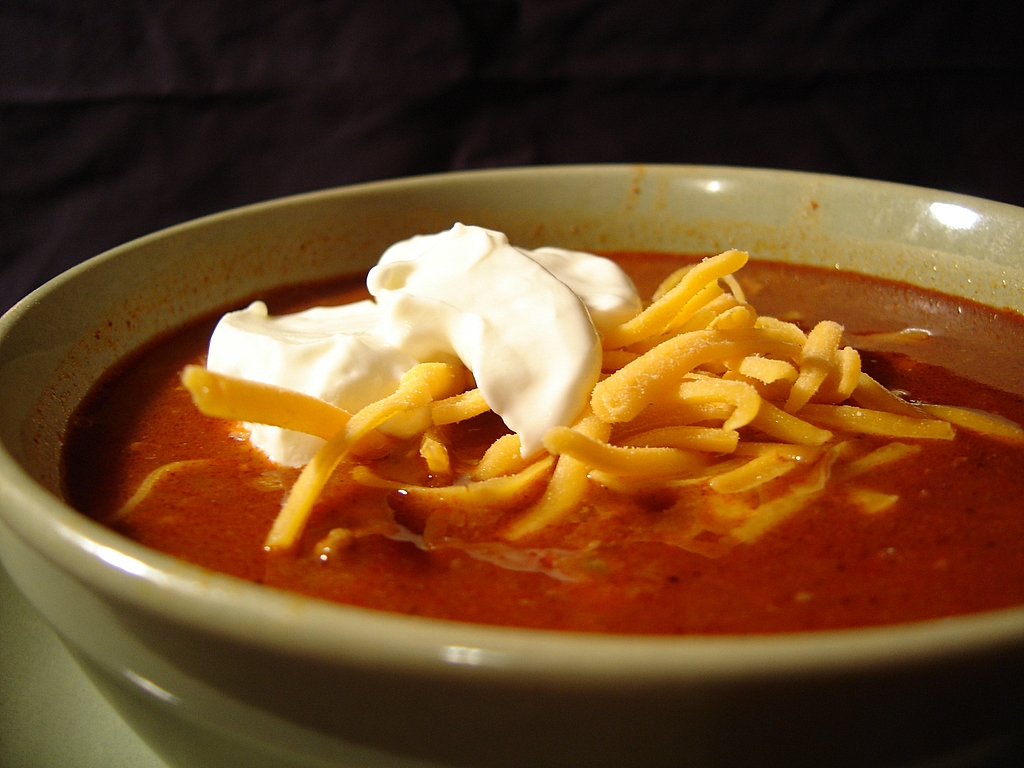 Super Chili Bowl net carbs: 3.3 protien: 28.5 fat: 19.5 calories: 313 Ingredients: 1 tablespoon olive oil, 1 medium onion chopped, 2 garlic cloves, minced, 2 jalapeno chiles, finely chopped, 1/2 teaspoon salt, 1/4 teaspoon cayene pepper, 2 tablespoons chili powder, 1 1/2 teaspoons ground cumin, 1/8 teaspoon cinnamon, 2 pounds ground beef, 14.5 ounce can diced tomatoes, 1 1/2 cup shredded cheese. 1. Heat broiler. In a 9 or 10 inch oven proof skillet, heat olive oil over medium high heat for 1 minute. 2. Add onion; cook until golden, about 3 minutes, stirring occasionally. Add garlic and jalapenos; cook 30 seconds stirring until fragrant. 3. Add salt, red pepper, chili powder, cumin, cinnamon and ground beef to skillet. Cook until browned, about 6 minutes, stirring occasionally. Drain excess liquid from pan. 4. Add tomatoes, and bring to a boil. Sprinkle cheese over top. Place 5 inches from heating element, and broil just until melted, about 5 minutes.
Recommended Comments