Skip to content
View in the app

A better way to browse. Learn more.

BariatricPal

A full-screen app on your home screen with push notifications, badges and more.

To install this app on iOS and iPadOS
  1. Tap the Share icon in Safari
  2. Scroll the menu and tap Add to Home Screen.
  3. Tap Add in the top-right corner.
To install this app on Android
  1. Tap the 3-dot menu (⋮) in the top-right corner of the browser.
  2. Tap Add to Home screen or Install app.
  3. Confirm by tapping Install.

5k!

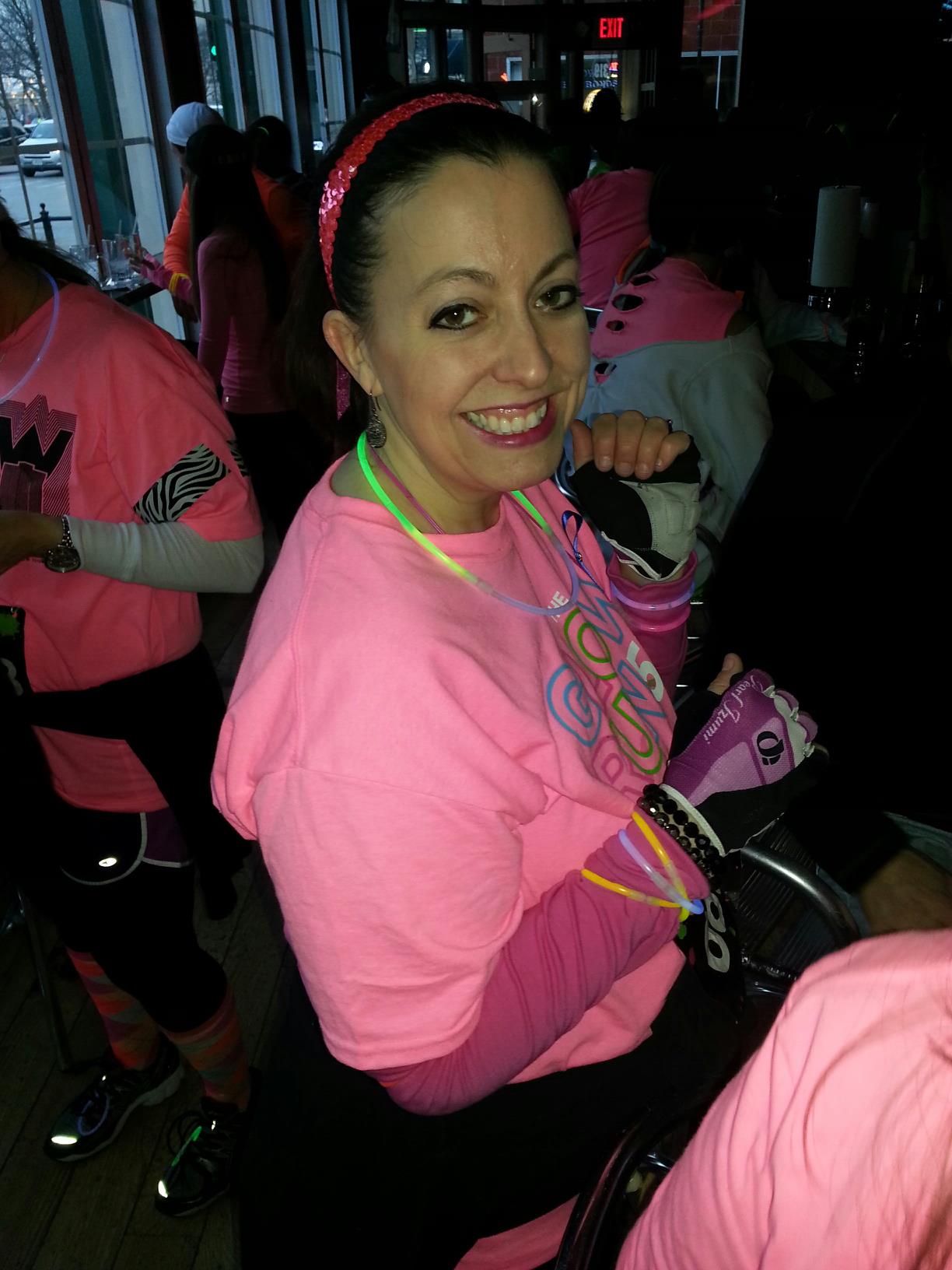
blogs/blog-0686242001366985012.jpgLast weekend I ran my first 5k and I rocked it! What an amazing experience this has been. It's so cool to find out that I can do things that I never dreamed I'd be able to do. I feel like I'm going to break my arm patting myself on the back, but it's nice to be proud of myself again!


2 Comments

Recommended Comments

Momonanomo

Gastric Sleeve Patients

a 5k yeeeoowww that's awesome! I can't imagine myself running....but I have to say reading your words make me go hmmmmmm maybe someday I will run too! :)

Congratualtions, that's a real accomplishment and I can tell you feel wonderful! Here's some pats on the back from me too! :D

melody2

Gastric Sleeve Patients

That's beyond super cool! Way to go! Your smile radiates and you can see the happiness from within. Great job!

Guest
Add a comment...

Account

Navigation

Search

Search

Configure browser push notifications

Chrome (Android)
  1. Tap the lock icon next to the address bar.
  2. Tap Permissions → Notifications.
  3. Adjust your preference.
Chrome (Desktop)
  1. Click the padlock icon in the address bar.
  2. Select Site settings.
  3. Find Notifications and adjust your preference.