




Where the Devil lives

· 698 views
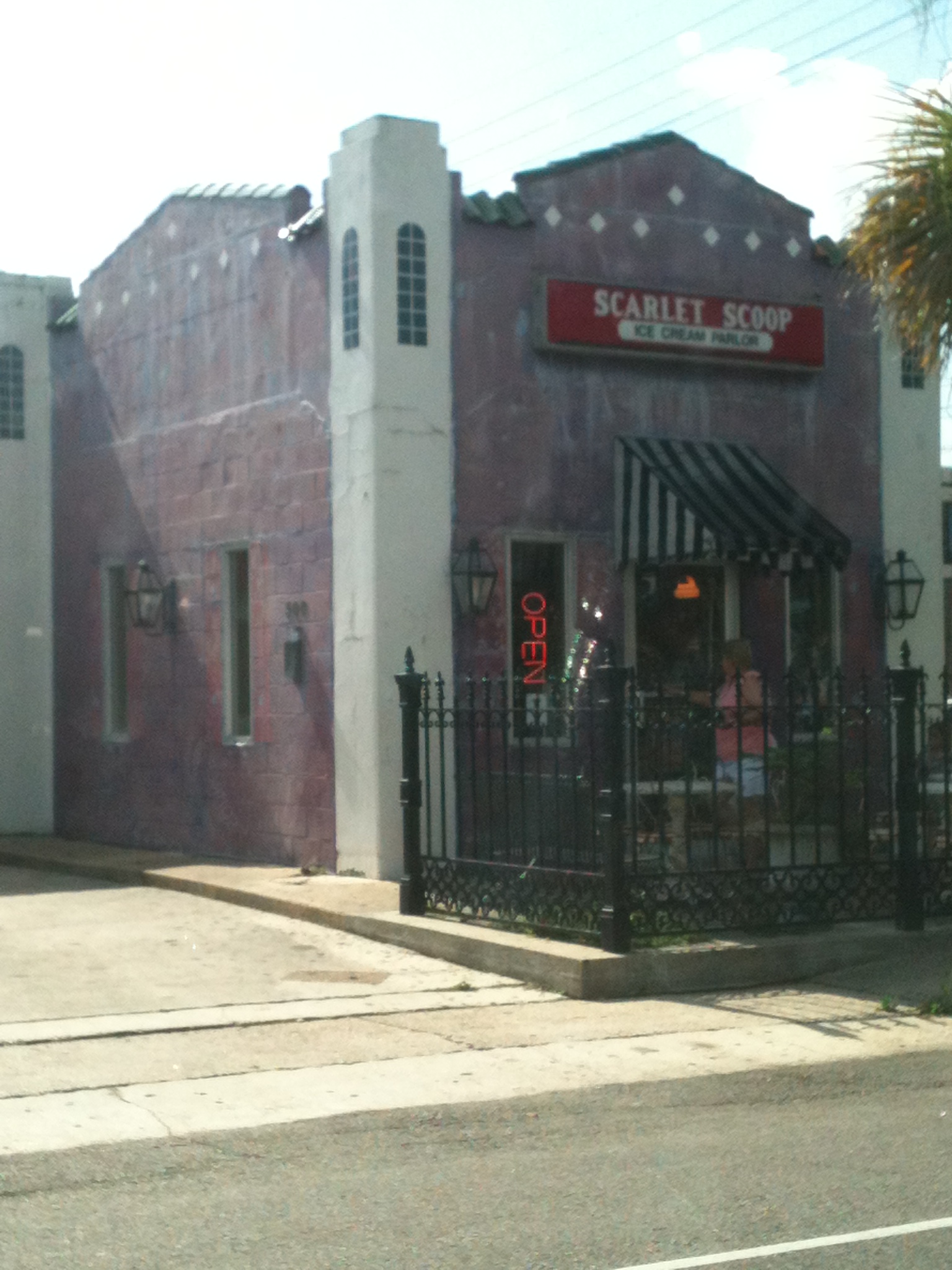 Just so you all will know.... The devil had multiple homes... Not only does he live on my bathroom floor.... But he lives here also.... Stay away
He make a hypnotic concoction.. of Red velvet, cake batter ice cream and chunks of cream cheese icing.... and he calls it Red velvet cake ice cream..... You all have been warned...lol
i have to pass in front twice a day.... sometimes... I say... NO Devil... i don't want your amazing ice cream... but, my car... well she is not as strong willed as me... and she gives in... and before i know it... i'm parking and turning off the engine.. and saying... my car wants a quart to go please...
Recommended Comments