




Beginning a new chapter

By shouser331
· 467 views
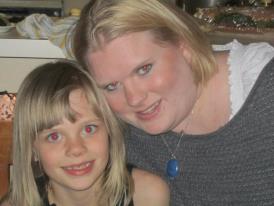 Im starting to get excited that my body is going to change drastically but i also know that I have a lot of work to do to get where i want to be. Im looking forward to going up the stairs without being out of breath, putting on socks and shoes easily and making excersize a hobby instead of a chore. Im at the begining at 306 pounds but thats ok cause it won't last. Surgery in April is coming and my life is going to be different and better!
Recommended Comments