Skip to content
View in the app

A better way to browse. Learn more.

BariatricPal

A full-screen app on your home screen with push notifications, badges and more.

To install this app on iOS and iPadOS
  1. Tap the Share icon in Safari
  2. Scroll the menu and tap Add to Home Screen.
  3. Tap Add in the top-right corner.
To install this app on Android
  1. Tap the 3-dot menu (⋮) in the top-right corner of the browser.
  2. Tap Add to Home screen or Install app.
  3. Confirm by tapping Install.
  • Appearance

A Dogs Life

These are my babies!


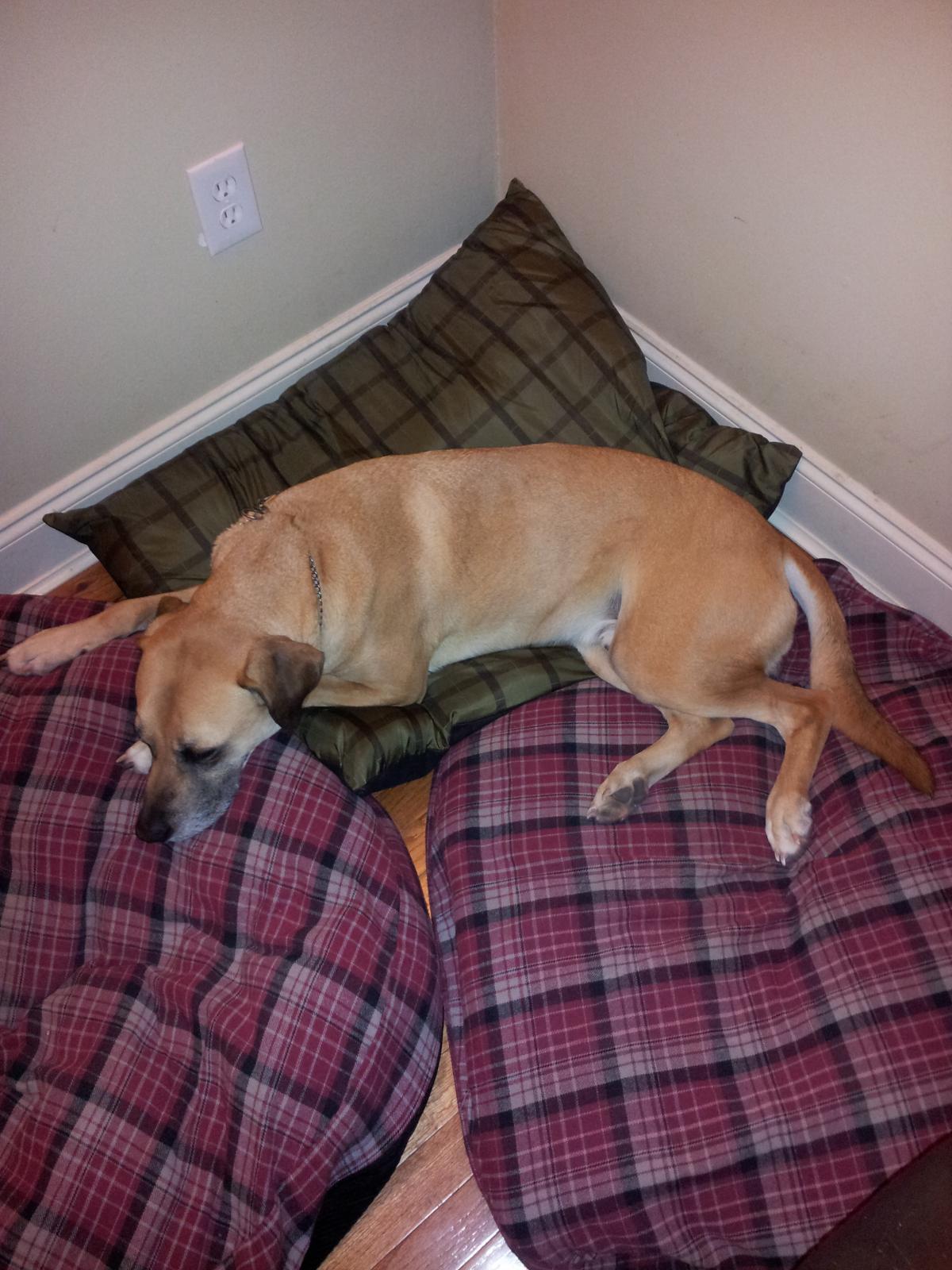
blogentry-339289-1381444518283.jpg Atticus, Black Mouth Cur. He is the biggest baby in town.
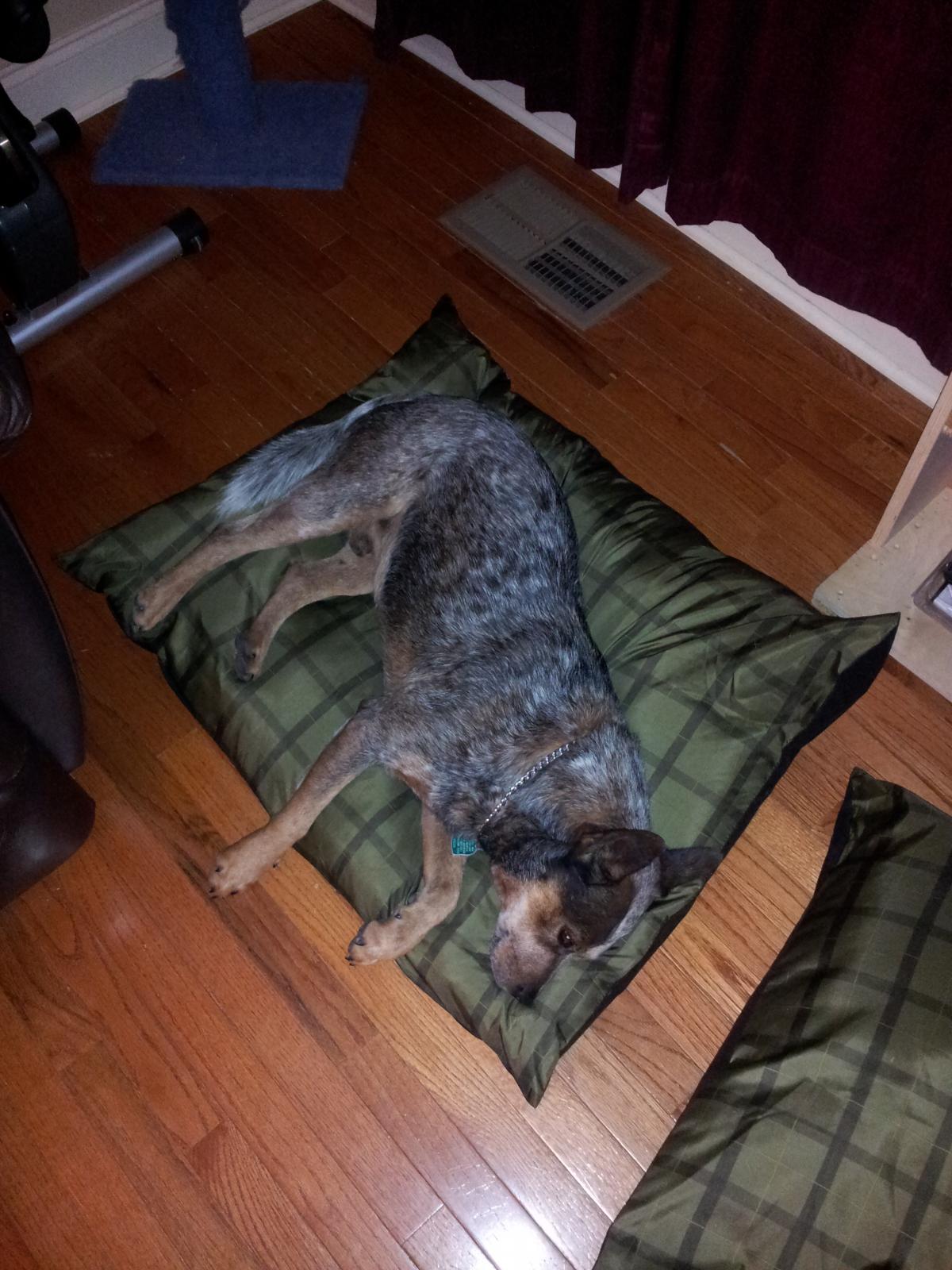
 

blogentry-339289-13814445185715.jpg Hank, Blue Healer. Gill's dog, follows her around the whole time she is here.
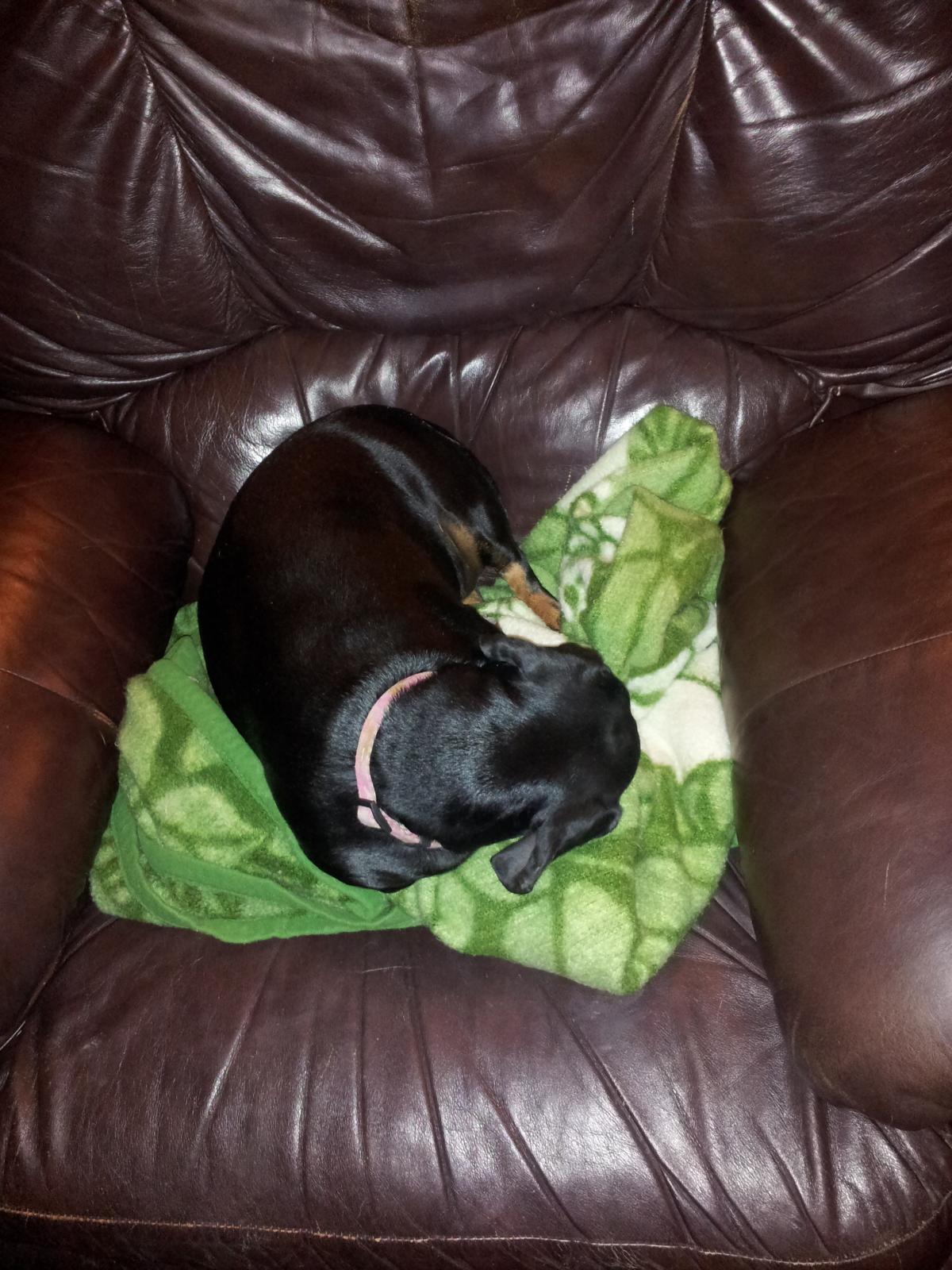
 

blogentry-339289-13814445184271.jpg Sophie, Dachshund. Daddy's baby (but he won't admit it) and the BOSS of all the dogs!
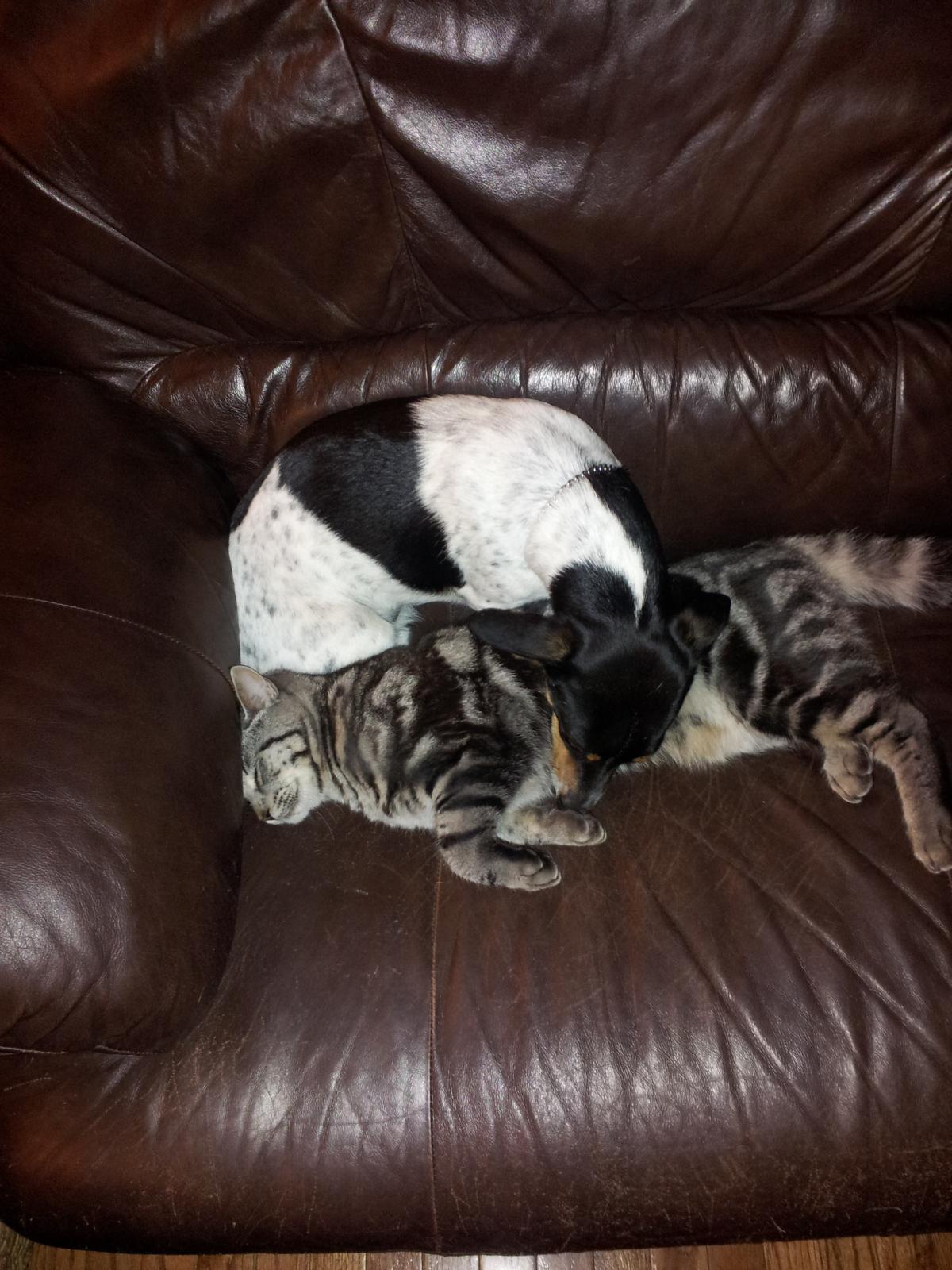
 

blogentry-339289-13814445181324.jpg Bugsy, Rat Terrier and Dachsund mix. My baby, he is with his best friend Smokey the cat.

5 Comments

Recommended Comments

dylanmiles23

LAP-BAND Patients

they are all so cute. I see dogs on furniture.

A New New Dawn

Gastric Sleeve Patients

I love dogs and they are all sooooo cute!

kca1fan

LAP-BAND Patients

That's why they call it Furr-niture LOL

♕ajtexas♕

LAP-BAND Patients

That's why they call it Furr-niture LOL

So very true!

Guest
Add a comment...

Account

Navigation

Search

Search

Configure browser push notifications

Chrome (Android)
  1. Tap the lock icon next to the address bar.
  2. Tap Permissions → Notifications.
  3. Adjust your preference.
Chrome (Desktop)
  1. Click the padlock icon in the address bar.
  2. Select Site settings.
  3. Find Notifications and adjust your preference.