Skip to content
View in the app

A better way to browse. Learn more.

BariatricPal

A full-screen app on your home screen with push notifications, badges and more.

To install this app on iOS and iPadOS
  1. Tap the Share icon in Safari
  2. Scroll the menu and tap Add to Home Screen.
  3. Tap Add in the top-right corner.
To install this app on Android
  1. Tap the 3-dot menu (⋮) in the top-right corner of the browser.
  2. Tap Add to Home screen or Install app.
  3. Confirm by tapping Install.

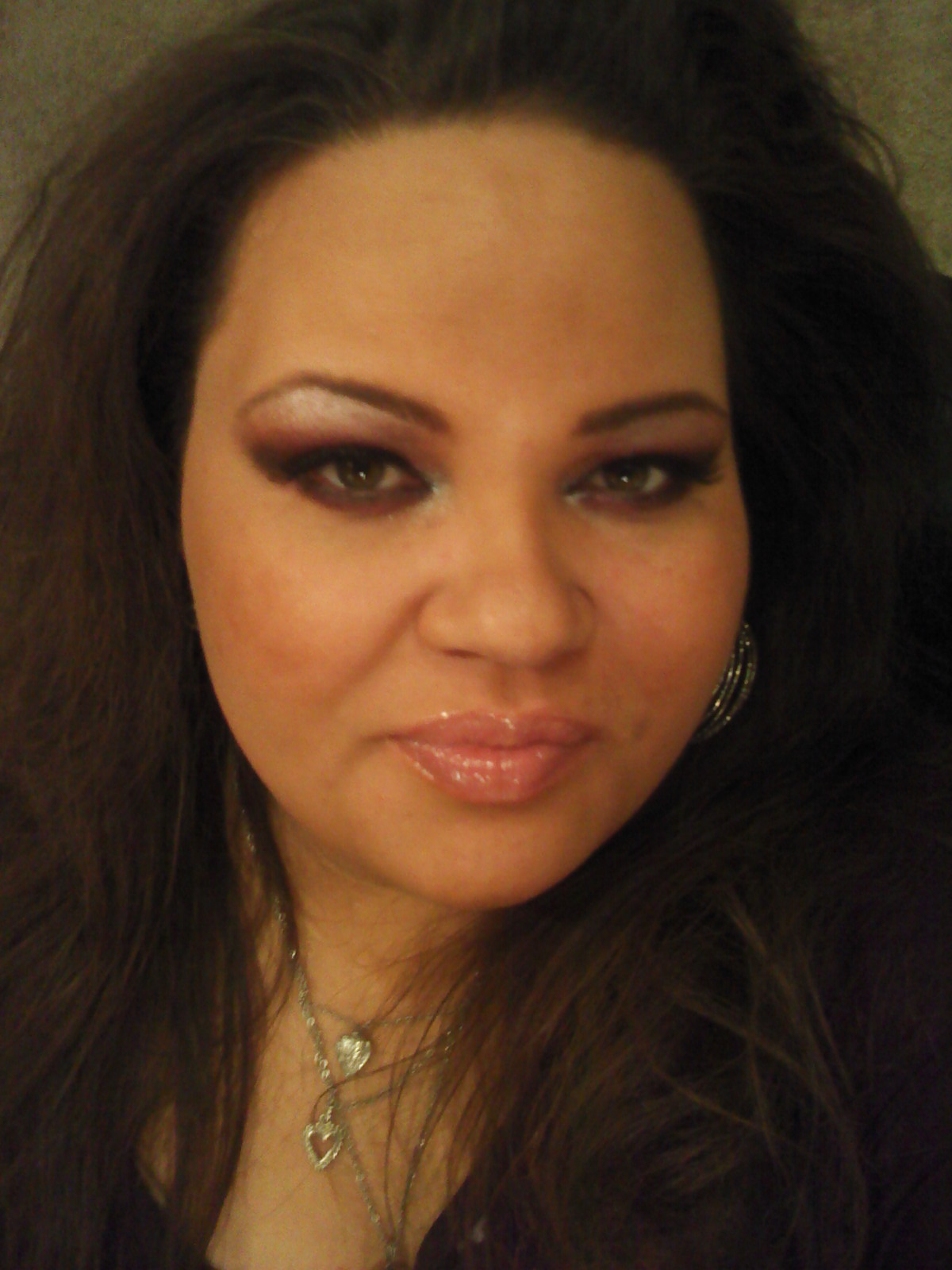
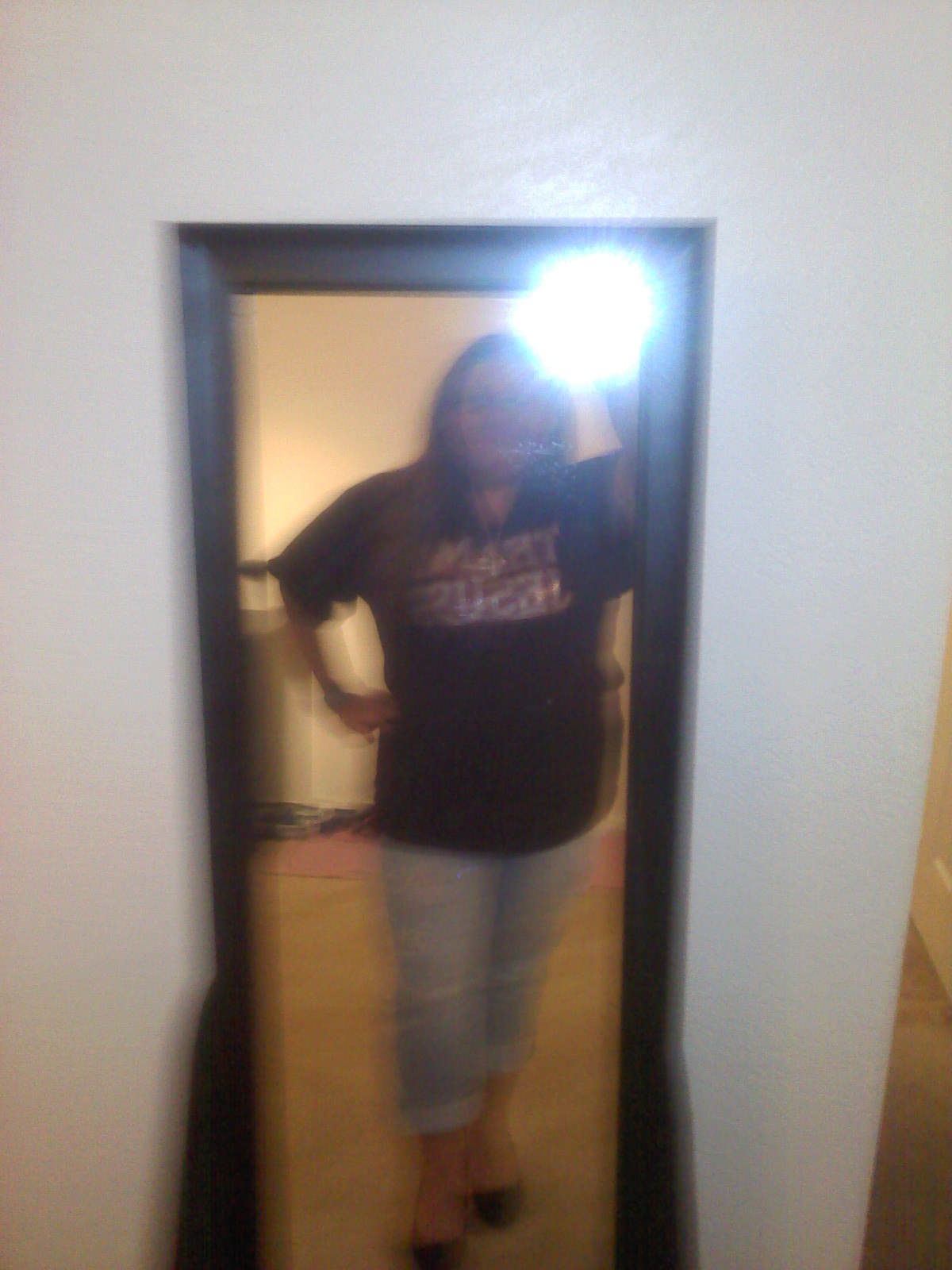
New pics...documenting progress

Trying to document my progress, living alone it's hard to get full body pics, so mirrors will have to do lol... Anyways, this is just a documentation for me and those who are curious :)


blogentry-279890-13814444777197.jpg


blogentry-279890-13814444778462.jpg


blogentry-279890-13814444775755.jpg


4 Comments

Recommended Comments

Judyjones

LAP-BAND Patients

You look great. Keep up the good work.

Judy

roseyposey

LAP-BAND Patients

Great pics! Good for you. :)

BethNewell

LAP-BAND Patients

This is awesome to see! I can't wait to post mine!:D

Yvette1026

LAP-BAND Patients

Thank you all much! <3

Guest
Add a comment...

Account

Navigation

Search

Search

Configure browser push notifications

Chrome (Android)
  1. Tap the lock icon next to the address bar.
  2. Tap Permissions → Notifications.
  3. Adjust your preference.
Chrome (Desktop)
  1. Click the padlock icon in the address bar.
  2. Select Site settings.
  3. Find Notifications and adjust your preference.