Skip to content
View in the app

A better way to browse. Learn more.

BariatricPal

A full-screen app on your home screen with push notifications, badges and more.

To install this app on iOS and iPadOS
  1. Tap the Share icon in Safari
  2. Scroll the menu and tap Add to Home Screen.
  3. Tap Add in the top-right corner.
To install this app on Android
  1. Tap the 3-dot menu (⋮) in the top-right corner of the browser.
  2. Tap Add to Home screen or Install app.
  3. Confirm by tapping Install.

jetertina52@gmail.com

Tina's WLS journey.

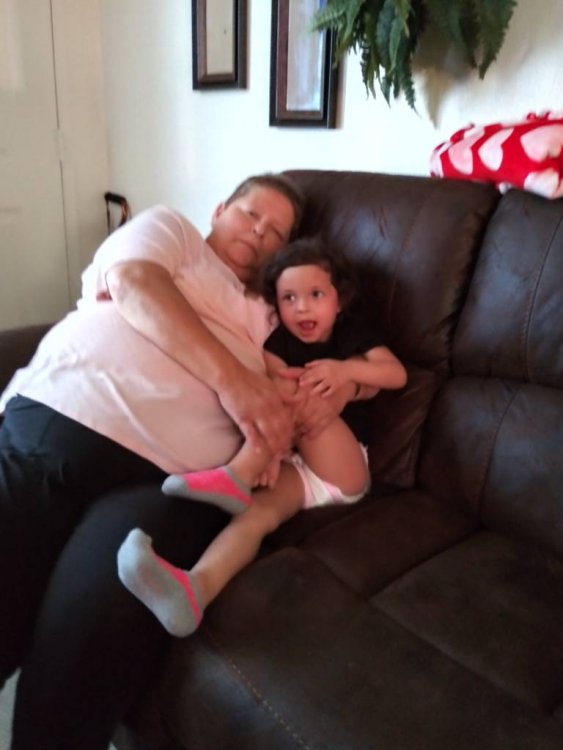
My journey will begin April 29 day of surgery. I'm excited and in big hopes that I can follow the diet. I've got to get rid of all this fat. My health issues are getting worse and if I don't do something I'm going to shorten my life. So please help me thru this journey.20220319_171912_HDR.jpg

Sent from my LGL722DL using BariatricPal mobile app

  • Replies 3
  • Views 890
  • Created
  • Last Reply

Top Posters In This Topic

Most Popular Posts

  • The Greater Fool
    The Greater Fool

    You may not want to put your email in a subject line, it can open you up in unpleasant ways. If you're posting here, there is no reason we would need your email. Emails are best shared in private.

Posted Images
Featured Replies

You may not want to put your email in a subject line, it can open you up in unpleasant ways. If you're posting here, there is no reason we would need your email. Emails are best shared in private.

Congratulations on upcoming surgery. "There is no try, just do."

Good luck,

Tek

Edited by The Greater Fool
your/you're... humbug!

Congratulations on your surgery date and keep posting here for all kinds of support.

Join the conversation

You can post now and register later. If you have an account, sign in now to post with your account.

Guest
Reply to this topic...

Trending Products

PatchAid Vitamin Patches

Account

Navigation

Search

Search

Configure browser push notifications

Chrome (Android)
  1. Tap the lock icon next to the address bar.
  2. Tap Permissions → Notifications.
  3. Adjust your preference.
Chrome (Desktop)
  1. Click the padlock icon in the address bar.
  2. Select Site settings.
  3. Find Notifications and adjust your preference.