Skip to content
View in the app

A better way to browse. Learn more.

BariatricPal

A full-screen app on your home screen with push notifications, badges and more.

To install this app on iOS and iPadOS
  1. Tap the Share icon in Safari
  2. Scroll the menu and tap Add to Home Screen.
  3. Tap Add in the top-right corner.
To install this app on Android
  1. Tap the 3-dot menu (⋮) in the top-right corner of the browser.
  2. Tap Add to Home screen or Install app.
  3. Confirm by tapping Install.

Motivation Needed!

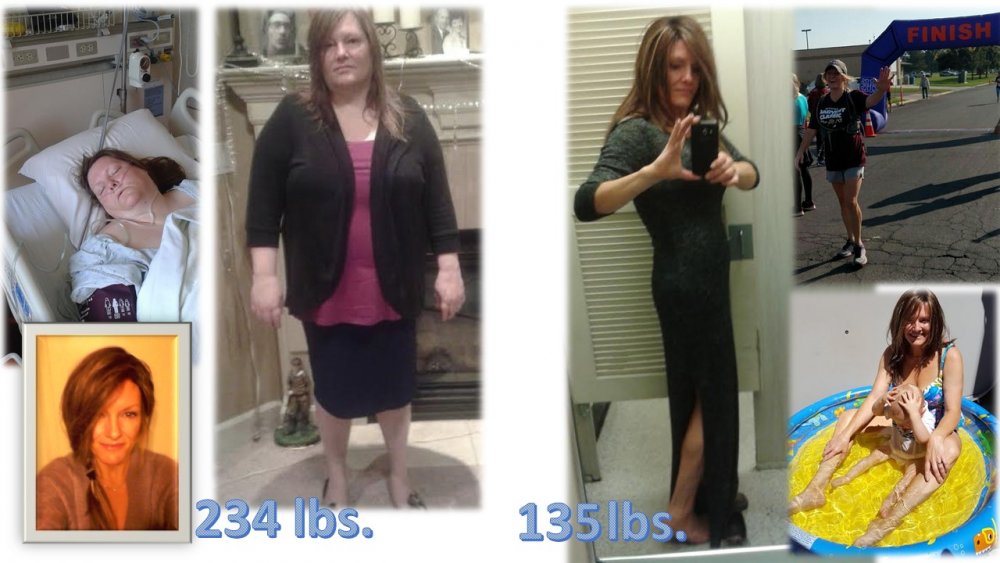
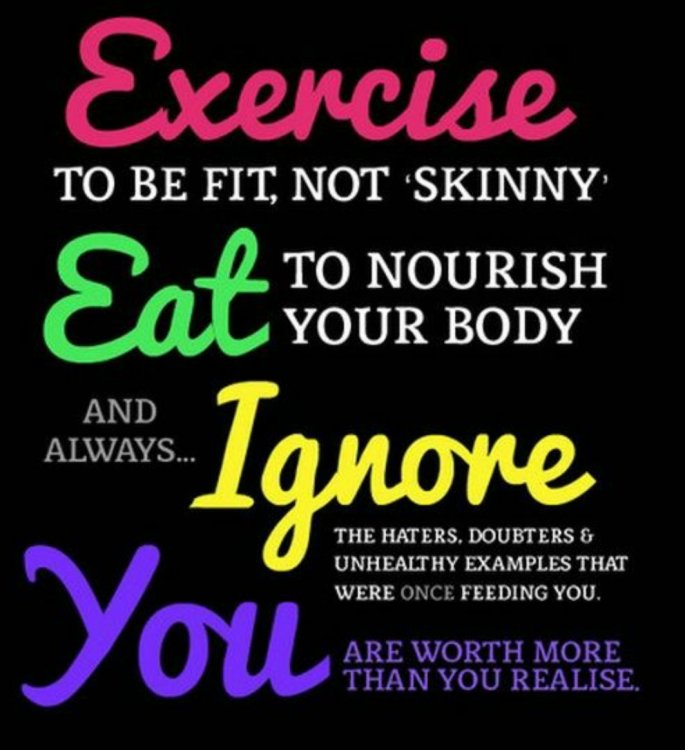
Hey everyone! I could use a little motivation today! I just started my liquid diet and I am trying to remain strong. Could you ladies and gents drop any before and after pics?

Thanks!

  • Replies 6
  • Views 758
  • Created
  • Last Reply

Featured Replies

  • Author
2 minutes ago, biakitty said:

Instagram is great for this as well, you can find me @bianewme

Stay strong and remember why you chose this path20180410_075612.jpg

Premier Protein is a good choice once you can drink full liquids

Sent from my SM-G935P using BariatricPal mobile app

I am drinking the strawberry flavored one right now!

I like the Chocolate Premiere Protein best!

Check out Unjury as well... Chocolate Splendor and Vanilla are amazing, tastes like drinking melted ice cream.

Archived

This topic is now archived and is closed to further replies.

Trending Products

PatchAid Vitamin Patches

Account

Navigation

Search

Search

Configure browser push notifications

Chrome (Android)
  1. Tap the lock icon next to the address bar.
  2. Tap Permissions → Notifications.
  3. Adjust your preference.
Chrome (Desktop)
  1. Click the padlock icon in the address bar.
  2. Select Site settings.
  3. Find Notifications and adjust your preference.