



9 month update
- Replies 2
- Views 384
- Created
- Last Reply


Popular Days
Featured Replies
Join the conversation
You can post as a guest; create a free account to track replies, follow topics, and be part of the largest weight loss surgery community.

A better way to browse. Learn more.
A full-screen app on your home screen with push notifications, badges and more.
Join BariatricPal free
You can post as a guest; create a free account to track replies, follow topics, and be part of the largest weight loss surgery community.
Find support for your bariatric or GLP-1 journey. Save helpful conversations and take part when you are ready.
Choose your email preferences on the registration form.
Already a member? Sign in
Hope everyone is doing great! My weight loss has definitely slowed down but still losing. Start weight 388 current weight 265 so about 123 lbs so far, doctors goal 240. Best of luck to all. Here are few pics i think when i was 8 months post op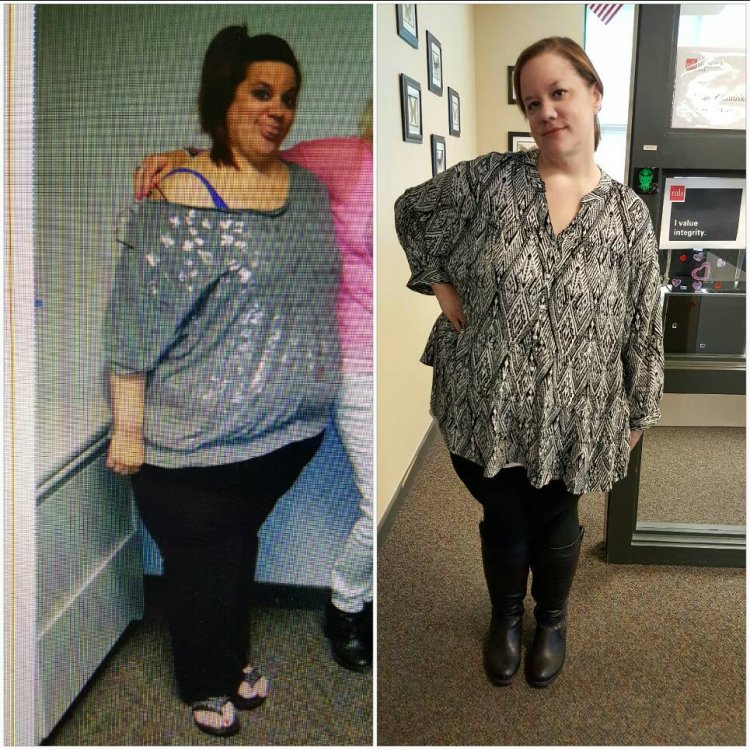
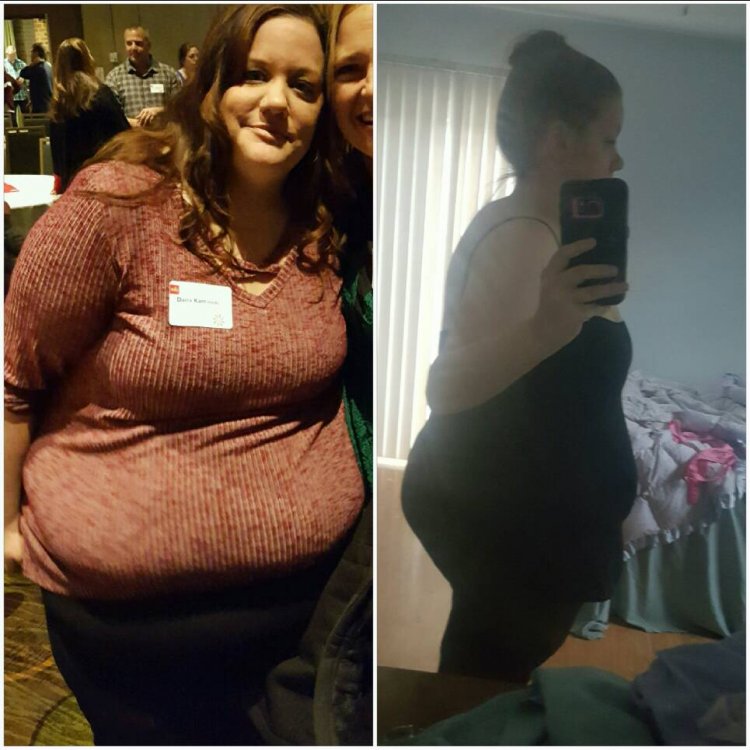
Sent from my SM-G920P using BariatricPal App