Skip to content
View in the app

A better way to browse. Learn more.

BariatricPal

A full-screen app on your home screen with push notifications, badges and more.

To install this app on iOS and iPadOS
  1. Tap the Share icon in Safari
  2. Scroll the menu and tap Add to Home Screen.
  3. Tap Add in the top-right corner.
To install this app on Android
  1. Tap the 3-dot menu (⋮) in the top-right corner of the browser.
  2. Tap Add to Home screen or Install app.
  3. Confirm by tapping Install.
  • Appearance

Join BariatricPal free

  • Ask your own questions
  • Reply and follow topics
  • Message other members
  • No cost, no spam

My Success So Far..

I had my life changing surgery on August 4th, 2017.

The day of my pre-op liquid diet, I lost 11 pounds. Went from 352 to 341. On the day of surgery, my weight was 341, as my pre-op diet wasn't two weeks.

Today marks exactly two weeks since my start of the surgery and I'm down to 320. That is a 32 pound drop in less then a month, with 21 pounds being lost in two weeks. Hopefully it continue.

I yet to feel hungry and it seems hard to even drink my three protein shakes daily.

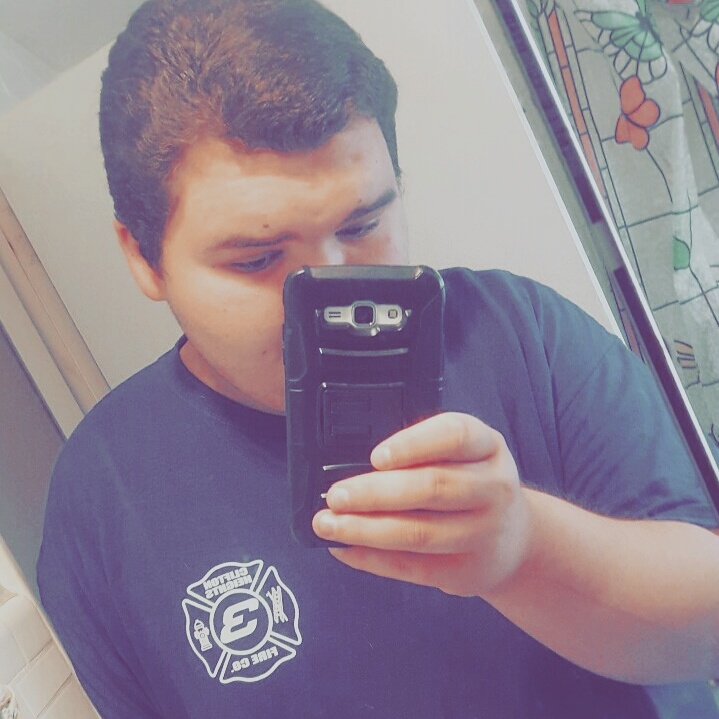
We'll get there. Picture of myself as of 8/17/17

IMG_20170817_142550_920.jpg

Edited by 03Foles

  • Replies 3
  • Views 980
  • Created
  • Last Reply

Top Posters In This Topic

Most Popular Posts

  • shericrazylady
    shericrazylady

    Well done! [emoji56] Sent from my A1601 using BariatricPal App

Posted Images

Featured Replies

Congrats!

Keep it up pal, you will be able to get your water intake later on... Im up to my 5th month and now I can drink 8 oz per hour... hope you keep going


Join the conversation

You can post as a guest; create a free account to track replies, follow topics, and be part of the largest weight loss surgery community.

Join the conversation

You can post now and register later. If you have an account, sign in now to post with your account.

Guest
Reply to this topic...

Account

Navigation

Search

Search

Configure browser push notifications

Chrome (Android)
  1. Tap the lock icon next to the address bar.
  2. Tap Permissions → Notifications.
  3. Adjust your preference.
Chrome (Desktop)
  1. Click the padlock icon in the address bar.
  2. Select Site settings.
  3. Find Notifications and adjust your preference.