Skip to content
View in the app

A better way to browse. Learn more.

BariatricPal

A full-screen app on your home screen with push notifications, badges and more.

To install this app on iOS and iPadOS
  1. Tap the Share icon in Safari
  2. Scroll the menu and tap Add to Home Screen.
  3. Tap Add in the top-right corner.
To install this app on Android
  1. Tap the 3-dot menu (⋮) in the top-right corner of the browser.
  2. Tap Add to Home screen or Install app.
  3. Confirm by tapping Install.
  • Appearance

Join BariatricPal free

  • Ask your own questions
  • Reply and follow topics
  • Message other members
  • No cost, no spam

Don't let fear stop you!

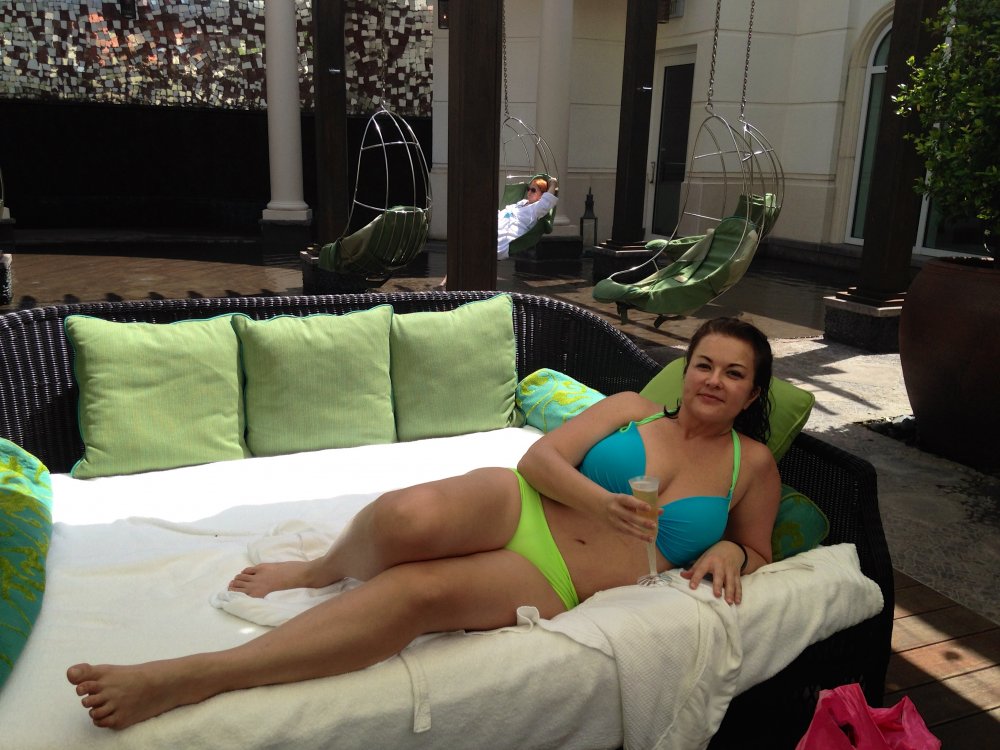
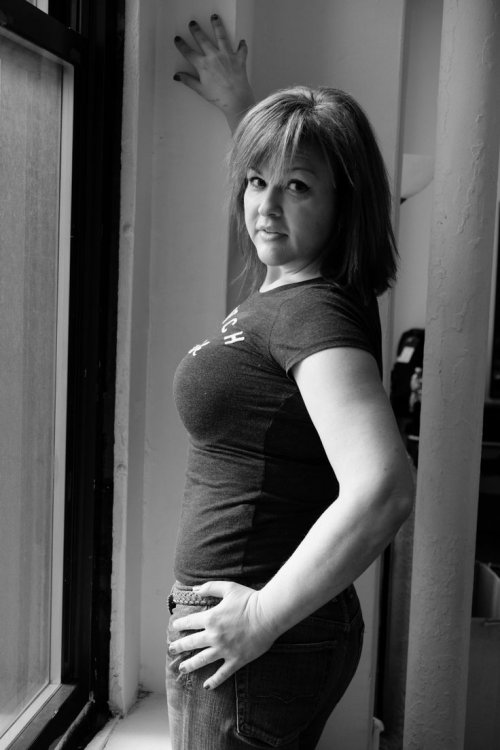
A half-lived life, as Herman Melville describes it, is one in which we do not get to that inner place of peace and joy. Perhaps the most devistating scenario imaginable is to face death knowing that because of some imagined fear, you have always chosen a half-lived life in which you avoided doing the things your heart beckoned you to do. I allowed fear to hold me back for a long time. But I have made a commitment to never let fear hold me back from doing the things I want to do or saying what is in my heart. And I am living larger than ever. I urge you to change the scenario now. Start living your life with the courage to follow your heart.

IMG_2701.jpgIMG_4941.JPG

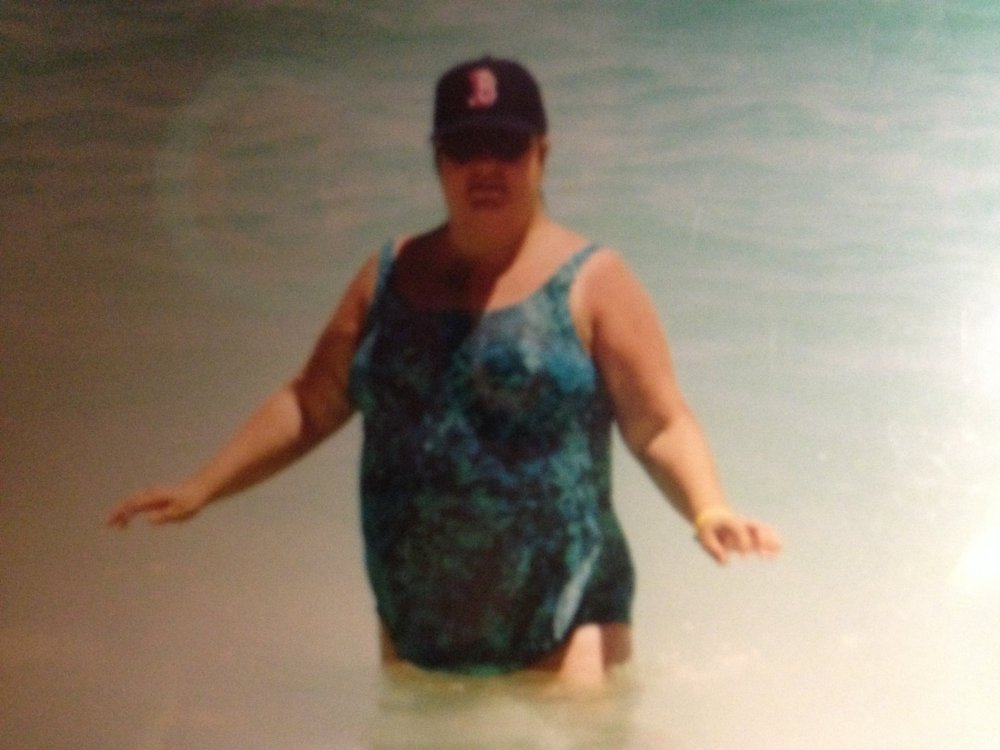
IMG_0951.jpg

  • Replies 3
  • Views 829
  • Created
  • Last Reply

Top Posters In This Topic

Most Popular Posts

  • strengthin#ers
    strengthin#ers

    You look amazing!!! Thank for such inspiring words. Sent from my iPad using the BariatricPal App

Posted Images
Featured Replies

  • Author
On 2/10/2017 at 5:34 AM, strengthin#ers said:

You look amazing!!! Thank for such inspiring words.


Sent from my iPad using the BariatricPal App

THANK YOU. Thank you. Thank you.

Join the conversation

You can post as a guest; create a free account to track replies, follow topics, and be part of the largest weight loss surgery community.

Join the conversation

You can post now and register later. If you have an account, sign in now to post with your account.

Guest
Reply to this topic...

Account

Navigation

Search

Search

Configure browser push notifications

Chrome (Android)
  1. Tap the lock icon next to the address bar.
  2. Tap Permissions → Notifications.
  3. Adjust your preference.
Chrome (Desktop)
  1. Click the padlock icon in the address bar.
  2. Select Site settings.
  3. Find Notifications and adjust your preference.