Skip to content
View in the app

A better way to browse. Learn more.

BariatricPal

A full-screen app on your home screen with push notifications, badges and more.

To install this app on iOS and iPadOS
  1. Tap the Share icon in Safari
  2. Scroll the menu and tap Add to Home Screen.
  3. Tap Add in the top-right corner.
To install this app on Android
  1. Tap the 3-dot menu (⋮) in the top-right corner of the browser.
  2. Tap Add to Home screen or Install app.
  3. Confirm by tapping Install.

jsoderquist1

Pre Op
  • Joined

  • Last visited

Reputation Activity

  1. Like
    jsoderquist1 got a reaction from GreenTealael in Bypass   
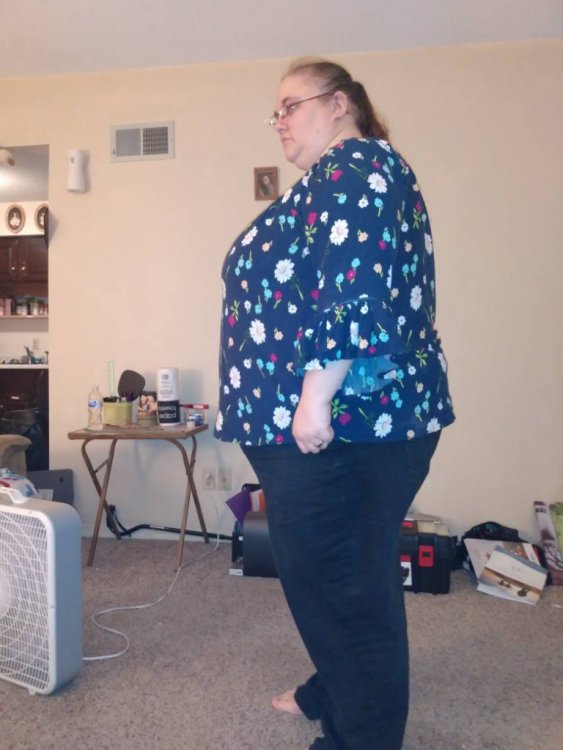
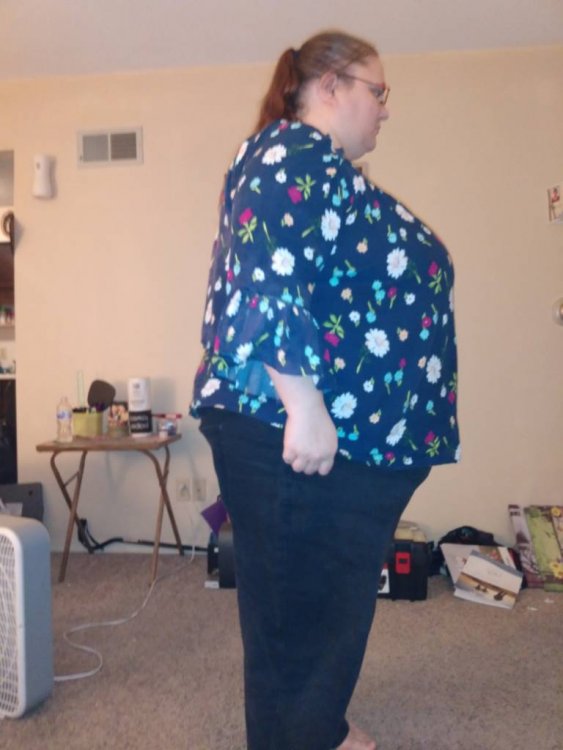
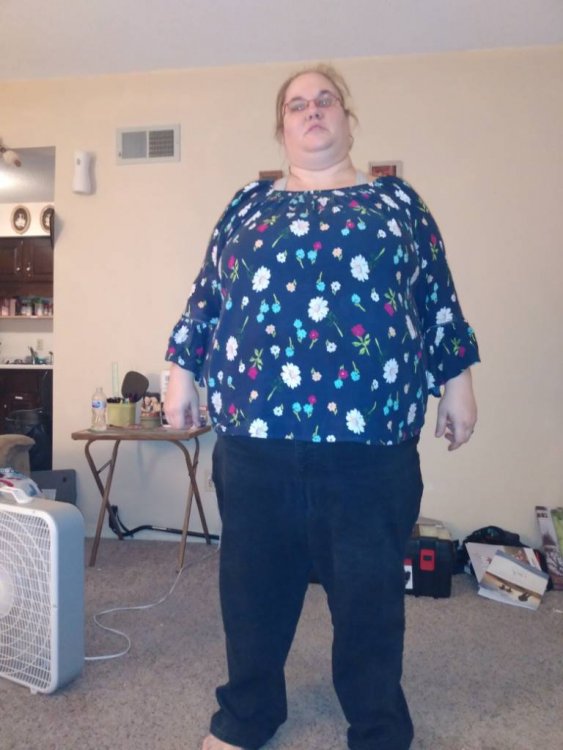
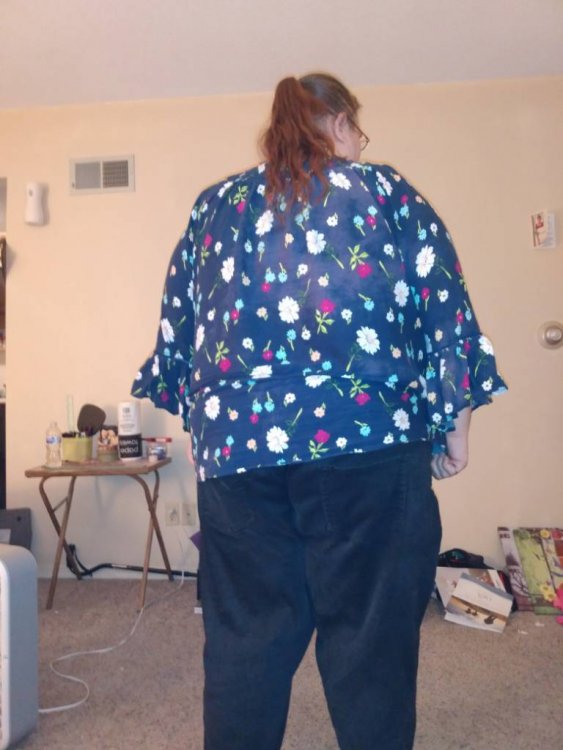
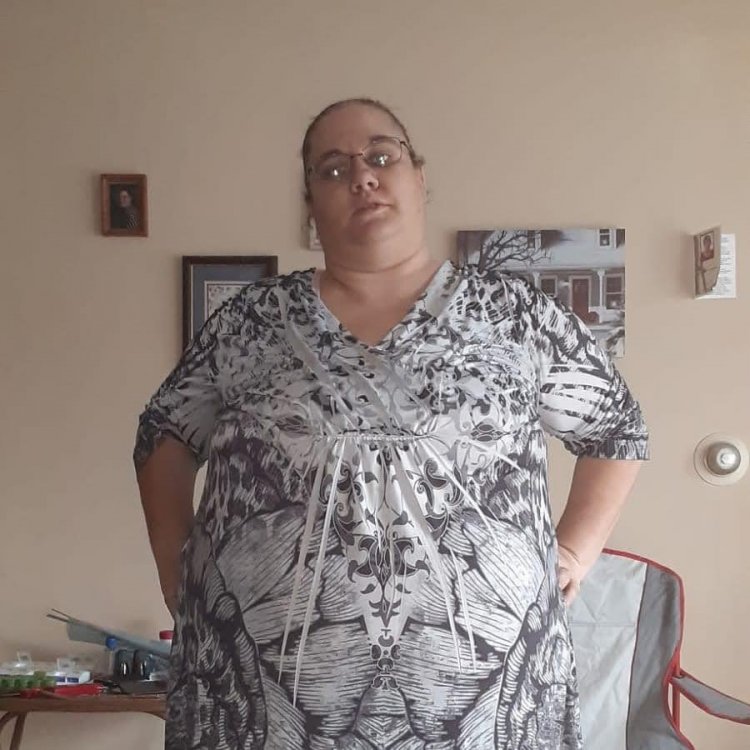
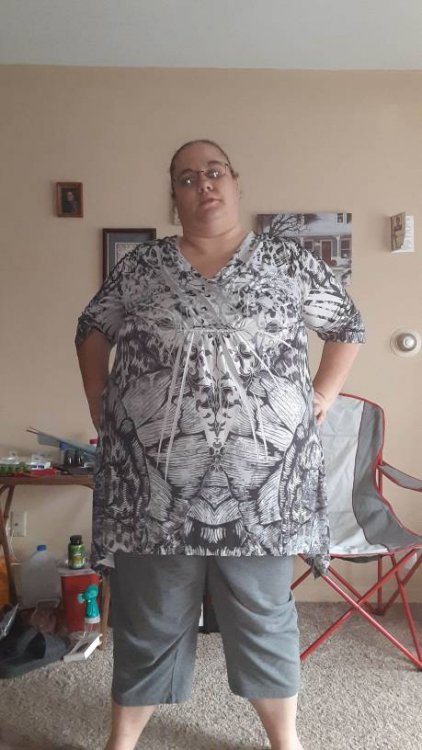
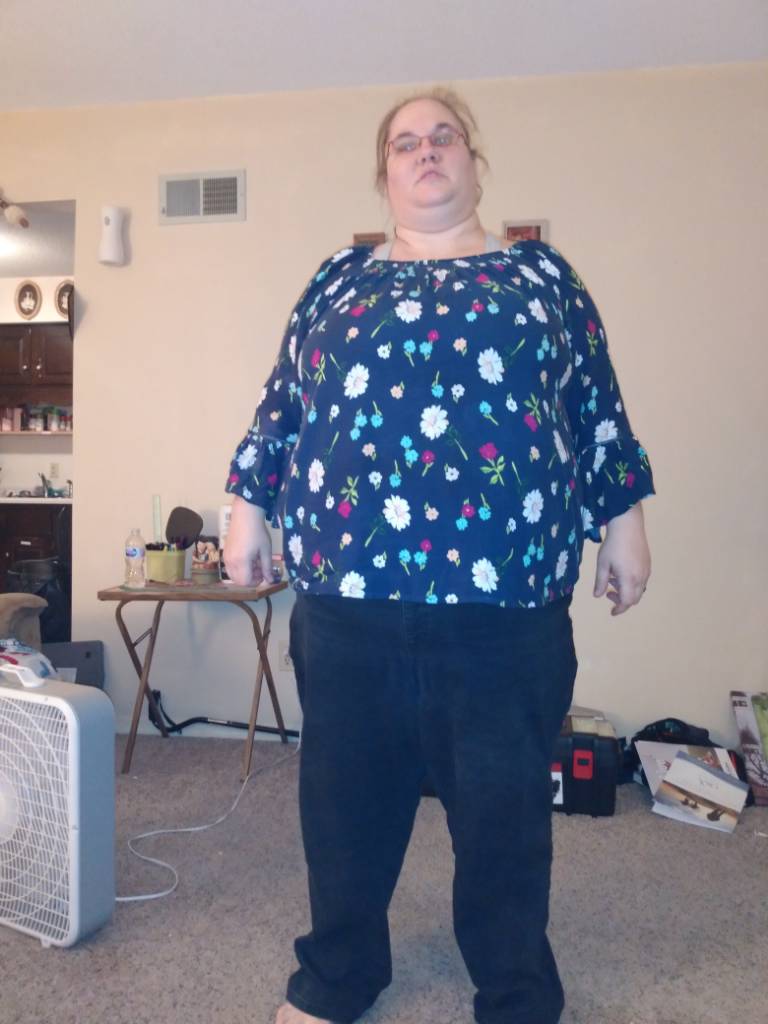
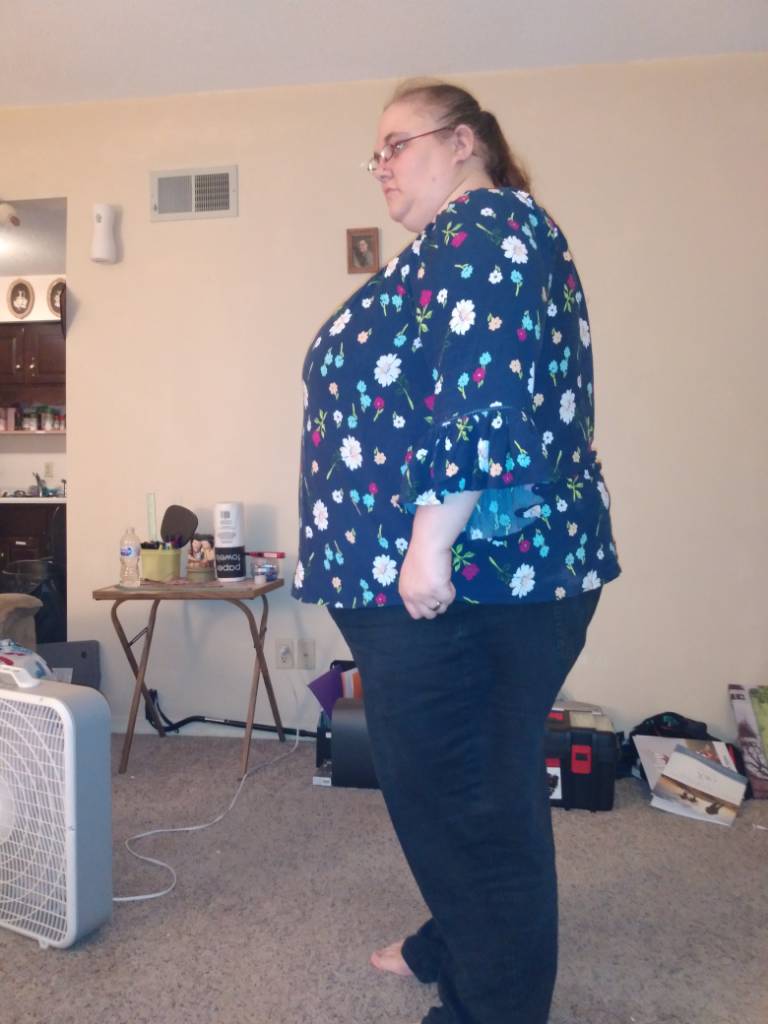
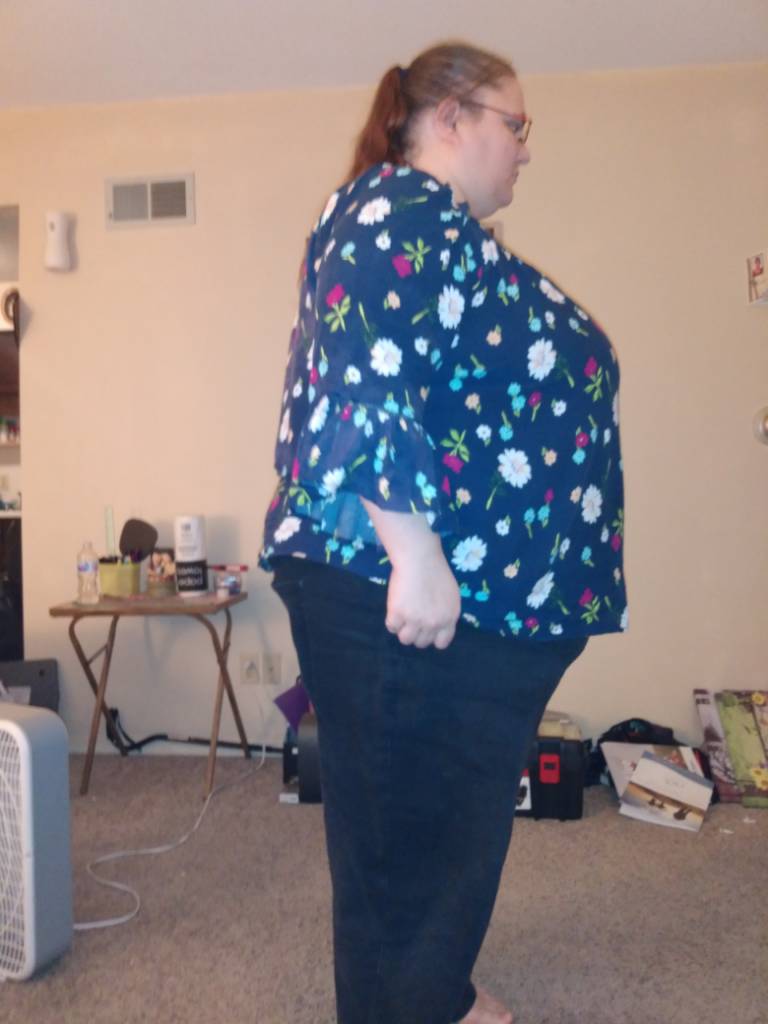
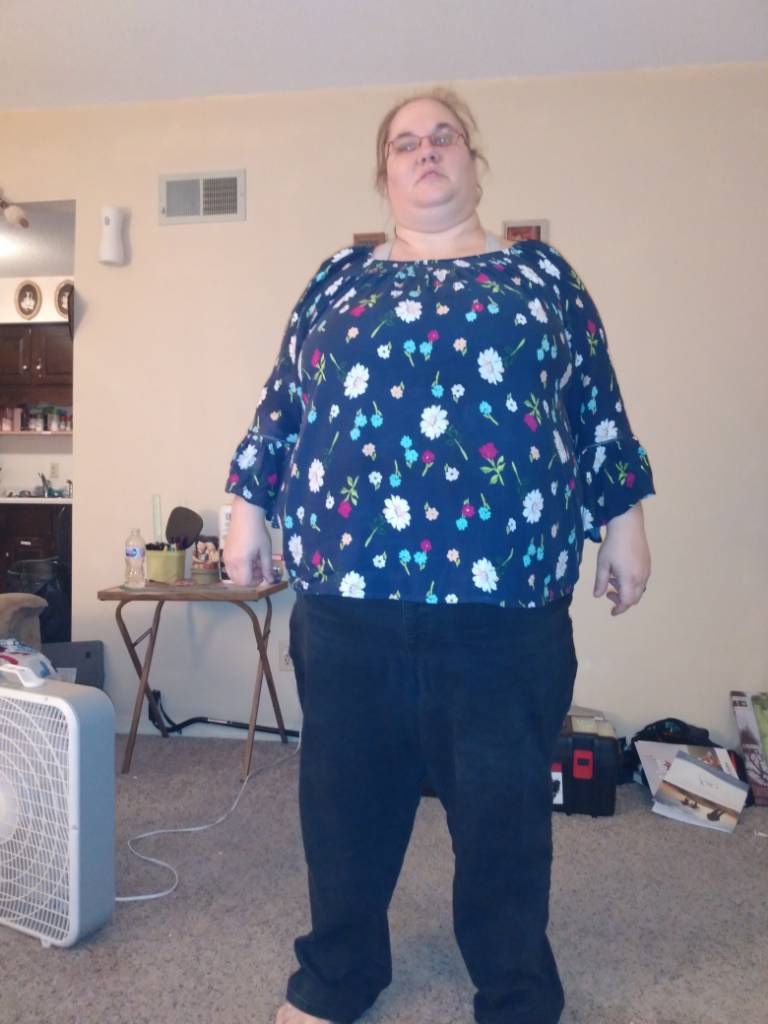
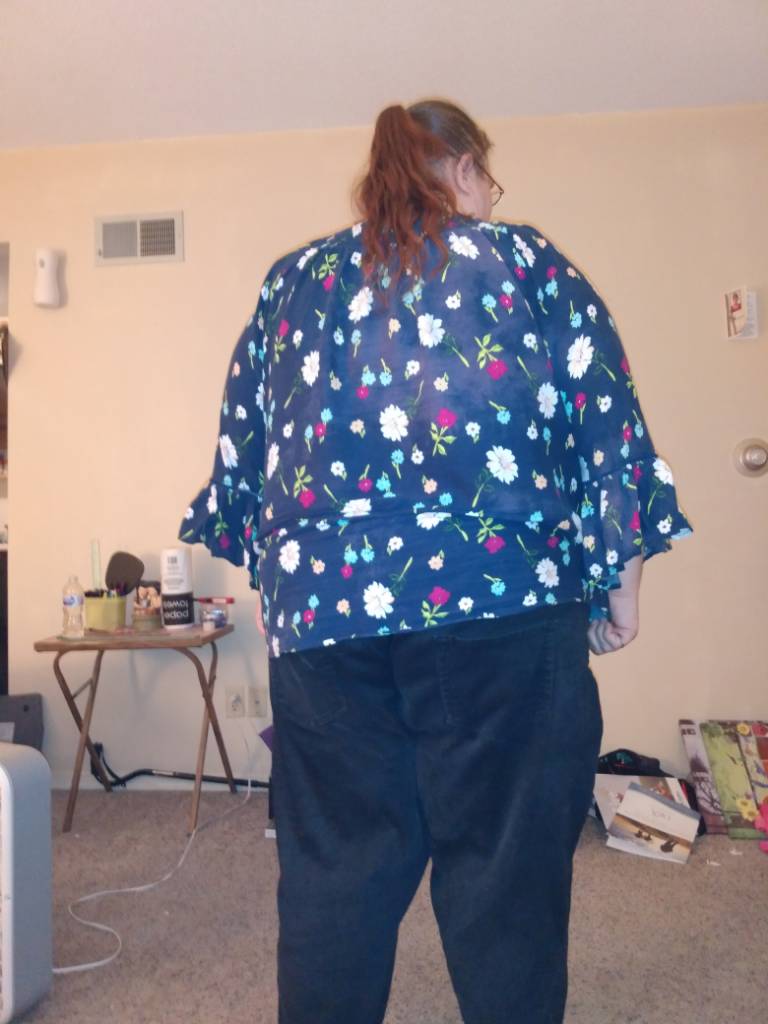
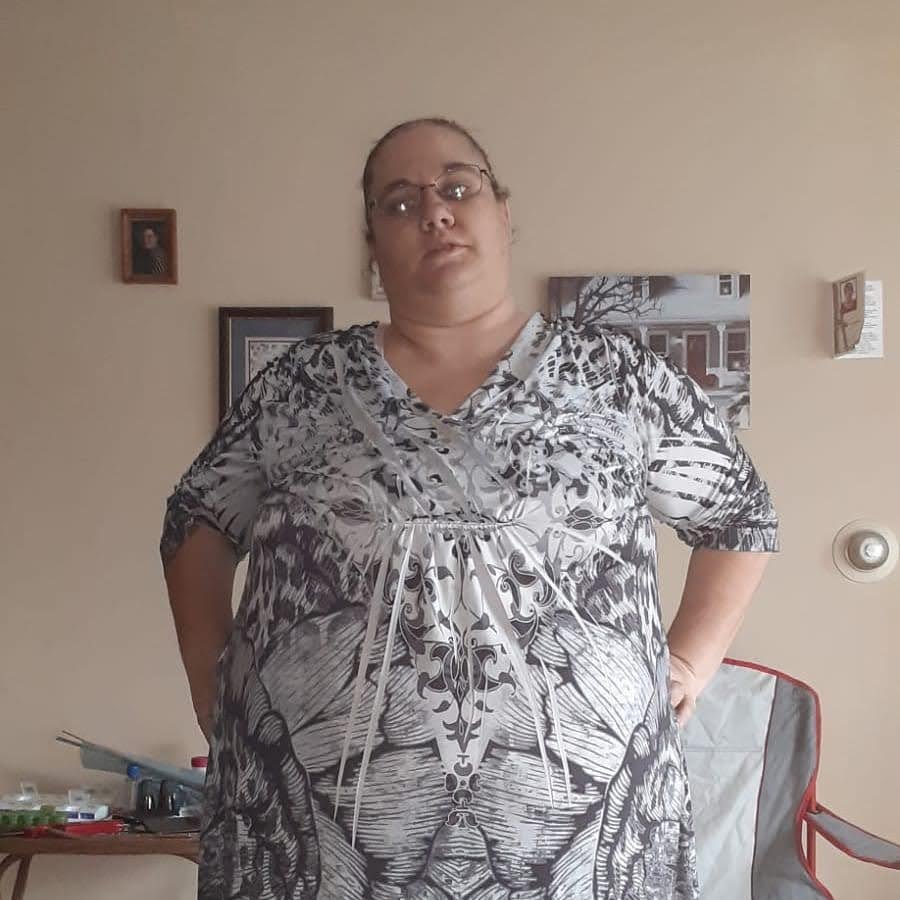
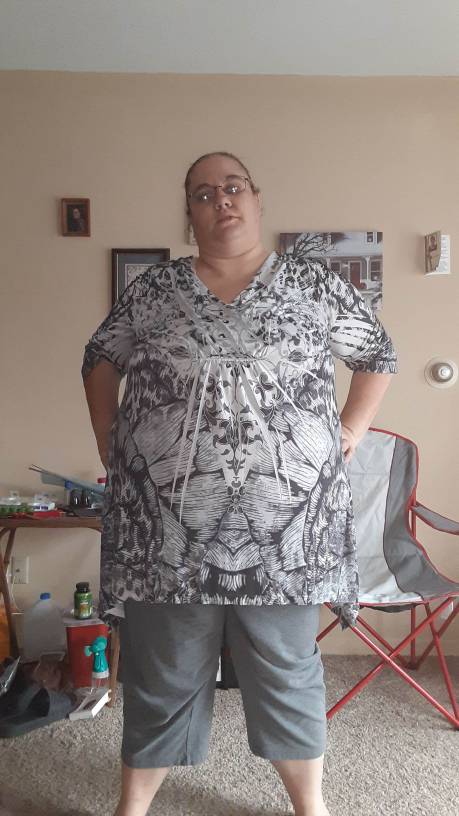
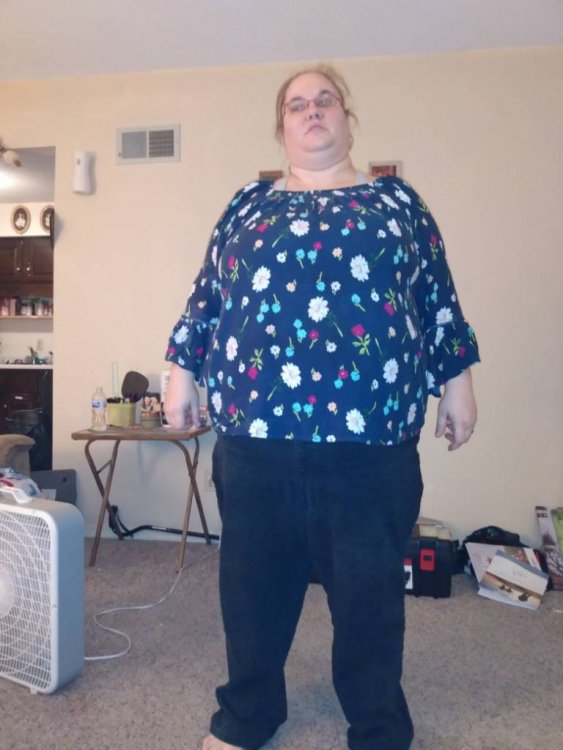
    I started my weight loss journey of August 1, 2019 it has been a year I was losing weight for a while now all of a sudden I stopped I don't if it is because I stopped the slim fast at breakfast and lunch metancil 3 times a day with a 8 oz glass water 3 teaspoons of metancil I went from a big plate and a big bowl to a small bowl and I cut my portions I may have 3 snacks day any suggestions let me know The pictures of me now with a blue shirt the one silky black white was a year ago
    Sent from my moto e6 using BariatricPal mobile app
  2. Like
    jsoderquist1 got a reaction from GreenTealael in Bypass surgery   
    I haven't got the surgery yet but I am exercing plus I cut my portions down I switched from a big plate and a big bowl to a small bowl I don't eat much either any suggestions
    Sent from my moto e6 using BariatricPal mobile app

Trending Products

PatchAid Vitamin Patches

Account

Navigation

Search

Search

Configure browser push notifications

Chrome (Android)
  1. Tap the lock icon next to the address bar.
  2. Tap Permissions → Notifications.
  3. Adjust your preference.
Chrome (Desktop)
  1. Click the padlock icon in the address bar.
  2. Select Site settings.
  3. Find Notifications and adjust your preference.